Cloud or on-premises phone system: what to choose for a business in Morocco
Cloud PBX (hosted 3CX, Yeastar Cloud, CloudUCM) or on-premises appliance (Yeastar P-Series, Grandstream UCM): lines, internet, continuity, remote work, data.
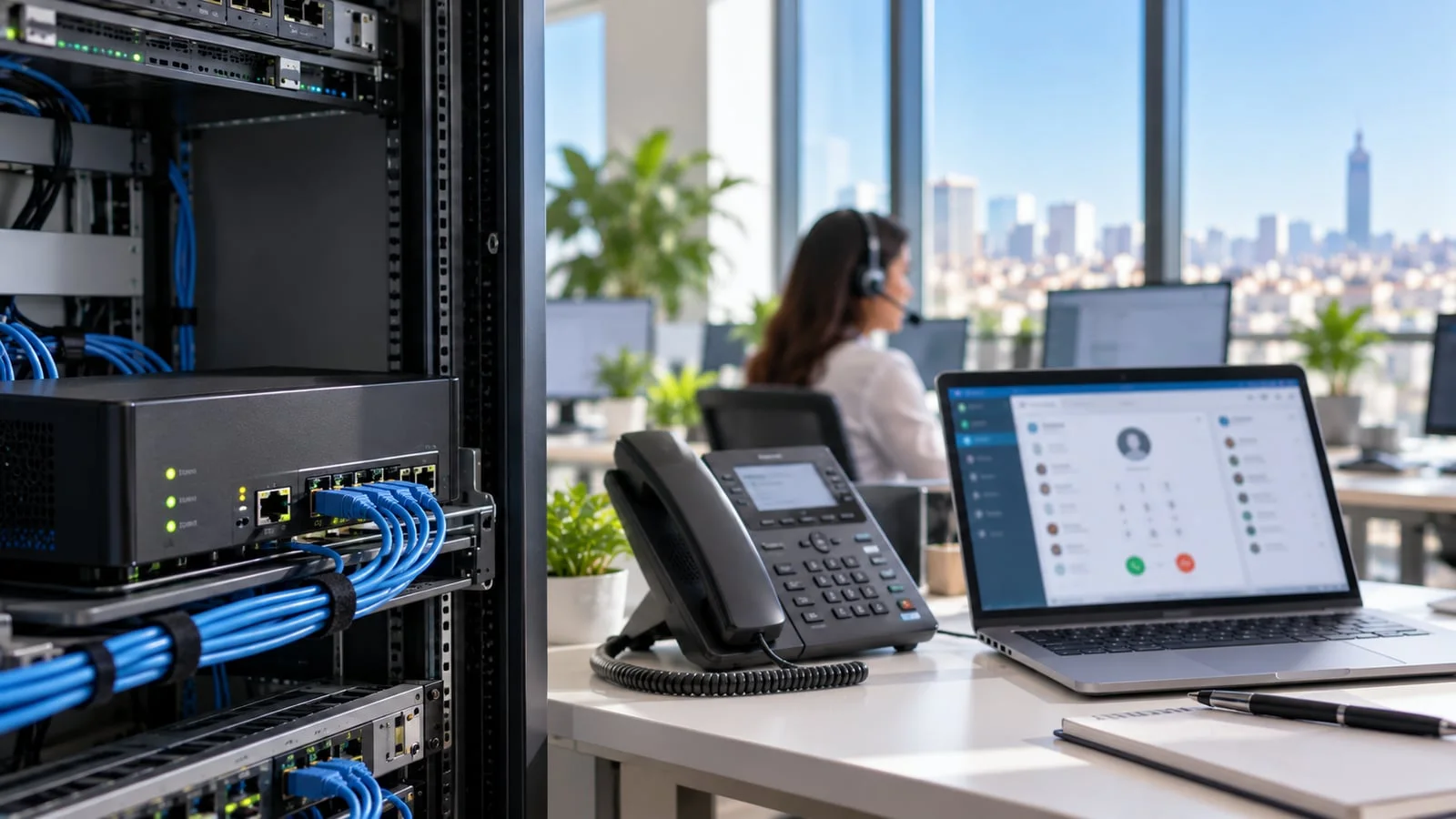
The short answer: a cloud phone system suits most service SMBs, whose teams are mobile, remote or spread across several sites, and whose numbers come in over a SIP trunk. An on-premises phone system, in the form of an IP PBX appliance, remains the best choice when you must keep analogue lines or GSM SIM cards, when reception must keep working whatever happens to the internet, or when the site has door phones, DECT handsets and local equipment. In between, the hybrid model, a cloud PBX with an on-site gateway, solves many mixed cases. This guide gives you the criteria to decide, and the concrete options from 3CX, Yeastar and Grandstream.
At ALLSAFE SOLUTIONS, we are a 3CX Bronze partner, Advanced certified, a Yeastar certified partner and a Grandstream integrator in Casablanca. We deploy both architectures, and we supply licences and hardware, with or without installation. The capacities quoted here come from the vendors’ websites; we do not give prices, which vary by edition, distributor and period.
If you are new to the subject, start with our guide to business IP phone systems in Morocco, which covers the basics. This article goes further on the single question of where the system runs.
Cloud, on-premises, hybrid: what exactly are we talking about?
“Cloud” actually covers several situations, which need separating before any comparison:
| Architecture | Where the PBX runs | Who maintains it | Examples |
|---|---|---|---|
| Vendor-hosted cloud | The vendor’s infrastructure | The vendor for the platform, you or your provider for the configuration | 3CX hosted by 3CX, Yeastar Cloud Edition hosted by Yeastar, Grandstream CloudUCM |
| Private cloud | Virtual machine at a cloud provider or hosting company | Your provider | 3CX in your own cloud, Yeastar Cloud Edition or Software on your infrastructure |
| On-premises | Appliance or server in your comms room | You or your provider | Yeastar P520 to P570, Grandstream UCM6300, 3CX on a local server |
| Hybrid | PBX in the cloud, gateway on your premises | Your provider | 3CX or Yeastar Cloud with an FXO or GSM gateway on site |
In every case, the core features are similar: auto attendant, call queues, recording, mobile apps, integrations. The real difference lies in five points: how your lines come in, what happens when the internet goes down, who handles maintenance, where the data sits, and which specific features exist on only one side.
The options from 3CX, Yeastar and Grandstream
| Vendor | Cloud | On-premises | Worth knowing |
|---|---|---|---|
| 3CX | Hosted by 3CX, or in your own cloud; free SMB edition hosted by 3CX for up to 10 users | Server or virtual machine on your premises | Same software everywhere: you can change hosting without changing tools. See which 3CX licence to choose |
| Yeastar P-Series | Cloud Edition, hosted by Yeastar or on your infrastructure, from the Enterprise plan | P520, P550, P560, P570 appliances, with FXO, FXS and 4G modules | Hot Standby and hotel (PMS) integration not available on Cloud Edition. See which Yeastar model to choose |
| Grandstream | CloudUCM, hosted by Grandstream, with capacity depending on the chosen plan | UCM6300 and UCM6300 Audio, from 0 to 8 FXO ports | Automatic phone provisioning, built-in meetings. See which UCM to choose |
Sources: 3CX, Yeastar and Grandstream websites. The free 3CX SMB edition suits a very small organisation; as soon as you need a structured reception, advanced queues or CRM integration, you move to a commercial edition.
The six criteria that actually decide
1. How your lines come in
This is the first criterion, and often the most decisive. If your numbers come in over a SIP trunk, the PBX can be anywhere: cloud is the natural fit. If you keep analogue lines, an E1 circuit or GSM SIM cards for calls to mobiles, you need physical equipment on your premises to connect them.
With an on-premises appliance, these lines plug directly into the PBX’s FXO ports or GSM modules. With a cloud PBX, you add a local gateway that converts them to SIP. We cover this equipment in FXO, FXS and E1 gateways and GSM and 4G gateways. And to move gradually to a SIP trunk without changing numbers, see SIP trunk: keep your numbers.
2. The quality of your internet access
With a cloud PBX, every call from desk phones goes over the internet, including calls between two colleagues in the same office. The link must therefore be stable, with consistent latency, and protected by quality of service on the router or firewall. With an on-premises appliance, internal calls and calls over local lines do not depend on the internet. See business fibre: choosing and securing your link.
3. Business continuity
The two architectures do not fail in the same way:
| Incident | Cloud PBX | On-premises PBX |
|---|---|---|
| Internet outage at the office | Desk phones cut off; the PBX keeps running and can forward to mobiles or another site | Internal calls continue; external calls continue on analogue or GSM lines, stop on a SIP trunk |
| Power cut at the office | The PBX stays reachable, mobiles take over | Everything stops without a UPS, including reception |
| PBX failure | Handled by the host | Down until replaced, unless a second appliance runs in high availability |
| Office inaccessible | Teams answer from home with nothing to change | Remote access must be planned in advance |
Cloud protects better against incidents that hit the office; on-premises protects better against an internet outage, if the lines are local. Either way, a second internet link and a UPS on network equipment make all the difference.
4. Remote work and multiple sites
The cloud is built for this: every site, remote worker and mobile app connects directly to the PBX. On-premises can do it too, but you need the vendor’s remote access service, such as Remote Access at Yeastar or RemoteConnect at Grandstream, or a VPN. What you must never do: open the PBX interface to the internet with port forwarding.
5. Maintenance and updates
In a vendor-hosted cloud, the platform is updated and backed up for you; configuration, phones and network still need administering. On-premises, everything falls to you or your provider: firmware updates, configuration backups stored off the appliance, monitoring, hardware replacement. An appliance that is never updated becomes an entry point for toll fraud.
6. Data and specific features
Recordings, voicemails and call logs contain personal data, governed by Law 09-08. On-premises, they stay in your building; in the cloud, they sit with the host, and you need to know where and for how long. Also check the features you need: at Yeastar, for example, hotel software integration and high availability are not offered on Cloud Edition.
Our decision grid
| Your situation | Our recommendation |
|---|---|
| Service SMB, mobile or remote teams, numbers on a SIP trunk | Cloud: hosted 3CX or Yeastar Cloud Edition |
| Several branches, no local lines to keep | Cloud, one PBX for every site |
| Very small organisation, a handful of users | 3CX SMB hosted by 3CX, or CloudUCM |
| Single site with analogue lines, fax, door phone, alarm | On-premises: Yeastar P-Series or Grandstream UCM |
| Heavy use of GSM SIM cards to call mobiles | On-premises with a GSM module, or hybrid with a GSM gateway |
| Hotel, clinic, industrial site, reception that must never stop | On-premises with high availability, or cloud with dual internet links |
| Multichannel contact centre, advanced CRM integration | 3CX, preferably hosted. See 3CX call centre |
| Transition: current lines kept for a while, SIP trunk to come | Hybrid: cloud PBX and local gateway, removed when the time comes |
The hybrid model, often the right compromise
Many businesses in Morocco are in a mixed situation: some numbers on a SIP trunk, a few legacy analogue lines, SIM cards for calls to mobiles, and staff on the move. The hybrid model puts the PBX in the cloud, for mobility and continuity, and installs a small gateway on site to connect the local lines.
Its advantages: one PBX for everyone, mobile apps that work everywhere, and a gradual exit from analogue lines without changing tools. Its limit: if the office loses internet, the local lines are no longer connected to the PBX. Hence, once again, the importance of a second link.
The mistakes we fix most often
- A cloud PBX on an internet link without quality of service, shared with backups and downloads: choppy audio at peak times.
- An on-premises appliance without a UPS, when it is what keeps reception running.
- A cloud PBX chosen when all lines are analogue, then a gateway added in a hurry.
- The admin interface exposed to the internet, whether the PBX is in the cloud or on site.
- No fallback plan: no automatic forwarding to mobiles, no second link.
- SIP ALG left on in the router, a classic cause of one-way or silent calls, see the mistakes that ruin call quality.
- Choosing on the advertised monthly fee without comparing the full cost: licences, hardware, gateways, maintenance, lines. See IP phone system budget.
Checklist before choosing
- List of lines to keep: analogue, E1, SIM cards, and numbers to port to a SIP trunk.
- Peak concurrent calls, and number of users.
- Share of remote workers and number of sites.
- State of the internet link, whether a second link exists, quality of service on the firewall.
- UPS on the network and, where relevant, on the PBX.
- Local equipment: door phones, alarms, fax, DECT handsets.
- Requirements for recordings and call data.
- Must-have features: contact centre, CRM, hotel software, high availability.
- Who handles maintenance and monitoring.
How we work
We start with a free audit of your telephony: existing lines and contracts, call volumes, network, internet link and how your teams work. We then recommend the architecture, cloud, on-premises or hybrid, and the right solution among 3CX, Yeastar and Grandstream, with no bias towards any of them. We supply licences, phones and gateways, prepare the network and quality of service, configure the PBX and organise the number switchover. Once live, the PBX, lines and call quality are monitored 24/7, and a critical incident is handled in under 15 minutes.
See our IP telephony offer, our 3CX, Yeastar and Grandstream partner pages, and our case studies. Torn between cloud and on-premises? Request your free initial audit: we reply within 24 business hours with a costed recommendation.
Frequently asked questions
What is the difference between a cloud phone system and an on-premises IP PBX?
A cloud phone system runs on servers hosted by the vendor or a provider: on your premises you only have the phones and the network. An on-premises IP PBX is an appliance or server installed in your building, which can take analogue lines or GSM cards directly. The features are similar; what changes is where the core of the system sits and who maintains it.
What happens during an internet outage with a cloud phone system?
Desk phones at the affected site can no longer reach the PBX, but the PBX itself keeps running: inbound calls can be forwarded to mobile apps over 4G or to another site. With a second internet link and a router that fails over automatically, the office stays reachable.
Can you keep analogue or GSM lines with a cloud phone system?
Yes, with a gateway installed on site: FXO for analogue lines, GSM or 4G for SIM cards. The gateway converts these lines to SIP and presents them to the cloud PBX. But if all your lines are local, an on-premises appliance with built-in ports is often simpler.
3CX, Yeastar or Grandstream: which ones come in a cloud version?
All three. 3CX can be hosted by 3CX, in your own cloud or on premises, and offers a free SMB edition hosted by 3CX for up to 10 users. Yeastar P-Series comes as a Cloud Edition, hosted by Yeastar or on your own infrastructure. Grandstream offers CloudUCM, hosted by Grandstream, alongside its UCM appliances.
Is an on-premises phone system safer for data?
It keeps recordings and call logs on your premises, which makes them easier to control. But it is only safe if it is maintained: updates, protected admin access, backups stored off the appliance. A well-configured cloud system hosted by a serious provider is often better protected than an appliance forgotten in a comms room.
About the editorial team
ALLSAFE SOLUTIONS
Network, security and cloud engineers
Written by the engineering team at ALLSAFE SOLUTIONS, a managed IT provider founded in Casablanca by network, security and cloud engineers. Our articles draw on the projects we deliver for clients in Morocco and abroad.
LinkedIn