
































Business fiber in Morocco: choosing your link and never being cut off again
Business fiber in Morocco: FTTO or FTTH, guaranteed bandwidth, repair time, fixed IP, 4G/5G failover and SD-WAN. What an SMB should demand for reliability.
Internet connectivity has become a company’s first critical service: IP telephony, Microsoft 365, hosted ERP, video calls, off-site backups, everything rides on it. Yet many Moroccan SMBs still run on a consumer plan with no repair commitment, and discover its true cost on the day of the outage. The short answer: choose a business fiber offer with guaranteed bandwidth, a contractual repair time and a fixed IP, back it with a second link of a different nature, and let a firewall you control handle failover. Here is how to choose, what to demand from the carrier and how to secure the whole setup.
Consumer fiber or business fiber
Residential FTTH offers show attractive speeds for a modest price. They have three limits for a business: bandwidth is shared, not guaranteed; repair time is not contractual; and the IP address is usually dynamic, which complicates VPN, telephony and remote access.
A business offer, FTTO or dedicated fiber, brings guaranteed symmetric bandwidth, a repair-time guarantee written into the contract, one or more fixed IPs and a technical contact. It costs more, but the right comparison is with the cost of one day without access: teams idle, missed calls, unprocessed orders.
| Criterion | Consumer FTTH | FTTO / business fiber | Dedicated fiber |
|---|---|---|---|
| Bandwidth | “Up to”, shared | Guaranteed, often symmetric | Guaranteed, reserved for the customer |
| Repair time | Not contractual | Guarantee written into the contract | Guarantee, usually the most demanding |
| IP address | Mostly dynamic | Fixed, one or more | Fixed, address block possible |
| Support | Consumer customer service | Business contact | Dedicated contact |
| Suitable for | Remote work, very small non-critical sites | Most SMBs | Critical sites, multi-site headquarters |
Product names vary between carriers. What matters is not the name of the offer, but what the contract actually commits to.
Questions to ask the carrier
- Is bandwidth guaranteed or “up to”? Is it symmetric, and for what percentage of the time is it guaranteed?
- What is the repair-time guarantee, when does the clock start, and what penalties apply if it is missed?
- Can support be reached outside office hours and at weekends?
- How many fixed IP addresses are included?
- Is the link delivered on dedicated or shared fiber?
- Can the supplied router run in bridge mode, and who administers it?
- What are the building connection lead times and costs, and what physical path does the fiber take?
Written answers in the contract are worth more than the speed on the brochure. A repair-time guarantee with no penalty and no clear start time is only an intention.
One link is never enough
Even the best fiber gets cut: roadworks, carrier incidents, equipment failure, a power cut in a wiring closet. Best practice is a second link of a different nature: most often a business 4G or 5G router, or a second carrier’s fiber for critical sites. Two fibers from the same carrier entering the building through the same duct often fail together; that is not real redundancy.
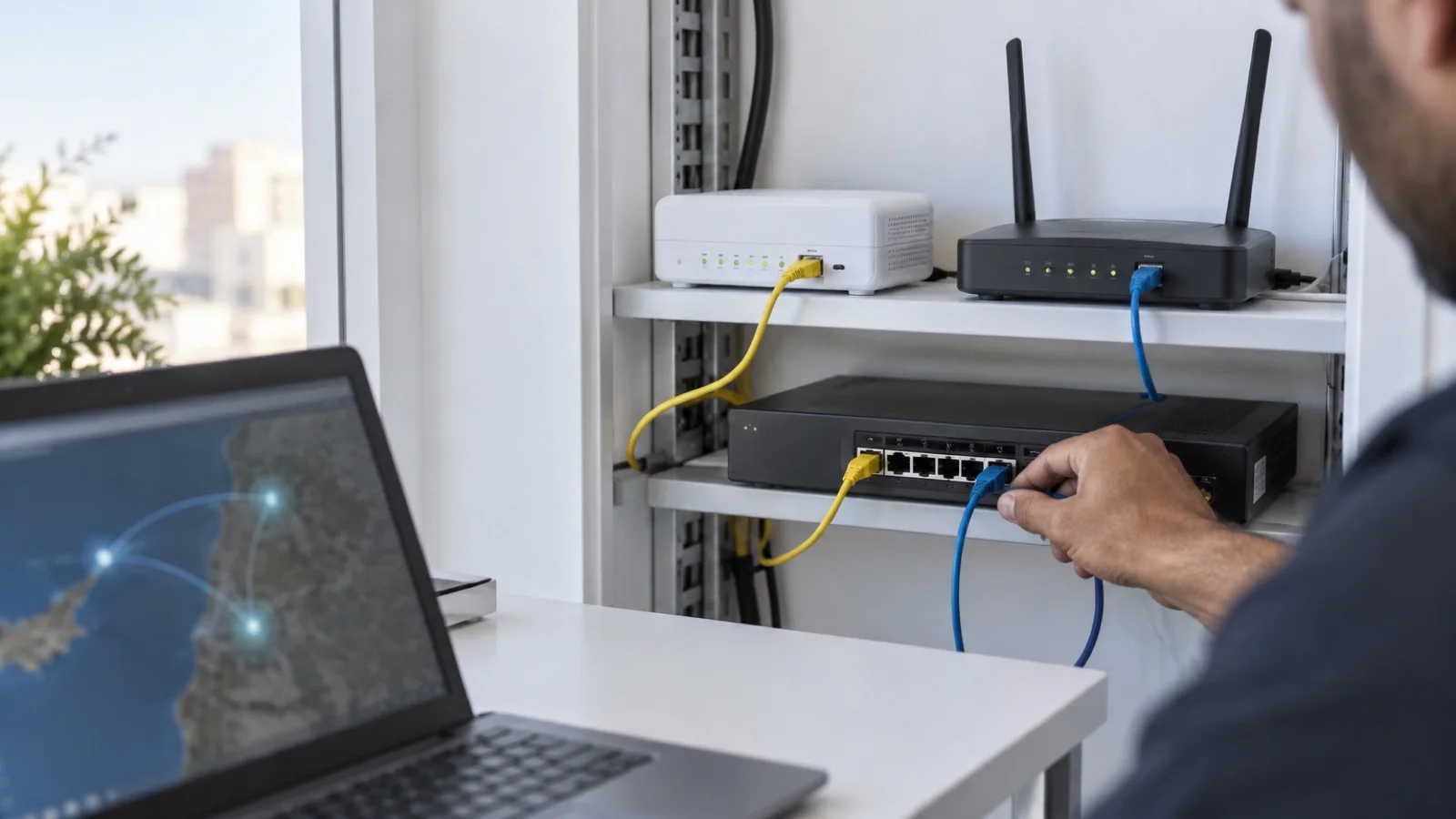
Failover is useless if someone must plug a cable by hand. A FortiGate or WatchGuard firewall continuously monitors each link’s quality, switches to the second link in seconds and returns to fiber as soon as it recovers. With SD-WAN it goes further: voice stays on the most stable link, Windows updates on the cheapest, in real time. We explain this in our article on FortiGate SD-WAN for multi-site companies, and the choice between the two vendors in FortiGate or WatchGuard for an SMB.
Think about power too: a UPS protecting the firewall, the core switch and the carrier’s router keeps you online through a brief power cut.
Sizing bandwidth without guessing
Rather than a universal rule, start from your real traffic:
- Measure current usage at peak hours, on the existing firewall or router, over several working days.
- Add voice: a G.711 call uses around 100 kbit/s in each direction, multiplied by the number of simultaneous calls at peak.
- Add planned usage: video calls, cloud migration, off-site backups, new hires.
- Look at upload: backups, video calls and servers reachable from outside mostly consume upstream, hence the value of a symmetric link.
- Keep headroom for growth, and check that the firewall keeps up with inspection enabled, as we explain in FortiGate: which model to choose.
Bandwidth is not everything: without voice prioritisation on the firewall, one large download is enough to make calls choppy, even on good fiber. The most frequent causes are covered in IP telephony: 10 mistakes that hurt call quality.
Securing the link itself
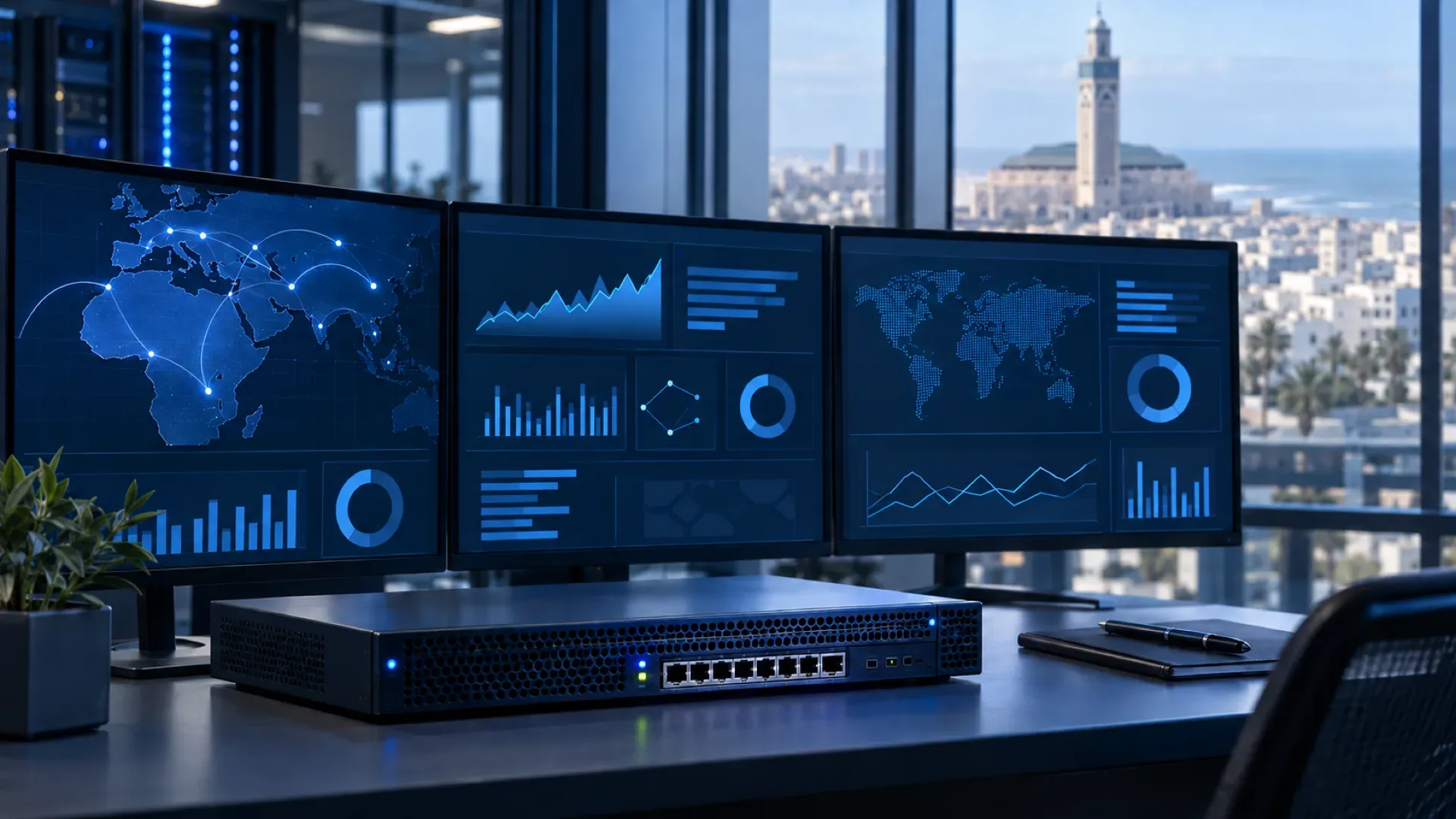
The carrier’s router is not a firewall. It belongs in bridge mode behind equipment you control, with application filtering, sensible SSL inspection and VPN for remote access. That device is also what monitors link quality and alerts before the failure.
A few simple rules complete the setup: the firewall’s admin interface never exposed to the internet, up-to-date firmware, MFA on VPN access, filtering rules reviewed regularly, and no port forward opened “temporarily” and then forgotten.
Common mistakes
- Choosing on advertised speed rather than on the repair-time guarantee and guaranteed bandwidth.
- A backup from the same carrier, over the same path: both links go down together.
- A 4G router left in a drawer, to be plugged in by hand on the day of the outage, with an expired plan.
- Letting the carrier’s router act as the firewall, with its default password.
- Never testing failover: on the day of the outage, you find the backup was never configured.
- Forgetting telephony: the phone system fails over to the backup, but the SIP trunk only accepts the fiber’s fixed IP. Check this with your telephony provider.
- Nobody monitors the links: a failed backup link goes unnoticed until you need it.
Connectivity checklist
- Business fiber offer with guaranteed bandwidth and a repair-time guarantee in the contract.
- Fixed IP available for VPN and telephony.
- Second link of a different nature, with an active subscription.
- Firewall handling automatic failover, and SD-WAN where possible.
- Carrier router in bridge mode, default passwords changed.
- Voice prioritisation configured.
- UPS on essential network equipment.
- Failover test carried out and documented at least once a year.
- Both links monitored with alerts.
- Each carrier’s support contacts and contract references at hand.
This connectivity is also a pillar of your disaster recovery plan.
How we do it
We start with a free audit of your connectivity: current contracts, links, firewall, real traffic and points of failure. We then help you set out your requirements to the carrier of your choice, without imposing a provider, and install the backup link, the firewall, automatic failover and SD-WAN. Both links are covered by our 24/7 monitoring, with critical incidents handled in under 15 minutes. For clients under a managed services contract, we also handle the carrier relationship during incidents. This work is part of our network infrastructure offer, and anonymised examples are in our case studies.
A fiber cut should become an event we see in the console and your users never notice. Request your free audit: we reply within 24 business hours.
Frequently asked questions
What is the difference between FTTH and business fiber in Morocco?
Residential FTTH plans usually have shared, non-guaranteed bandwidth, a non-contractual repair time and a dynamic IP. An FTTO or dedicated fiber offer brings guaranteed symmetric bandwidth, a repair-time guarantee written into the contract, a fixed IP and a technical contact.
How should an SMB size its internet bandwidth?
Measure real traffic at peak hours on the current firewall, add voice, around 100 kbit/s per simultaneous call with G.711, video calls and cloud backups, then keep headroom for growth. Look at upload as closely as download.
How can an office avoid internet outages?
Even the best fiber goes down eventually. You need a second link of a different nature, often a business 4G or 5G router or another carrier’s fiber, and a firewall that fails over on its own in seconds and returns to fiber afterwards.
Is the carrier's router enough to protect the business?
No, it is not a firewall. It should run in bridge mode behind equipment you control, with application filtering, sensible SSL inspection and VPN for remote access.
About the editorial team
ALLSAFE SOLUTIONS
Network, security and cloud engineers
Written by the engineering team at ALLSAFE SOLUTIONS, a managed IT provider founded in Casablanca by network, security and cloud engineers. Our articles draw on the projects we deliver for clients in Morocco and abroad.
LinkedIn