
















SIP trunk: connect your IP phone system and keep your numbers
Business SIP trunk in Morocco: how it differs from analogue lines, keeping your numbers, gateways, 4G backup, anti-fraud security and codecs.
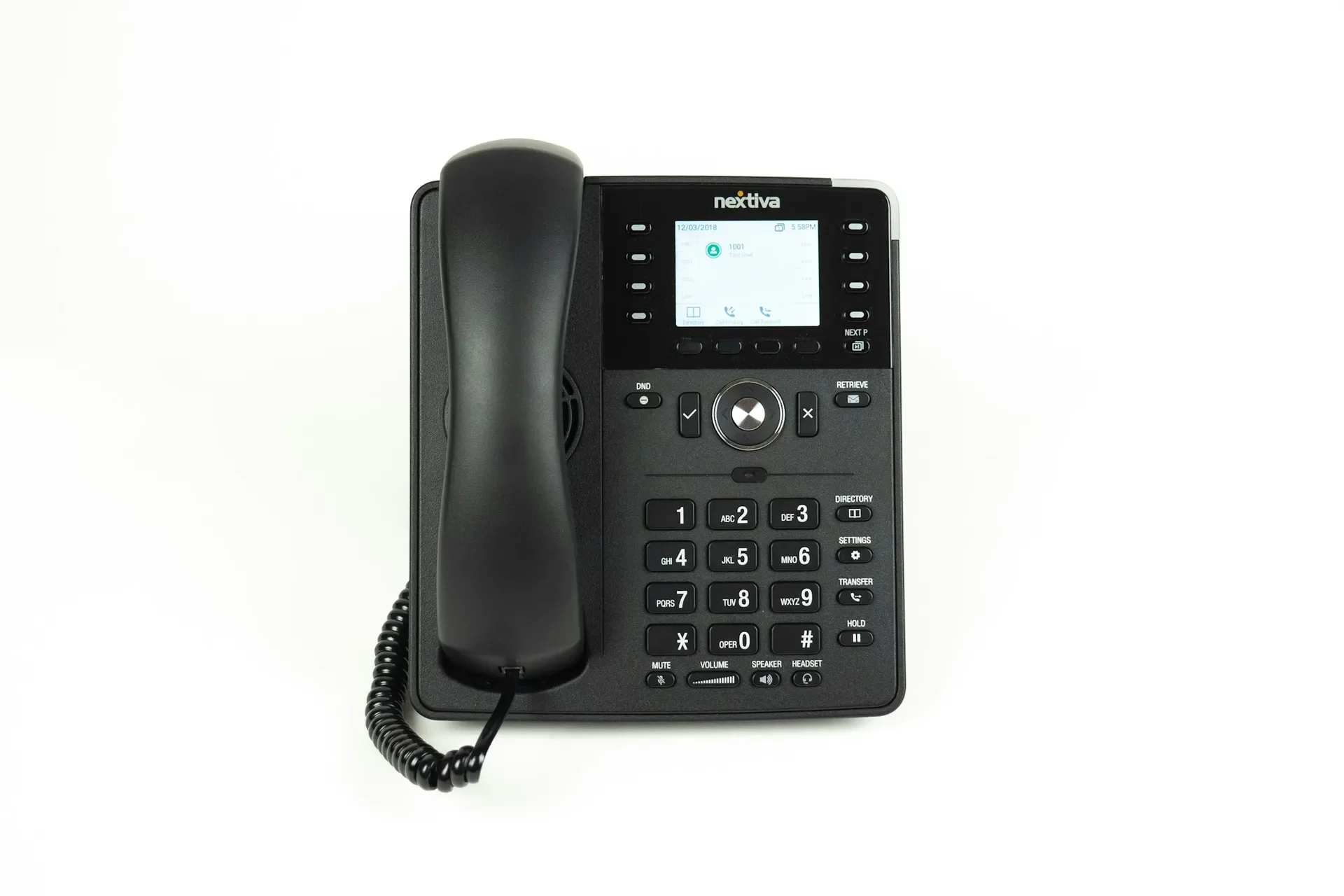
A SIP trunk is the connection that links your IP phone system to the public telephone network: it replaces analogue or ISDN lines with voice channels carried over your internet access. For a business in Morocco, Africa or Europe, it means keeping your numbers, adjusting the number of simultaneous calls without installing new lines, and sharing calls across several sites. It is also the most exposed part of your telephony: a poorly secured trunk can generate fraudulent calls, and a trunk without backup cuts the company off from the world. This guide focuses on that connection; for the phone system migration as a whole, see migrating to IP telephony.
SIP trunk, analogue lines, ISDN: what changes
An analogue line carries one call at a time over a copper pair. An ISDN access (BRI or PRI depending on capacity) groups several channels on a digital connection. In both cases, capacity is physical: to make more calls, you need another line or another access.
A SIP trunk is an account with an operator that your phone system registers to. The number of channels is set by contract, numbers are attached to the account, and the same trunk can serve several sites.
| Criterion | Analogue lines | ISDN access | SIP trunk |
|---|---|---|---|
| Medium | One copper pair per line | Dedicated digital connection | Internet access or dedicated link |
| Simultaneous calls | One per line | Set by the access type | Channels in the contract |
| Adding capacity | New line to install | Change of access | Contract change |
| Multi-site | Lines at each site | Access at each site | One shared trunk possible |
| Dependency | Operator copper network | Operator network | Quality of internet access |
| Watch points | Future availability of copper | Ageing hardware | Security and internet backup |
The major change fits in one sentence: your telephony now depends on your internet access and your firewall. That is why the choice of link, covered in business fiber in Morocco, matters as much as the choice of SIP operator.
Keeping your numbers: two approaches
In almost every case, yes. There are two routes, depending on the operator and the type of number.
Porting to the SIP operator
The SIP operator takes over your existing numbers, which become attached to the trunk. This is the cleanest option: no more physical line to maintain, and numbers can be freely assigned across departments and sites. Conditions (eligible numbers, required documents, timing) vary by operator: get them in writing, and cancel nothing before the switchover is confirmed.
Keeping the line and connecting it through a gateway
When porting is not offered for a number, or you prefer to keep the existing subscription, the line stays with the incumbent operator and lands on a gateway that converts it to SIP for the phone system. Yeastar TA gateways handle analogue lines (FXO ports for operator lines, FXS ports for fax machines or analogue devices), and the TG range adds SIM cards to route calls over the mobile network. ISDN accesses have dedicated gateways; some Yeastar appliances also accept expansion modules.
This approach is often transitional: it lets you switch the phone system right away, then port the numbers later, without pressure.
Sizing the trunk: channels, codecs and bandwidth
The number of channels is the number of simultaneous external calls, not the number of employees. Look at your real peaks (mornings, month end, campaigns), add headroom, and remember that internal calls, between extensions or between sites, use no channel at all.
On the network side, each call uses bandwidth in both directions, depending on the codec:
- G.711: reference quality, 64 kbit/s of voice, a little under 100 kbit/s per call and per direction with network headers. The standard on fiber.
- G.729: compressed, about 8 kbit/s of voice, for constrained links, at the cost of lower quality and sometimes a licence.
- Opus: adapts to network conditions, ideal for mobile apps, but not always accepted by operators.
Align the codec across phones, phone system and trunk: every transcoding step degrades the sound. The network settings that make call quality (QoS, voice VLAN, SIP ALG disabled) are covered in IP telephony: 10 mistakes that ruin call quality.
Redundancy: never lose your phone reception
A SIP trunk goes down when the internet access goes down. Three layers of protection work together:
- A second internet link (another operator, another technology or 4G backup), with automatic failover by the firewall, or even SD-WAN steering voice to the best link.
- A second trunk, with another operator or through a TG-style 4G gateway, so calls still go out when the first operator is down.
- Operator-side backup forwarding: if the phone system stops answering, numbers are redirected to mobiles or another site. This is set up with the operator and must be tested.
A cloud-hosted phone system reduces dependency on the office: if the office loses internet, staff answer from the mobile app. The choice between hosted and on-premises is covered in 3CX: why this phone system wins over SMBs.
Security: SIP fraud is a real risk
Toll fraud means taking control of an extension or a trunk to route calls to premium-rate or international numbers, often at night or over the weekend. The bill then lands on the company. The protections are simple, provided you apply all of them:
- International calls blocked by default, then opened country by country according to real needs, and only for the extensions that use them.
- Long, unique passwords for every extension and every SIP account, never the extension number or a default value.
- Geographic filtering: accept connections to the phone system only from the countries where you operate, and automatically block addresses that pile up failed attempts.
- Spending cap and alerts requested from the operator, with automatic suspension when exceeded.
- Administration not exposed: interface reachable only from the internal network or the VPN.
- Time restrictions on outbound calls outside business hours, and regular review of call logs.
The firewall plays a central role here: it limits who can reach the phone system and logs the attempts. It is the same logic as for any exposed service, as our firewall buying guide explains.
Numbers in several countries
A company based in Morocco with a presence in Europe or Africa can land numbers from several countries on the same phone system: each country has its own trunk, local or supplied by an international operator, and the phone system routes calls to the right team according to the number dialled. Outbound calls can then display the local number of the country being called. Each country has its own rules for assigning numbers; the operator may ask for local documentation, which you should check before promising a number to your customers.
The mistakes we fix most often
- Cancelling the old lines before written confirmation of the port.
- Leaving international calls open to every extension, with no cap at the operator.
- Keeping a simple SIP password, or the same one on every extension.
- Exposing the phone system’s admin interface on the internet.
- A single internet link, with no backup and no operator forwarding configured.
- Leaving SIP ALG enabled on the router, a cause of one-way audio.
- Forgetting the fax, alarm or lift line plugged into an analogue line.
- Sizing channels on headcount rather than on real simultaneous calls.
Checklist before connecting a SIP trunk
- Inventory of numbers, lines, ISDN accesses and analogue devices.
- Strategy chosen for each number: porting or gateway.
- Number of channels based on measured call peaks.
- Codec aligned across phones, phone system and operator.
- Bandwidth, QoS and voice VLAN checked on the link.
- Second link or 4G backup, second trunk if possible, operator forwarding tested.
- International blocked by default, spending cap and alerts active.
- Unique passwords, geographic filtering, administration not exposed.
- Dated switchover plan, with rollback and inbound and outbound call tests.
How we do it
We start with an audit of your lines, numbers and network. Together we choose the operator and the number-retention strategy, configure the trunk on your 3CX or Yeastar phone system, install the gateways you need, then harden security before going live. On switchover day, we test every number inbound and outbound. From then on, trunk registration and call quality are monitored 24/7, with critical incidents handled in under 15 minutes. The full offer is on our IP telephony page, and anonymised projects in our case studies.
Want to move to a SIP trunk without losing your numbers or your phone reception? The initial audit is free: contact us, we reply within 24 business hours.
Frequently asked questions
What is a SIP trunk for a business?
It is a connection between your IP phone system and an operator, carrying your calls over the internet or a dedicated link. It replaces physical lines with channels: the number of channels sets how many simultaneous external calls you can make.
Can we keep our numbers when moving to a SIP trunk?
Yes, in most cases. Either the SIP operator takes over your numbers through porting, or you keep the existing line and connect it to the IP phone system through an analogue or ISDN gateway. Conditions depend on the operator and the type of number: get them confirmed in writing before cancelling anything.
What happens if the internet goes down?
Without precautions, no calls come in or go out. You need a second internet link or 4G backup, a second trunk if the operator allows it, and automatic forwarding of your numbers to mobiles when the phone system loses its registration.
How do we prevent SIP trunk fraud?
Block international calls by default and open only the destinations you need, enforce long, unique passwords on every extension, restrict access to the phone system by IP address or country, set a spending cap with the operator and monitor out-of-hours calls.
About the editorial team
ALLSAFE SOLUTIONS
Network, security and cloud engineers
Written by the engineering team at ALLSAFE SOLUTIONS, a managed IT provider founded in Casablanca by network, security and cloud engineers. Our articles draw on the projects we deliver for clients in Morocco and abroad.
LinkedIn