Yeastar S-Series to P-Series migration: method and official tool
Yeastar S-Series to P-Series migration: S100 and S300 status, the official migration tool, what is and is not carried over, reusable modules and a cutover plan.
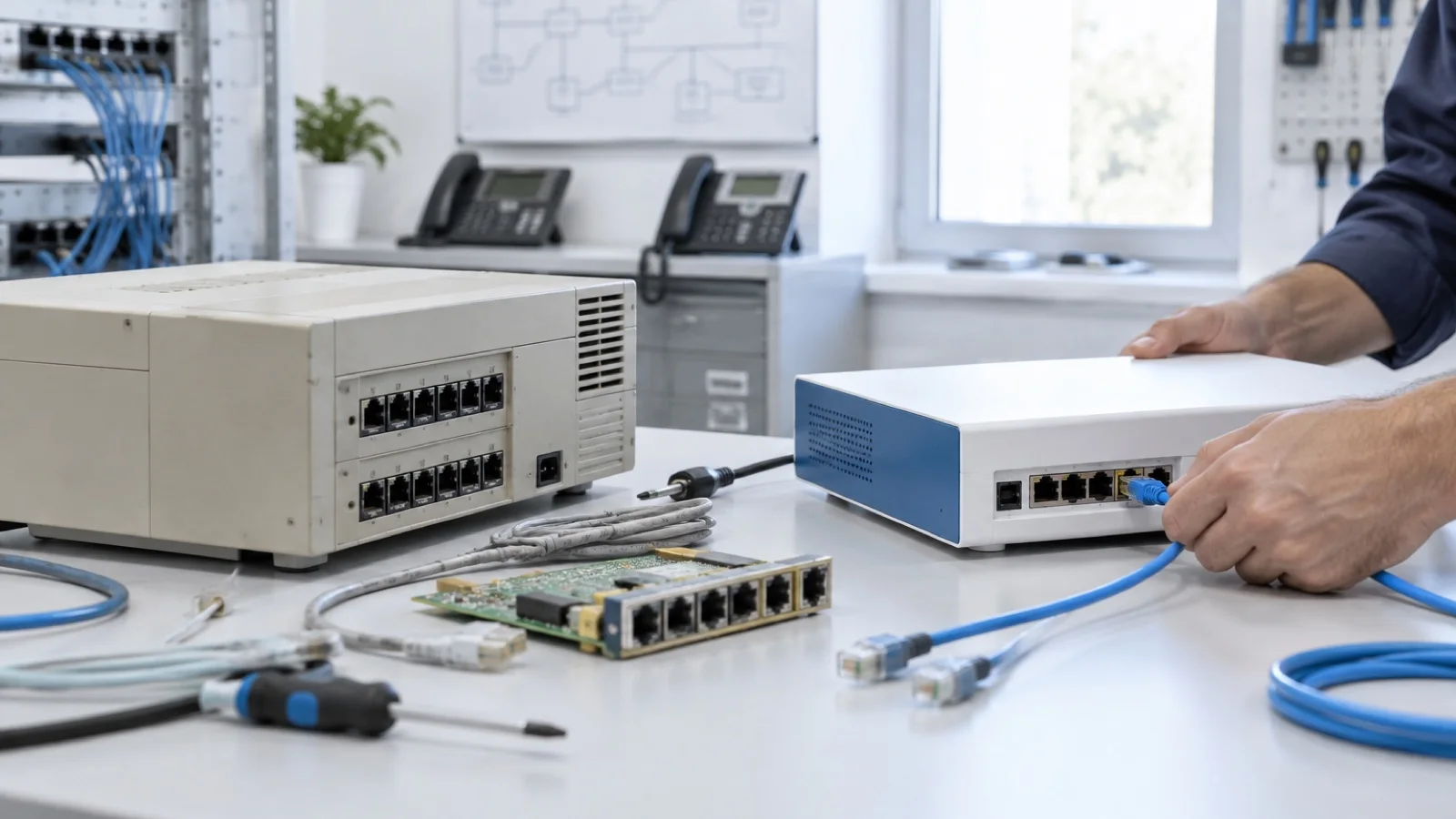
The short answer: if you run a Yeastar S100 or S300, end of life is set for 1 July 2027, and now is the right time to prepare the move to P-Series. Yeastar provides an official migration tool that exports the S-Series configuration and restores it on a fresh P-Series. It carries over most of the setup (extensions, SIP trunks, inbound and outbound routes, IVRs, ring groups, queues, contacts), but not analogue lines, voicemail messages or recordings. A successful migration therefore comes down to preparation: inventory, archiving, choice of model, then a planned cutover.
As a Yeastar certified partner based in Casablanca, we carry out these migrations across Morocco. This guide relies only on documentation published by Yeastar (yeastar.com and help.yeastar.com). For choosing the P-Series model itself, see our guide Yeastar P-Series: which model to choose, which we do not repeat here.
Where does the S-Series range stand?
Yeastar publishes an end-of-sale and end-of-life policy. End of sale (EOS) is the date after which the product is no longer sold. End of life (EOL) is the date after which Yeastar no longer provides technical support: configuration help, upgrade assistance, software bug fixes and hardware repair.
| Product | End of sale | End of life | Migration path stated by Yeastar |
|---|---|---|---|
| S100 / S300 (V2) | 1 July 2022 | 1 July 2027 | P560 / P570 |
| S100 / S300 (V4) | 1 July 2022 | 1 July 2027 | P560 / P570 |
| K2 IP-PBX | 1 June 2022 | 1 June 2027 | P-Series Software Edition |
Source: Yeastar’s “End-of-Sale and End-of-Life Policy” page. The S100 product page also recommends the P560 as its replacement.
The S20, S50 and S412 do not appear in this table at the time of writing. For these models, we check the status on the official page when the project starts rather than assume a date. Either way, the logic is the same: a phone system that no longer receives security fixes becomes a risk, and telephony is a direct target for toll fraud.
The official migration tool: prerequisites
Yeastar documents the migration from an S-Series VoIP PBX to a P-Series in its help centre, and lists a “PBX Migration Tool” in its App Marketplace. The procedure relies on a dedicated backup, generated by an app installed on the S-Series.
| Item | Requirement published by Yeastar |
|---|---|
| S-Series V2 firmware | 30.15.0.179 or later |
| S-Series V4 firmware | 65.16.0.183 or later |
| P-Series Appliance Edition | 37.19.0.70 or later |
| P-Series Software Edition | 83.19.0.70 or later |
| P-Series Cloud Edition | 84.19.0.70 or later |
| P-Series state | New installation or factory reset |
Two practical consequences. First, an S-Series left on old firmware must be upgraded before anything else; that operation needs planning, with a regular backup beforehand. Second, the restore overwrites the entire P-Series configuration: you do not merge two systems, you start from a blank P-Series.
The tool targets all three P-Series editions. Moving from an on-premises S-Series to the Cloud or Software edition is therefore possible, which raises the hosting question covered in cloud or on-premises phone system. For S-Series Cloud PBX managed through YMP, Yeastar announced a separate migration path in 2025, based on an exported configuration file.
The official migration steps
- Export from the S-Series. Download the migration app matching your version (one file for V2, one for V4), install it from the Upload tab of the App Center, then reboot. The backup file is then retrieved from Maintenance > System Log.
- Clean up provisioning. Yeastar recommends deleting the phones from the S-Series auto-provisioning list before the export, to avoid provisioning conflicts.
- Restore on the P-Series. In Maintenance > Backup and Restore, upload the file, run the restore and reboot the P-Series.
- Re-provision the phones. On each IP phone, delete the old server URL, reboot, and the phone is re-provisioned: in PnP mode for the Appliance and Software editions, in RPS mode for the Cloud edition.
On paper, it is quick. In reality, the items outside the tool’s scope are what take time.
What the tool carries over, and what it does not
Yeastar publishes the list of supported settings. Anything not on it reverts to the P-Series default.
| Carried over by the tool | Not carried over or changed |
|---|---|
| Extensions: identity, caller ID, registration credentials, voicemail (enablement, PIN, email delivery), permissions, SRTP | IAX extensions |
| SIP trunks: general settings, codecs, registration, DID, DOD | Any non-SIP trunk: FXO, BRI, GSM |
| Inbound and outbound routes, time conditions, holidays | FXS extensions, converted to SIP extensions |
| IVRs, ring groups, queues, PIN lists | “Conference”, “Fax to Email” or “Dial by Name” destinations in an IVR or queue: replaced by “Hang up” |
| Custom prompts and music on hold | Voicemail messages and call recordings (not on the list) |
| Feature codes, company and personal contacts | Any unlisted setting, reset to default |
| Phone provisioning list (one line per phone) | Only the first enabled line of each phone is kept |
This table sets the work plan. Routes, IVRs and queues, often the bulk of a reception setup, are carried over. On the other hand, every analogue line must be recreated, every analogue phone reassigned to its FXS port, every IVR checked if it pointed to a conference or a fax, and every voicemail message or recording worth keeping must be archived before the old appliance is unplugged.
Modules and analogue lines: what to keep?
An S-Series often connects carrier lines, a fax, a door entry system or an alarm through modules. Good news: Yeastar’s official telephony module page lists the same modules (S2, O2, SO, B2, 4G LTE) as supported on the S412, S20, S50 and the P520, P550, P560, P570. The EX08 and EX30 expansion boards are listed for the P560 and P570.
We still validate reuse case by case: number of slots on the target P-Series, need for an expansion board, condition of modules after years of service. And since the tool does not migrate analogue trunks, those ports have to be configured by hand anyway.
It is also the moment to decide the future of these lines. Many businesses use the migration to move gradually to a SIP trunk while keeping their numbers: see SIP trunk: keep your business numbers. If the target is the Software or Cloud edition, which takes no modules, the remaining analogue lines go through a gateway, as explained in FXO, FXS and E1 gateways.
Which P-Series as a replacement?
Yeastar points the S100 and S300 to the P560 and P570, and the K2 to the Software edition. These are default paths, not obligations: the right model depends on your users, concurrent calls and ports, and the right feature plan depends on your use cases (call centre, CRM, video). All of this is covered in our guide Yeastar P-Series: which model and which edition.
An often-overlooked point: the S-Series and the P-Series do not offer the same user environment. The P-Series comes with the Linkus mobile, desktop and web apps, and remote access without port forwarding. The migration is therefore also a rollout project for staff, which we prepare with our guide to Yeastar Linkus.
Our standard cutover plan
- Full inventory of the S-Series: model, firmware, extensions, trunks, modules, analogue devices, phones and their models.
- Firmware upgrade of the S-Series if needed, after a regular backup.
- Archiving of voicemail messages, recordings and call logs to keep.
- Export with the official tool, then restore on the new P-Series, installed alongside the old one.
- Recreating analogue trunks, reassigning FXS ports, fixing destinations that were not carried over.
- Hardening before go-live: admin access, two-factor authentication, outbound call rules, see how to secure a Yeastar P-Series.
- Testing: inbound calls per line, outbound per route, IVRs, queues, fax, door entry, Linkus apps.
- Cutover outside business hours: moving the lines, re-provisioning phones, checking each handset.
- Rollback ready: the old S-Series stays ready to be reconnected until acceptance is signed off.
Mistakes we fix
- Running the tool on firmware that is too old: the export fails or is not offered. The upgrade must be scheduled first.
- Restoring onto an already configured P-Series: the existing configuration is overwritten.
- Discovering on the day that analogue lines were not migrated: reception receives no calls until the trunks are recreated.
- Forgetting voicemail messages and recordings: they remain on the old appliance, sometimes needed for contractual reasons.
- Leaving phones pointed at the old server: without deleting the provisioning URL, handsets do not attach to the P-Series.
- Reproducing old weaknesses: ports open to the internet, international calls allowed for everyone. A migration is the moment to fix, not to copy.
- Not rechecking IVRs where a key pointed to a conference or a fax, now turned into a hang-up.
How we work
We start with an audit of your S-Series: model, version, configuration, modules, lines and phones, as well as the quality of the voice network. We hand you a written migration plan: target P-Series, edition and feature plan, reusable modules, items to recreate, cutover schedule. We install the P-Series alongside the old system, apply the official tool, complete what it does not carry over, harden, test with your teams, then cut over outside business hours with a rollback ready. After go-live, the system is monitored 24/7 and critical incidents are handled in under 15 minutes.
See our IP telephony in Morocco offering and, if you are still weighing options, our comparison 3CX, Yeastar or Teams Phone. Is your S-Series approaching end of life? Request your free phone system audit: we reply within 24 business hours with a migration plan tailored to your setup.
Frequently asked questions
Is the Yeastar S-Series end of life?
For the S100 and S300 (V2 and V4 firmware), yes: Yeastar set end of sale on 1 July 2022 and end of life on 1 July 2027, after which it no longer provides technical support, bug fixes or hardware repair. The K2 follows the same pattern, with end of life on 1 June 2027. For other models, check Yeastar’s end-of-life policy page.
Is there an official tool to migrate an S-Series to a P-Series?
Yes. Yeastar publishes a migration app to install in the S-Series App Center. It generates a backup file that you restore on the P-Series from Maintenance > Backup and Restore. The S-Series must run V2 30.15.0.179 or later, or V4 65.16.0.183 or later, and the P-Series must be new or factory reset.
Are analogue lines and voicemail messages migrated?
No. Yeastar’s official list of supported data covers SIP trunks only: FXO, BRI or GSM lines must be recreated. FXS extensions become SIP extensions. Voicemail messages and call recordings are not on the list, so they must be archived before the cutover.
Can the S-Series O2, S2 or SO modules be reused?
Yeastar lists the same telephony modules as supported on the S20, S50, S412 and the P520, P550, P560, P570. Reuse still has to be checked model by model, depending on available slots and expansion boards. We validate it during the audit.
How long is the phone system down during the migration?
The restore itself happens on the P-Series while the old system keeps running. Downtime is limited to moving the lines and re-provisioning the phones, which we schedule outside business hours.
About the editorial team
ALLSAFE SOLUTIONS
Network, security and cloud engineers
Written by the engineering team at ALLSAFE SOLUTIONS, a managed IT provider founded in Casablanca by network, security and cloud engineers. Our articles draw on the projects we deliver for clients in Morocco and abroad.
LinkedIn