Proxmox Backup Server: backing up your virtual machines step by step (installation, retention, encryption, restore)
Proxmox Backup Server step by step: dedicated server, datastore, link to Proxmox VE, scheduling, retention, verification, encryption, offsite copy and restore.
The short answer: Proxmox Backup Server (PBS) is set up in six steps. A dedicated physical server, a datastore on fast disks, the link with Proxmox VE through an account limited to backup, a backup schedule with its retention, cleanup and verification tasks, then an offsite copy. The seventh step, often forgotten, is the test restore. This guide follows that order and relies only on the official Proxmox documentation (PBS 4.2 and Proxmox VE).
At ALLSAFE SOLUTIONS, we are a Proxmox partner in Casablanca. We install and monitor Proxmox VE and Proxmox Backup Server platforms for businesses in Morocco, and supply the servers and subscriptions, with or without installation. For choosing a subscription and support level, see our guide Proxmox in Morocco: integrator, subscriptions and installation.
What Proxmox Backup Server does
PBS is a client-server backup solution, open source (AGPL v3 licence), written in Rust and optimised for Proxmox VE. It backs up virtual machines, containers and physical hosts. Its main features, according to the documentation:
| Feature | What it brings |
|---|---|
| Incremental backup | Only changed data is read and sent |
| Deduplication | Identical chunks are stored once, across all backups |
| Zstandard compression | Less space used, at low CPU cost |
| Client-side AES-256-GCM encryption | Data leaves the hypervisor already encrypted; TLS transport |
| SHA-256 integrity checks and verification jobs | Detects a corrupted backup before you need it |
| Sync to another PBS | Offsite copy that only transfers new data |
| Tape (LTO) and S3 object stores | Long-term archiving; S3 is officially supported since PBS 4.2 |
| Fine-grained permissions and namespaces | Separate teams, sites or customers on one server |
Step 1: a dedicated, properly sized server
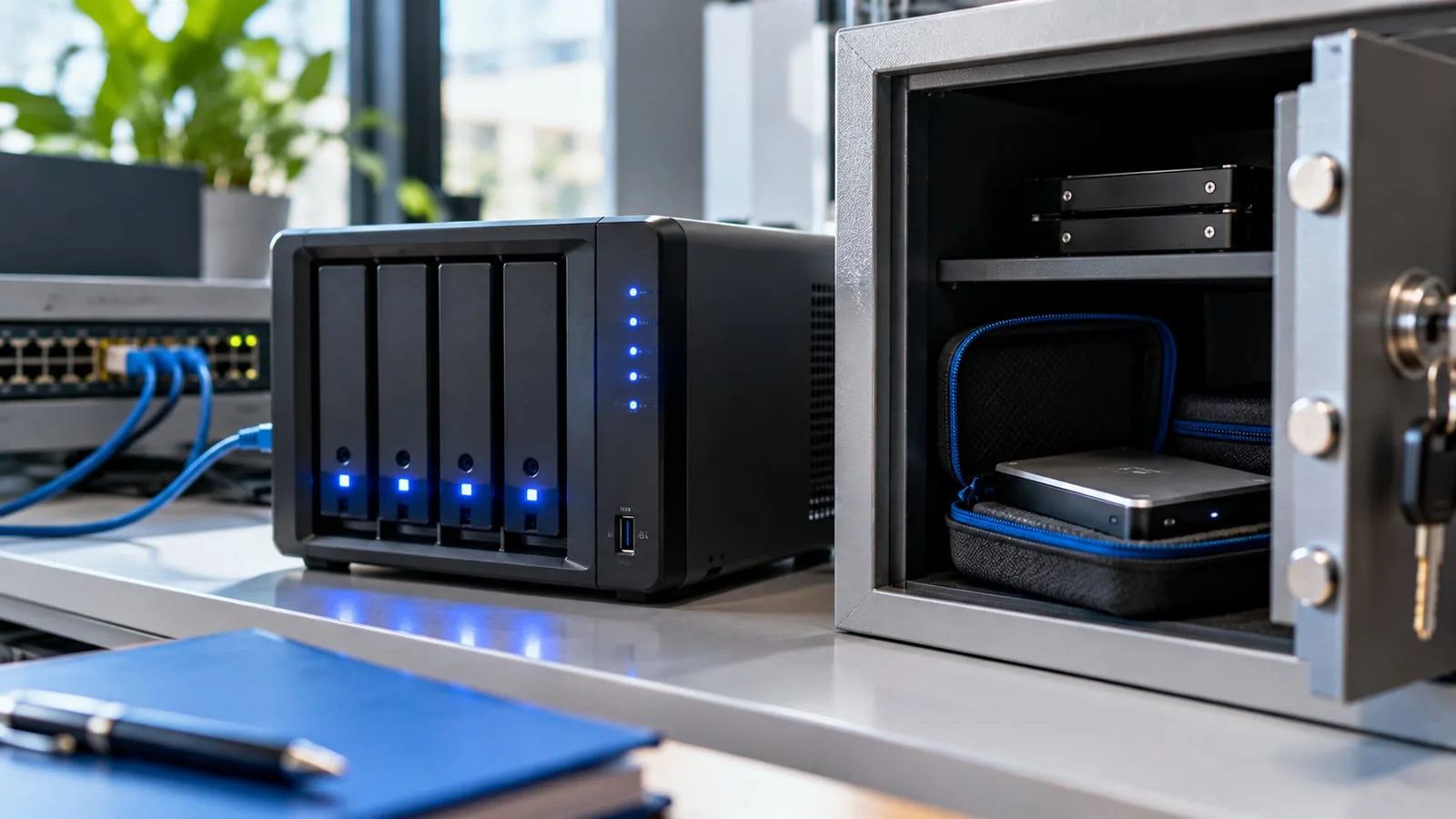
The documentation is clear: installing the backup server directly on the hypervisor is not recommended. If the host fails, the backups go with it. Plan a separate physical machine, ideally in another rack or room.
Official recommendations for production:
- CPU: recent 64-bit, at least 4 cores.
- Memory: at least 4 GiB for the system and services, plus at least 1 GiB per TB of backup storage.
- System disk: at least 32 GiB, on hardware RAID with battery-backed cache, or on redundant ZFS (not both).
- Backup storage: local, fast, with high random-access IOPS; enterprise SSDs give the best results. With hard disks, a metadata cache (for example a ZFS special device mirror) is strongly recommended.
- Network: redundant multi-gigabit NICs.
Installation is preferably done from the official ISO on a USB stick; installing on an existing Debian system is also possible. Hardware choice is covered in our guide to small business servers in Morocco: Dell or HPE.
Step 2: create the datastore and accounts
A datastore is where PBS keeps the backups. Create it on the fast volume you planned (mirrored ZFS or RAIDZ, for example), then set up access:
- A dedicated user for Proxmox VE, never the root account.
- The DatastoreBackup role on the datastore: it allows backing up and restoring the user’s own backups, without pruning. The DatastorePowerUser role adds pruning; keep it for real needs.
- API tokens for automated use: a token has no rights when created and can never do more than its user.
- Two-factor authentication on the web interface for administrators.
This split matters against ransomware: if a hypervisor is compromised, the account it uses must not be able to wipe the backup history.
Step 3: link Proxmox VE to PBS
In Proxmox VE, add a “Proxmox Backup Server” storage (Datacenter, then Storage). The parameters: server address (port 8007 by default), user with realm, password or token, datastore name and certificate fingerprint, shown on the PBS dashboard.
This is also where client-side encryption is configured. It is recommended as soon as backups leave a trusted network, for example to a remote site or S3 storage. Two precautions:
- Back up the key away from the server: without it, encrypted backups are lost. The
proxmox-backup-client key paperkeycommand produces a paper copy; add a copy in a password manager and on offline media. - Use an RSA master key: an encrypted copy of the key is attached to each backup, so it can be recovered even if the original hypervisor is gone.
Backups encrypted with different keys do not deduplicate against each other: one datastore per key is better.
Step 4: schedule backups and retention
Jobs are created under Datacenter, then Backup. For virtual machines, snapshot mode backs up without downtime; enable the QEMU guest agent so file systems are frozen cleanly during the copy. Stop mode is the most consistent but shuts the machine down. The “Repeat missed” option catches up on a missed backup, for example after a power cut. On heavily loaded machines, the fleecing option limits the performance impact of the backup, provided you have fast local thin-provisioned storage.
Retention is set with keep-last, keep-hourly, keep-daily, keep-weekly, keep-monthly and keep-yearly, applied in that order. A common policy combines recent daily backups, a few weekly ones and monthly ones. Backups marked protected escape pruning: useful before a migration or a major upgrade.
Step 5: cleanup and verification
On PBS, three scheduled tasks complete the backups:
- Prune: removes snapshots that fall outside the retention policy. Only metadata is removed at this stage.
- Garbage collection: actually frees the space of unused chunks. For safety, a chunk is only deleted after a grace period of about 24 hours and 5 minutes.
- Verification: re-reads the backups and checks their integrity. The documentation recommends re-verifying everything at least once a month, against disk degradation.
Enable notifications to be warned when a backup, verification or sync fails. A silent failure is the most expensive scenario.
Step 6: the offsite copy
A single backup server in the same room as the hypervisors protects neither against fire nor against ransomware that reaches it. Three official options:
- Sync to a second, remote PBS, in “pull” mode (the remote server fetches the data) or “push” mode. Since PBS 4.2, a push sync job can encrypt snapshots before sending them to the remote server.
- S3 datastore to a compatible object store, officially supported since PBS 4.2.
- LTO tape for long-term archiving and a physically disconnected copy.
This is the direct application of the 3-2-1 rule and immutable backup. For hosting the second site, see our guide to offsite backup in Morocco.
Step 7: restore, for real
PBS offers three ways to restore from Proxmox VE:
- Full restore of a virtual machine or container.
- Live-restore: the machine starts while data is copied in the background. Handy to reduce downtime, with two limits flagged by Proxmox: disk reads are slower during the operation, and if it fails, data written in the meantime is very likely lost.
- File restore: the File Restore button opens a browser on the backup, to recover a file or folder without touching the machine.
Schedule regular test restores on an isolated network, following our method for testing a backup restore.
Mistakes we fix
- PBS installed in a VM on the cluster it backs up, with no other copy.
- The PBS root account used by Proxmox VE, able to delete every backup.
- Garbage collection never scheduled: the datastore fills up although retention looks right.
- No verification job: corruption is discovered on restore day.
- Encryption key stored only on the hypervisor being backed up.
- No QEMU guest agent on database servers.
- No notifications configured, so failures go unnoticed for weeks.
PBS or Veeam?
For an estate running entirely on Proxmox VE, PBS is the most integrated solution. When the business also protects physical servers, Hyper-V or Microsoft 365, Veeam offers a single console; it also supports Proxmox VE, see our Veeam best practices. If you are leaving VMware, backup is part of the VMware to Proxmox migration plan.
How we work
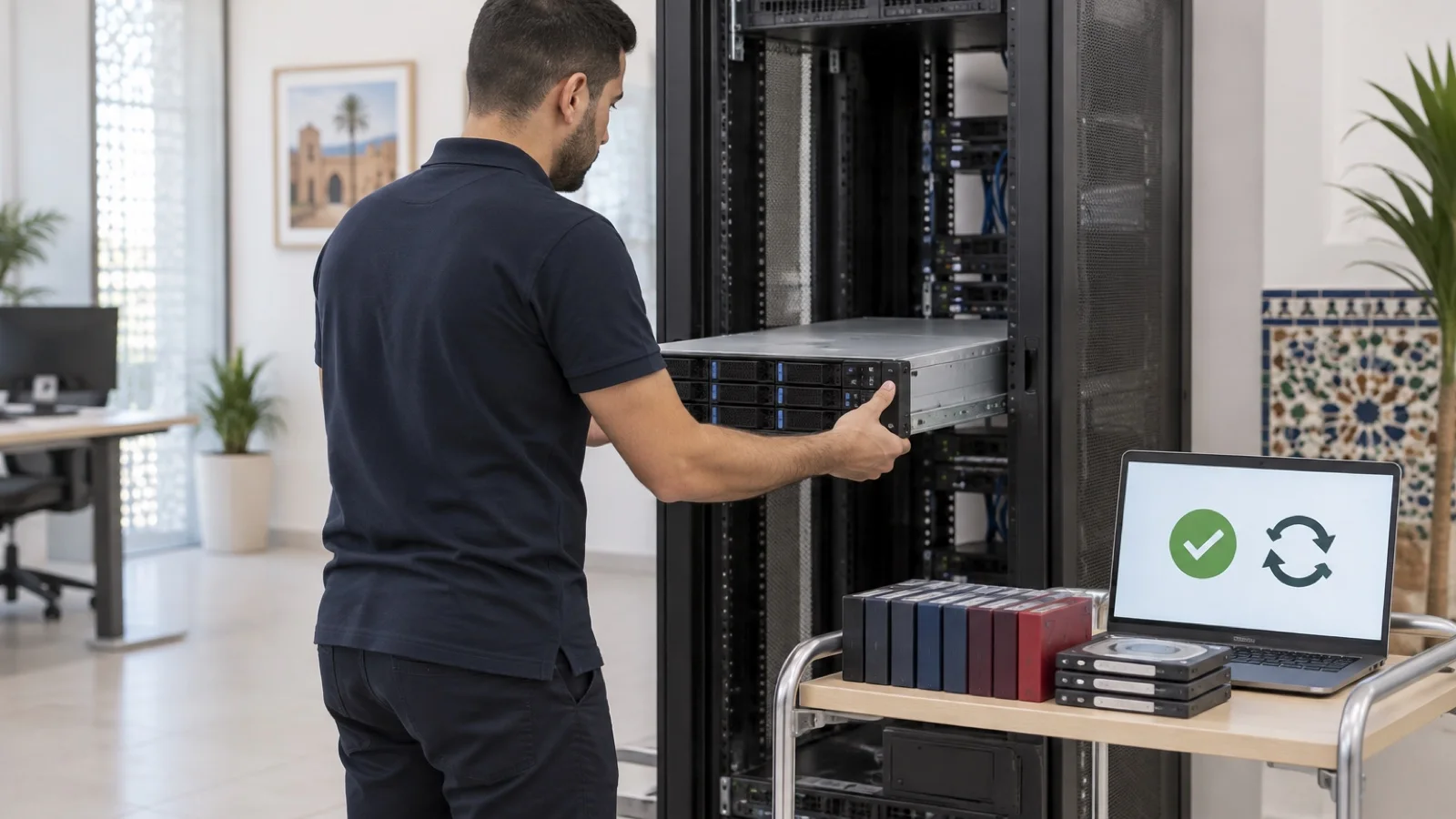
We audit your machines, volumes and recovery requirements, size the PBS server and storage, then configure datastores, limited-rights accounts, encryption with a master key, schedules, retention, cleanup, verification and the offsite copy. We run a first test restore before signing off the go-live. After that, backups and verifications are monitored 24/7, and a critical incident is handled in under 15 minutes.
See our backup and business continuity in Morocco offering and our Proxmox virtualisation in Morocco offering, then request your free initial audit: we reply within 24 business hours.
Sources: official Proxmox Backup Server documentation (introduction, installation, maintenance, user management), Proxmox VE documentation (PBS storage, backup and restore) and the Proxmox Backup Server 4.2 press release of 29 April 2026.
Frequently asked questions
Can Proxmox Backup Server run on the same server as Proxmox VE?
It is technically possible, but the Proxmox documentation advises against it: if the hypervisor fails, the backups become unreachable exactly when you need them. We install PBS on a dedicated physical server and add an offsite copy.
Does Proxmox Backup Server do incremental backups?
Yes. PBS only reads and sends changed data, deduplicates identical chunks across backups and compresses with Zstandard. Each backup can still be restored as a full backup.
What happens if the encryption key is lost?
Encrypted backups become unreadable: Proxmox cannot recover them. Keep the key separately from the backups (password manager, offline media, paper copy produced by the paperkey command) and, ideally, use an RSA master key that lets you recover the encryption key if the Proxmox VE server is lost.
Can I restore a single file without restoring the whole virtual machine?
Yes. From Proxmox VE, the File Restore button opens a browser on the content of a backup stored on PBS; you download a file, or a folder zipped on the fly. Not every file system is necessarily readable, which is why it is worth testing in advance.
Does PBS replace Veeam?
For an estate running entirely on Proxmox VE, PBS covers virtual machine and container backup. When the estate mixes Proxmox, Hyper-V, physical servers and Microsoft 365, Veeam manages everything from one console. We deploy both depending on the context.
About the editorial team
ALLSAFE SOLUTIONS
Network, security and cloud engineers
Written by the engineering team at ALLSAFE SOLUTIONS, a managed IT provider founded in Casablanca by network, security and cloud engineers. Our articles draw on the projects we deliver for clients in Morocco and abroad.
LinkedIn