

















Offsite business backup in Morocco: how to protect your data
Offsite backup in Morocco: what to back up, where to store the copy, encryption, immutability, law 09-08, RPO/RTO and restore testing for businesses.
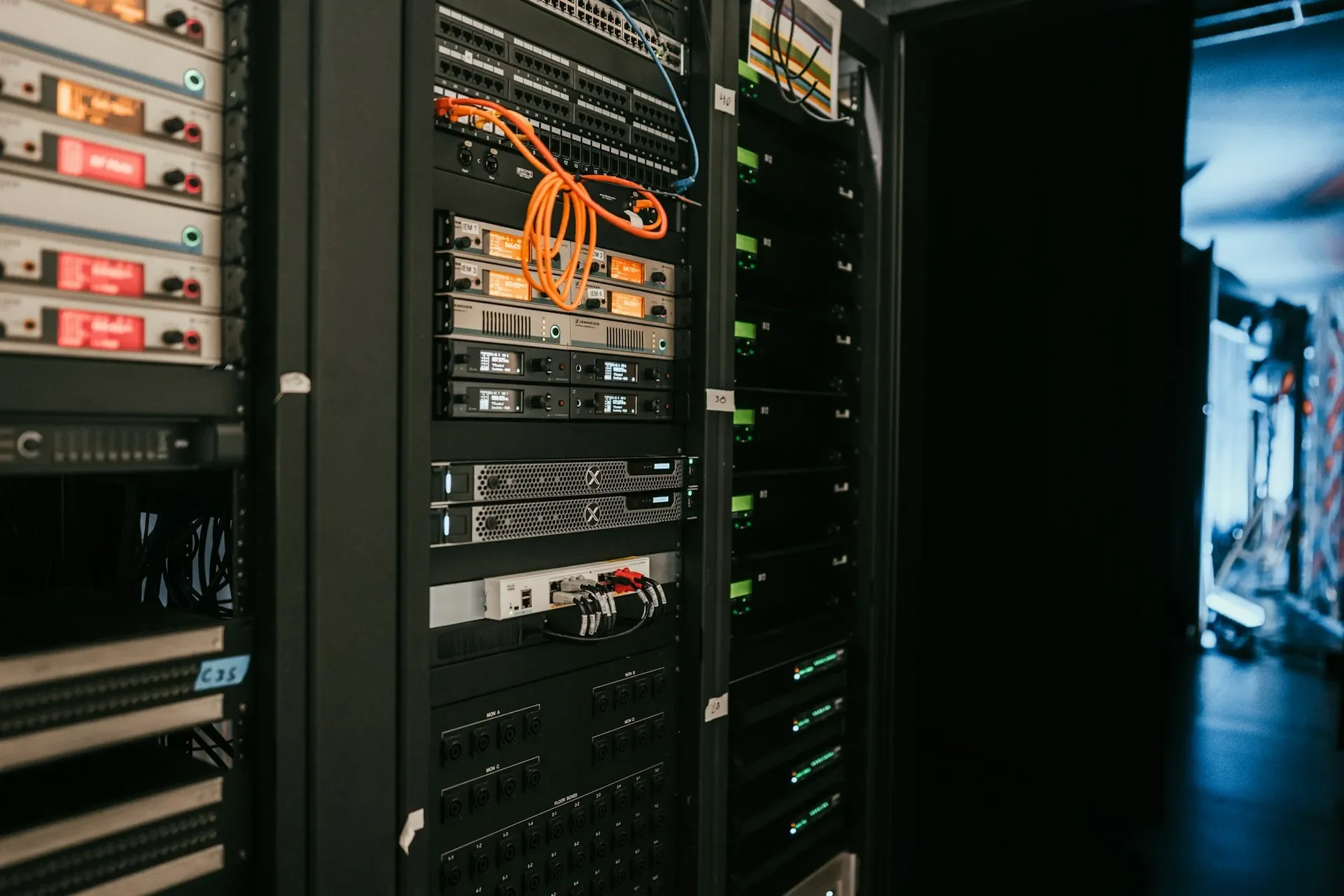
An offsite backup is at least one copy of your data stored outside your premises, encrypted, isolated from your network and impossible to delete during its retention period. It does not replace local backup, it complements it: the local copy is for restoring quickly after a failure or a mistake, the offsite copy is for surviving whatever destroys or compromises the whole site. Fire, water damage, a stolen server, ransomware encrypting everything it can reach: in those cases, only the copy that left the building lets you restart.
This guide is for business owners and IT managers in Morocco, in Casablanca and elsewhere. It gives the overall picture; immutability, Veeam configuration and Microsoft 365 are detailed in dedicated articles, linked along the way.
What a business needs to back up
The first mistake is not technical: it is an incomplete scope. The file server is backed up, but the ERP database installed on a workstation or the cloud mailboxes are forgotten.
| Item | Why it is often forgotten | Suitable method |
|---|---|---|
| Physical servers | “We have RAID”: RAID protects against a disk failure, not deletion or ransomware | Backup agent on the server, full image plus file-level restore |
| Virtual machines (VMware, Hyper-V, Proxmox) | Hypervisor snapshots are mistaken for backups | Hypervisor-level backup, application-consistent |
| Microsoft 365 or Google Workspace | “It is in the cloud, so it is backed up” | Third-party backup independent of the tenant, see Microsoft 365 shared responsibility |
| NAS and file shares | The NAS is itself the backup target, with no copy elsewhere | Copy of the NAS to another medium, offsite |
| Databases (ERP, accounting, line-of-business software) | Copied “hot” without consistency, so unusable | Application-aware backup or verified scheduled export |
| Desktops and laptops | Files stay on the local desktop, outside shares | Redirection to managed storage, or a backup agent on key devices |
| Configurations (firewall, switches, phone system) | Nobody thinks about them before the outage | Regular configuration exports, stored with the backups |
Add to this list what you need in order to restore: backup encryption passwords, restore documentation and the configuration of the backup software itself. Without them, a perfect backup remains unreadable.
Local, offsite, cloud: three different roles
These are not alternatives. Each answers a specific risk, and solid protection combines at least two of them.
| Location | Main role | Strength | Limit |
|---|---|---|---|
| Local backup (server or repository on your premises) | Restore quickly after a failure or mistake | Fast restores, no dependency on the internet link | Destroyed with the site in a disaster, exposed if the network is compromised |
| Second company site (branch, warehouse) | Survive the loss of the main site | Full control of hardware and data | Requires a secure room, stable power and enough bandwidth between sites |
| Data center or cloud storage | Offsite copy with no hardware to manage, often immutable | Geographic distance, data locking available | Full restore limited by internet bandwidth, data location questions |
The 3-2-1 rule sums up this logic: three copies, on two media, one of them offsite. Against ransomware it has gained an immutable copy and an error-free test, as we explain in why 3-2-1 is no longer enough.
One point is underestimated: bandwidth. Sending several terabytes over a business fiber line for the first time can take a long time; the initial copy is then seeded on disk, shipped and imported. More importantly, a full restore from the cloud goes through the same link. If your recovery time is short, keep a local copy able to restart the essentials, and reserve the offsite copy for major disasters. Choosing your fiber line is therefore part of the backup project.
Immutability and isolation: the copy an attacker cannot touch
Modern ransomware looks for backups before encrypting. If the offsite copy is reachable with production credentials, it will be deleted along with the rest. Two protections work together:
- Immutability: the storage refuses any change or deletion for a set period, even by an administrator. It is achieved with locked object storage or a hardened Linux repository.
- Isolation (air gap): the copy is separated from the production network, physically (disconnected media) or logically (separate accounts, outside the directory, restricted network access).
The options and their trade-offs are compared in our article on immutable backup. For an offsite copy, the question to ask your provider is simple: if an attacker gains administrator rights on your network, can they erase this copy? The answer must be no.
Encryption: before it leaves, with a key you control
Any backup leaving your premises must be encrypted before it leaves, in transit and at rest: a shipped disk can be lost, a storage account can be misconfigured.
The real difficulty is key management. If the encryption password is lost, the backup is lost. If it is stored on the server you are trying to restore, it disappears with it. Keep it in a shared password vault, with an offline copy under management’s responsibility, and check at every test that it actually decrypts the backups.
Where your data is stored: the law 09-08 question
As soon as a backup contains personal data, which is almost always the case (customers, employees, patients, suppliers), it falls under law 09-08. Three points directly concern offsite backup:
- Security: the data controller must protect data against loss, alteration and unauthorized access. Encryption, immutability and access control address this.
- The provider: whoever hosts the copy is a processor, who must be bound by a contract setting out its security and confidentiality obligations.
- The location: storing the copy outside Morocco is a data transfer, subject to specific conditions depending on the destination country.
This is not legal analysis; the obligations are detailed in our article on law 09-08 and the CNDP. In practice, we choose the copy’s location with you (in Morocco, at a second site or a data center, or in a cloud region whose framework is accepted) before starting, and we document that choice for your compliance file. For health data or regulated sectors, have the design validated by your legal counsel.
RPO and RTO in plain terms
Two questions drive the backup architecture and budget:
- RPO (acceptable data loss): if everything stops now, how far back can you accept to go? One backup per night means the current day’s work can be lost.
- RTO (acceptable downtime): how long can the business run without its systems? The answer decides whether you need a fast local copy, a standby server ready to start or replication.
Both are decided per application, with the business teams, not by IT alone: accounting during year-end closing does not have the same requirements as archives. The full approach, including scenarios and failover plan, is covered in our article on the disaster recovery plan.
Designing the retention policy
Retention answers one question: how far back can you go? Too short, and you cannot return to a point before a mistake discovered late, or before an intrusion that stayed quiet for weeks. Too long and without rules, storage explodes and personal data is kept longer than necessary.
The most common method is the GFS scheme (grandfather, father, son), which Veeam supports natively:
- Daily restore points kept for a few weeks, for everyday mistakes.
- Weekly restore points kept for a few months, for problems discovered late.
- Monthly or even yearly restore points, for archiving and accounting or legal obligations.
The exact durations depend on your retention obligations, data sensitivity and volume: they are decided with management and, where needed, legal counsel or your accountant. Local retention can be shorter than offsite retention, and the immutability period must at least cover the time an intrusion could go unnoticed.
Monitoring and restore testing
A backup that fails silently creates false confidence. Three practices make the difference:
- Alerts someone actually reads: every failure or warning opens a ticket with a named owner.
- Automatic verification: backups are checked and, for virtual machines, booted in an isolated environment to confirm they work. The corresponding Veeam settings are detailed in our Veeam best practices.
- A real restore from the offsite copy, at least every quarter, timed and recorded. It tells you whether the announced RTO is realistic given your bandwidth.
Veeam, our main tool
We rely on Veeam for the vast majority of projects, because one tool covers most of the scope: VMware, Hyper-V and Proxmox virtual machines, physical servers and endpoints through agents, and Microsoft 365 with Veeam Backup for Microsoft 365. It handles encryption, GFS retention, copies to a second site or object storage, immutable repositories and automatic restore testing. Google Workspace and some online applications are protected with a dedicated tool, monitored in the same place.
The method, step by step
- Inventory data and systems, including cloud, endpoints and configurations.
- Set RPO and RTO per application with business owners.
- Choose locations: local copy, offsite copy, and its location with regard to law 09-08.
- Define retention and the immutability period.
- Implement encryption, account isolation and the initial transfer.
- Monitor jobs and handle every alert.
- Test restores from the offsite copy, then document the procedure.
The most common mistakes
- Confusing sync, replication or RAID with backup.
- Forgetting Microsoft 365, Google Workspace or a line-of-business database installed on a workstation.
- An offsite copy reachable with the domain administrator account.
- An encryption password nobody can find anymore.
- A copy stored abroad without anyone checking or documenting it.
- No full restore test from the offsite copy.
- An “offsite” USB drive that stays permanently plugged into the server.
Checklist: your offsite backup
- Complete inventory of the scope, cloud and endpoints included.
- RPO and RTO set per application and approved by management.
- At least one copy outside your premises, encrypted before it leaves.
- An immutable copy, out of reach of production accounts.
- Known storage location, contract with the provider, choice documented for law 09-08.
- Retention defined and consistent with your retention obligations.
- Encryption password kept safe, away from the server.
- Alerts followed up and date of the last offsite restore test recorded.
How we do it
We start with an audit of your existing backup: scope covered, locations, retention, encryption, last successful test. You receive the list of gaps, ranked by priority. We then design the architecture with you (local copy, offsite copy, location, immutability), deploy it with Veeam and run a first verification restore. Jobs join our 24/7 monitoring, a critical incident is handled in under 15 minutes, and a restore test is scheduled every quarter. Our case studies show comparable backup and virtualization projects.
This service is part of our backup and business continuity offering, as a Veeam partner. The initial audit is free: contact us, we reply within 24 business hours.
Frequently asked questions
What is an offsite backup?
It is a copy of your data sent outside your premises: to a second company site, a data center or a cloud storage provider. It complements a local backup, which remains the fastest to restore, and protects against fire, theft, water damage or ransomware reaching the main site.
Can an offsite backup be stored outside Morocco?
Yes, but as soon as it contains personal data it is a data transfer under law 09-08. You must check that the destination country is accepted by the CNDP or that an exemption applies, bind the provider by contract and encrypt the data before it leaves. The region is chosen before the project starts, not afterwards.
Is OneDrive sync or a replicated NAS enough as an offsite backup?
No. Sync and replication also copy deletions and files encrypted by ransomware. A real backup keeps several restore points over time, on separate storage, with different credentials and an immutable copy.
How often should an offsite backup be restore-tested?
We recommend continuous automatic backup verification and a real restore from the offsite copy at least once a quarter, timed and recorded. It is the only way to know whether the promised recovery time is achievable.
About the editorial team
ALLSAFE SOLUTIONS
Network, security and cloud engineers
Written by the engineering team at ALLSAFE SOLUTIONS, a managed IT provider founded in Casablanca by network, security and cloud engineers. Our articles draw on the projects we deliver for clients in Morocco and abroad.
LinkedIn