


































Cybersecurity for private schools and universities in Morocco: threats, student data and priority measures
Private school or university in Morocco: hijacked mailboxes, ransomware, student data and Law 09-08. The measures to put in place first.
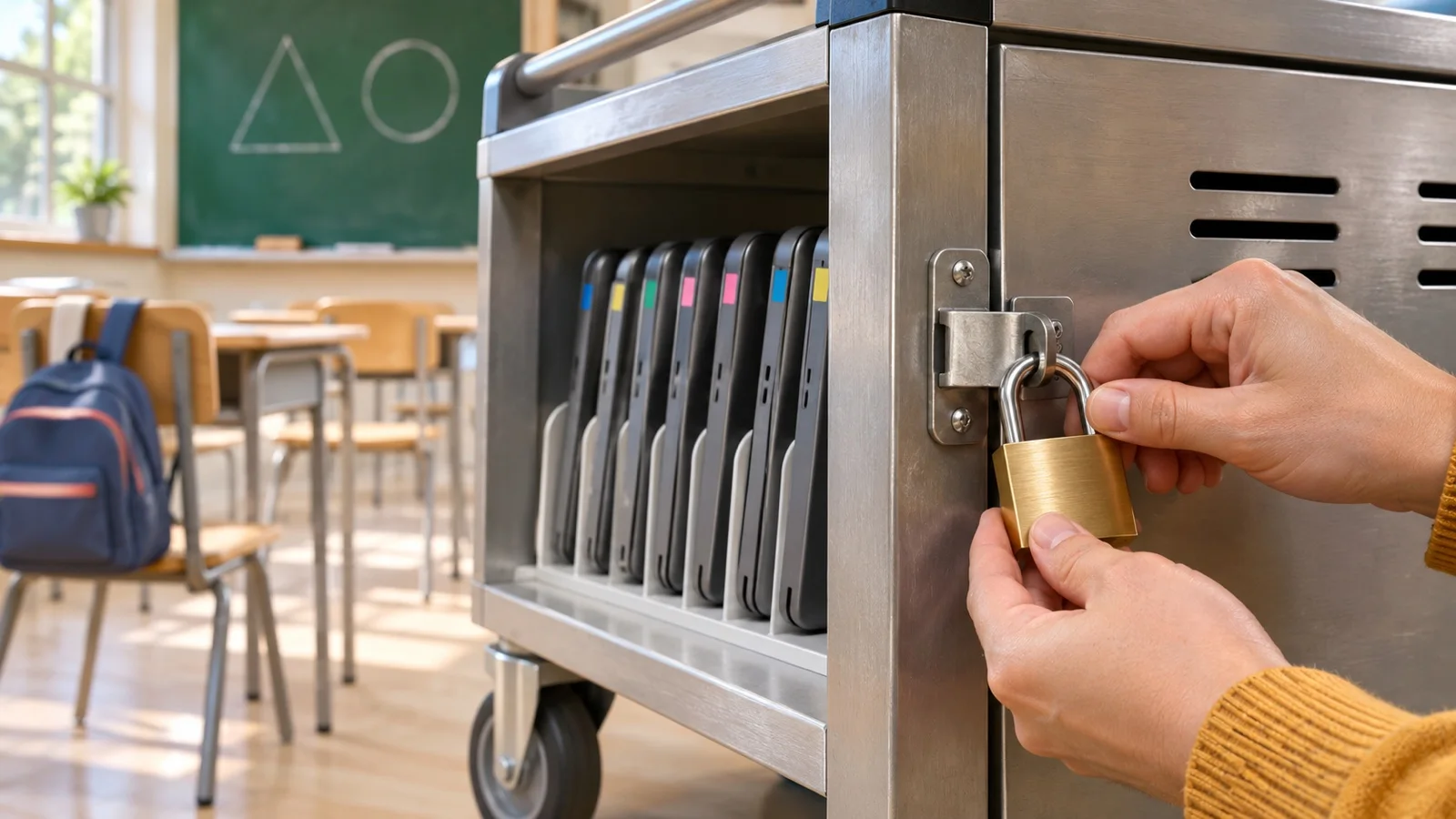
The short answer: a private school or university does not need a large-enterprise setup, but it must first deal with what actually brings this kind of institution down: hijacked mailboxes, a poorly separated student network, accounts never removed and backups never tested. This guide sets out the documented threats, what Moroccan law means for student data, and the measures to take in order, without disrupting classes.
We found no public statistics on Moroccan institutions. The figures below come from France and from an international survey, and we state their limits. The good practices themselves apply directly here.
What the available data shows
| Source | Finding | Keep in mind |
|---|---|---|
| ANSSI, 2025 Cyber Threat Overview | Education and research account for 34% of the 1,366 incidents reported to it | ANSSI notes these sectors include many public bodies, more inclined to report even a minor incident |
| ANSSI, same report | Schools, especially primary and secondary, were particularly affected by ransomware in 2025 | French situation |
| Sophos, State of Ransomware in Education 2026 | Identity-based vectors (malicious email, phishing, compromised credentials, brute force) started 85% of attacks | Vendor survey of 226 leaders from institutions already hit, in 17 countries |
| Sophos, same survey | 58% of attacks ended in encrypted data; in higher education, 53% say they lacked the skills to detect and stop the attack in time | Respondents are victims: this is not a risk rate for all institutions |
Two lessons seem useful to us. First, most attacks are not sophisticated: ANSSI describes largely opportunistic attacks and, in secondary schools, attackers of limited technical skill exploiting weak security. Second, the outage can last: ANSSI mentions degraded operations for several weeks in schools, and a higher-education institution forced to move classes online after losing its entire information system. Sophos also reports that education providers were nearly twice as likely as its overall sample to face a recovery of a month or more.
Why an institution is harder to protect than an office
- Thousands of accounts, renewed every year. Pupils, students, visiting lecturers, alumni: without an offboarding process, dormant accounts pile up.
- An open network. Student WiFi, shared computer rooms, personal devices, projectors, cameras and administration sometimes share one network.
- Curious users. A pupil testing the system’s limits need not be an expert to reach what is poorly protected, grades included.
- Data of interest to everyone. Children’s identities, parents’ contact details, national ID numbers, school nurse records, tuition payments.
- A calendar with no slack. An outage at the start of term or during exams is seen at once, and parents hear about it very quickly.
- A small IT team, often one person, sometimes a teacher doing it alongside classes.
The threats, and what they look like in practice
| Threat | What happens | Priority defence |
|---|---|---|
| Hijacked mailbox | A teacher’s or student’s account sends phishing to the whole school, a frequent case in higher education according to ANSSI | Multi-factor authentication, blocking legacy protocols, sign-in alerts |
| Ransomware | Servers, shares and school software encrypted, classes and administration halted | Tested offline backup, segmentation, patching, EDR |
| Website defacement | An admin account or a flaw allows the site to be altered, a case noted by ANSSI | Updates, multi-factor authentication, few admin accounts |
| Tuition fee fraud | A fake message tells parents about a new bank account | Published rule: no bank detail change by email, call back on the school’s known number |
| Grade tampering | A teacher’s password guessed, or a session left open in a classroom | Named accounts, change log, second approval of final grades |
| Data leak | Student file shared via public link, forgotten export, compromised provider | Role-based access, share reviews, contract with the provider |
Higher education has one more case: laboratories and work carried out with industry. ANSSI sees possible interest for espionage or pre-positioning. A university running such projects should isolate that data from the rest of the campus.
What Law 09-08 means for student data
A private institution is a data controller under Morocco’s Law 09-08 and its CNDP obligations. Five points deserve particular attention:
- File a declaration or request authorisation. School records, payroll and video surveillance fall under CNDP formalities. Article 12 requires prior authorisation for health data, such as a nurse’s record, and for files containing the national ID number, among others.
- Secure. Article 23 requires appropriate technical and organisational measures against loss, disclosure or unauthorised access.
- Control providers. The school software vendor, course platform, host and managed service provider must offer sufficient guarantees, under a written contract.
- Check transfers. Storing data outside Morocco is a transfer, governed by articles 43 and 44. This needs reviewing for any cloud platform.
- Inform families. Article 5 requires informing people at collection, and parents must know whom to contact to exercise their rights.
We found no provision specific to minors in the text published in the Official Bulletin. As a precaution, obtain parents’ agreement for non-essential uses, such as photos published on the website, and have your forms checked by your legal adviser or with the CNDP.
As for cybersecurity Law 05-20, it primarily targets public bodies, critical infrastructure and certain operators. A private institution is rarely subject to it directly, but may be by contract if it works for those players.
The measures, in order
In its recommendations to US primary and secondary schools, the CISA agency advises starting with a small number of investments: multi-factor authentication, fixing known exploited vulnerabilities, tested backups, an exercised incident response plan and training. We follow the same logic, adapted to a Moroccan institution.
1. Protect identities
Enable multi-factor authentication first for administration, management, accountants and teachers, then for adult students. Our MFA rollout guide details the method. According to Sophos, almost all victims of credential-based attacks reported MFA as enabled: this does not make it useless, but partial or poorly configured MFA is not enough. So check actual coverage, excluded accounts and legacy protocols.
Clean up as well: accounts of departed pupils, visiting lecturers and former staff removed on a fixed date, at the end of each school year at the very least.
2. Configure the platform properly
| Platform | What the vendor says | What to do |
|---|---|---|
| Microsoft 365 Education | Security defined by licence: A1 for the baseline, A3 with Entra ID P1 and Defender, A5 with Entra ID Plan 2 and full security | Security defaults, with no licence required, or Conditional Access from P1 to target groups |
| Google Workspace for Education | Fundamentals edition at no charge for recognised, accredited institutions, Plus edition for advanced security and analytics | Age setting: in primary and secondary, an undesignated user is treated as under 18; in higher education, the admin must identify under-18 users |
With Google, place staff in an organisational unit set to 18 or older. To choose between the two suites, read Microsoft 365 vs Google Workspace. In both cases, add an independent Microsoft 365 backup or its Google equivalent.
3. Separate the networks
Four zones at a minimum: administration, teaching, students and guests, equipment (cameras, phones, printers). They rely on properly filtered VLANs and a firewall, not on a different WiFi password alone. The wireless network must handle a peak of simultaneous connections, see our high-density WiFi guide. For minors, add suitable DNS filtering, and keep the firewall up to date, since it is the first exposed device. According to Sophos, firewalls flagged 65% of attacks before the ransomware detonated, yet 51% of those institutions still had their data encrypted: in our view, an alert only has value if someone acts on it.
4. Back up so you can restart
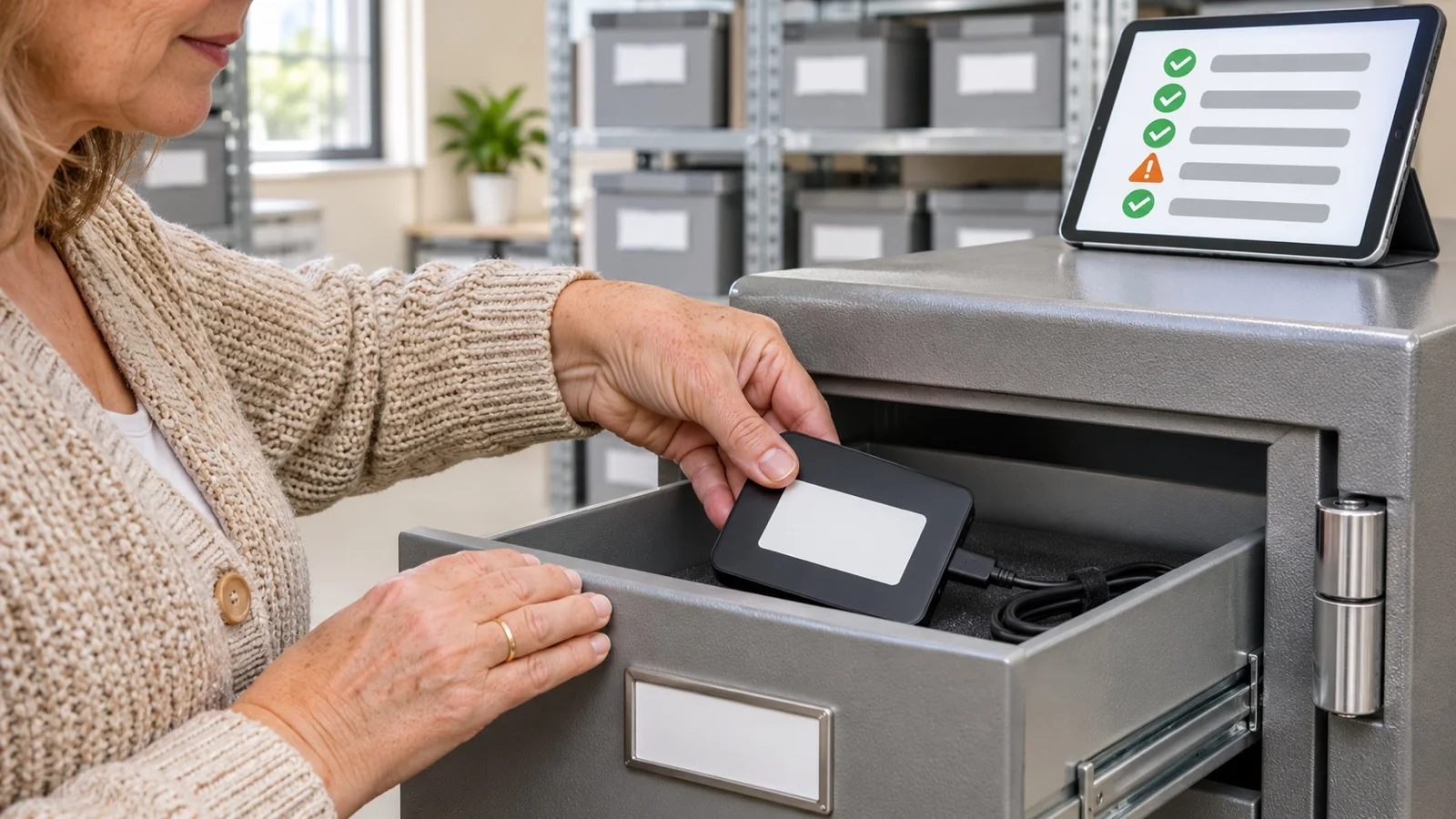
Apply the 3-2-1 rule with an immutable copy to the school software, grades, accounting and administrative files. Then genuinely test the restore, before the start of term and before exams. A backup never restored is only an assumption.
5. Manage devices and computer rooms
Accounts without administrator rights for students, shared PCs reset between sessions, automatic session closure, centralised patching, monitored antivirus or EDR on administrative devices. The institution’s tablets and phones go through a fleet management tool.
6. Plan the fallback mode and train
Write one simple page: who decides, who calls whom, how to inform parents without email, where exam papers and grades are if the system goes down. Our article on the first hour of an incident is a good basis. Rehearse this plan once a year. Add a signed IT acceptable use policy and a phishing awareness programme, starting with administrative staff.
School or university: what changes
| Topic | Primary and secondary school | University, higher education |
|---|---|---|
| Users | Mostly minors, reduced-rights accounts | Mostly adults, multi-factor authentication can be general |
| Common weak point | Minimal security, IT run by one person | Many accounts, personal devices, multiple services |
| Special data | Health, family circumstances | Research, partnerships, application files |
| Network priority | Filtering and strict student / admin separation | Profile-based access across the campus, exposed servers inventoried |
| Critical period | Enrolment, start of term, exams, report cards | Enrolment, exams, thesis defences |
The mistakes we come across
- One WiFi password, known to all for years, giving access to the administration network.
- An admin account shared between management and the IT person, without multi-factor authentication.
- A student file open via public link on a shared space, never reviewed.
- School software with no processing contract or information on where the data is stored.
- A backup on a disk left connected to the server, encrypted with everything else during an attack.
- No offboarding process for visiting lecturers and departed pupils.
Checklist to get started
- Multi-factor authentication active for management, administration and teachers.
- Dormant accounts removed and an annual review date set.
- Administration, student and equipment networks separated by an up-to-date firewall.
- Offline or immutable backup, restore tested before exams.
- Processing activities listed, CNDP formalities checked, provider contracts reviewed.
- Bank detail rule communicated to parents.
- One-page fallback mode, printed and known to management.
How we work
We start with a free initial audit: accounts, network, backups, exposed equipment and providers. We hand you a plan ranked by priority, to deploy during the holidays or without interrupting classes. We can then implement it, through our business cybersecurity in Morocco offering, with Fortinet for the firewall and Veeam for backup. Once in place, the infrastructure is monitored 24/7, and a critical incident is handled in under 15 minutes. Our on-site work is carried out from Casablanca.
Learn about our approach for the education and training sector, then request your free initial audit: we reply within 24 business hours.
Frequently asked questions
Why are schools and universities targeted?
Mostly because they are easy to reach and hold a great many accounts. In its 2025 Cyber Threat Overview, France’s ANSSI describes largely opportunistic attacks and attackers of limited technical skill who exploit the weak security of some secondary schools. That finding concerns France: we know of no equivalent public statistic for Morocco.
Does Law 09-08 apply to a private school?
Yes. It covers any processing of personal data, so student records, parent files, payroll and video surveillance. We found no provision specific to minors in the text published in the Official Bulletin, which is no reason to relax. Have your forms and the way you obtain parental agreement checked by your legal adviser or with the CNDP.
Should students be required to use multi-factor authentication?
Start with staff and administration, then adult students. Younger pupils do not always have a phone: give them reduced rights and no access to management data. Note that Microsoft’s security defaults apply to all users; to target groups you need Conditional Access, which requires at least Entra ID P1.
Are Google or Microsoft education accounts enough to protect the institution?
No. They provide tools that still have to be enabled and managed. With Google, the institution must set users’ age designation, among other things. With Microsoft, security configuration depends on the A1, A3 or A5 licence. Either way, backup, account offboarding, the network, devices and the school management software remain to be handled.
What should we do if an attack hits during exams?
Isolate the affected systems without rushing to power them off, keep the logs, then switch to the fallback mode prepared in advance: exam papers and grades available outside the main system, a backup channel to reach parents, a contact list on paper. Then check that grades have not been altered before any restore or publication.
About the editorial team
ALLSAFE SOLUTIONS
Network, security and cloud engineers
Written by the engineering team at ALLSAFE SOLUTIONS, a managed IT provider founded in Casablanca by network, security and cloud engineers. Our articles draw on the projects we deliver for clients in Morocco and abroad.
LinkedIn