







































IT acceptable use policy for companies: contents, template outline and rollout in Morocco
IT acceptable use policy (charte informatique) in Morocco: what it must contain, link with internal rules, law 09-08 and the DNSSI, template outline and 7-step rollout.

The short answer: an IT acceptable use policy (in French, the charte informatique) is the document that tells employees what they may and may not do with company tools (computer, email, internet, phone, cloud, AI), and what the company monitors. In Morocco, no law requires it of every private company, but it is the piece that ties together three obligations: the internal rules under the Labour Code, the employee information required by law 09-08, and the DGSSI’s security good practice. For it to really work, four conditions apply: short and readable, attached to the internal rules, signed by every user, and enforced by technical settings.
At ALLSAFE SOLUTIONS, we help SMEs in Casablanca and across Morocco write their IT acceptable use policy and, above all, make it real in their tools, as part of our business cybersecurity in Morocco engagements. This guide is not legal advice: have the final text checked by your legal adviser.
Policy, security policy, procedures: keep them separate
Many companies have a thirty-page document nobody has read, mixing rules for employees with instructions for administrators. It is better to separate three levels:
| Document | Audience | Content | Signature |
|---|---|---|---|
| Information security policy | Management, IT team | Objectives, organisation, responsibilities, company security rules | Approved by management |
| IT acceptable use policy | All users, including interns and contractors | Day-to-day usage rules, monitoring, sanctions | Signed by each user |
| Technical procedures | IT team or managed service provider | Account creation, backups, updates, incident response | Internal |
The acceptable use policy is therefore the only one of the three addressed to everyone. It is also the one that commits the employee.
What the Moroccan framework says
No specific law on internet use at work. Interviewed by La Vie éco, a Casablanca lawyer pointed out that no legislation specifically governs internet use at the office, and that courts assess disputes case by case. Hence the value of writing the rules down before a conflict arises.
Internal rules. The Labour Code (law 65-99, article 138) requires internal rules from employers who usually employ at least 10 people. The draft is submitted to staff representatives for their opinion, then sent to the government labour authority for approval. Attaching the IT policy to the internal rules, as lawyers recommend, makes it possible to treat certain breaches as professional misconduct. For a smaller company, the signed policy remains the tool for informing and committing staff.
Law 09-08. Monitoring email, browsing logs or geolocation means processing employees’ personal data. The company must therefore inform them beforehand (article 5 lists the required notices), declare the processing to the CNDP and remain proportionate. We cover these obligations in our guide to law 09-08 and the CNDP. The policy is the natural place to describe these checks.
The DGSSI’s DNSSI. The National Information Systems Security Directive, published by the DGSSI in December 2013 and revised by Head of Government circular no. 2/2023, applies to government bodies, public organisations and critical infrastructure operators. Its “IS usage charter” measure calls for a charter aimed at staff, approved by management, signed by users, which “constitutes an enforceable element in the event of serious breach”. At a minimum it must contain general rules of use, awareness content, what to do in the event of an incident, and the status of private data and devices (removable media, laptops, smartphones). Even if your SME is not subject to it, it is an excellent starting grid. For the wider legal context, see our article on cybersecurity law 05-20.
Template outline of an IT acceptable use policy
Here is the outline we use with our clients. For each chapter, the third column shows the setting that turns the rule into reality; a rule without a technical control is soon forgotten.
| Chapter | What goes in it | What makes it real |
|---|---|---|
| 1. Purpose and scope | Who is covered (employees, interns, contractors), which tools | Up-to-date account list |
| 2. Accounts and passwords | Personal, non-shared account, strong password, two-factor authentication | Password policy, enforced MFA |
| 3. Workstation | Lock when away, no software installation, updates accepted | Standard user rights, automatic lock |
| 4. Email | Business use, care with attachments and links, no automatic forwarding to a personal address | Anti-spam filtering, external forwarding blocked |
| 5. Internet and cloud tools | Reasonable personal use, forbidden categories, approved sharing tools | Web or DNS filtering |
| 6. Generative AI | Approved tools, forbidden data (customers, employees, contracts) | Tool under a business contract, others blocked |
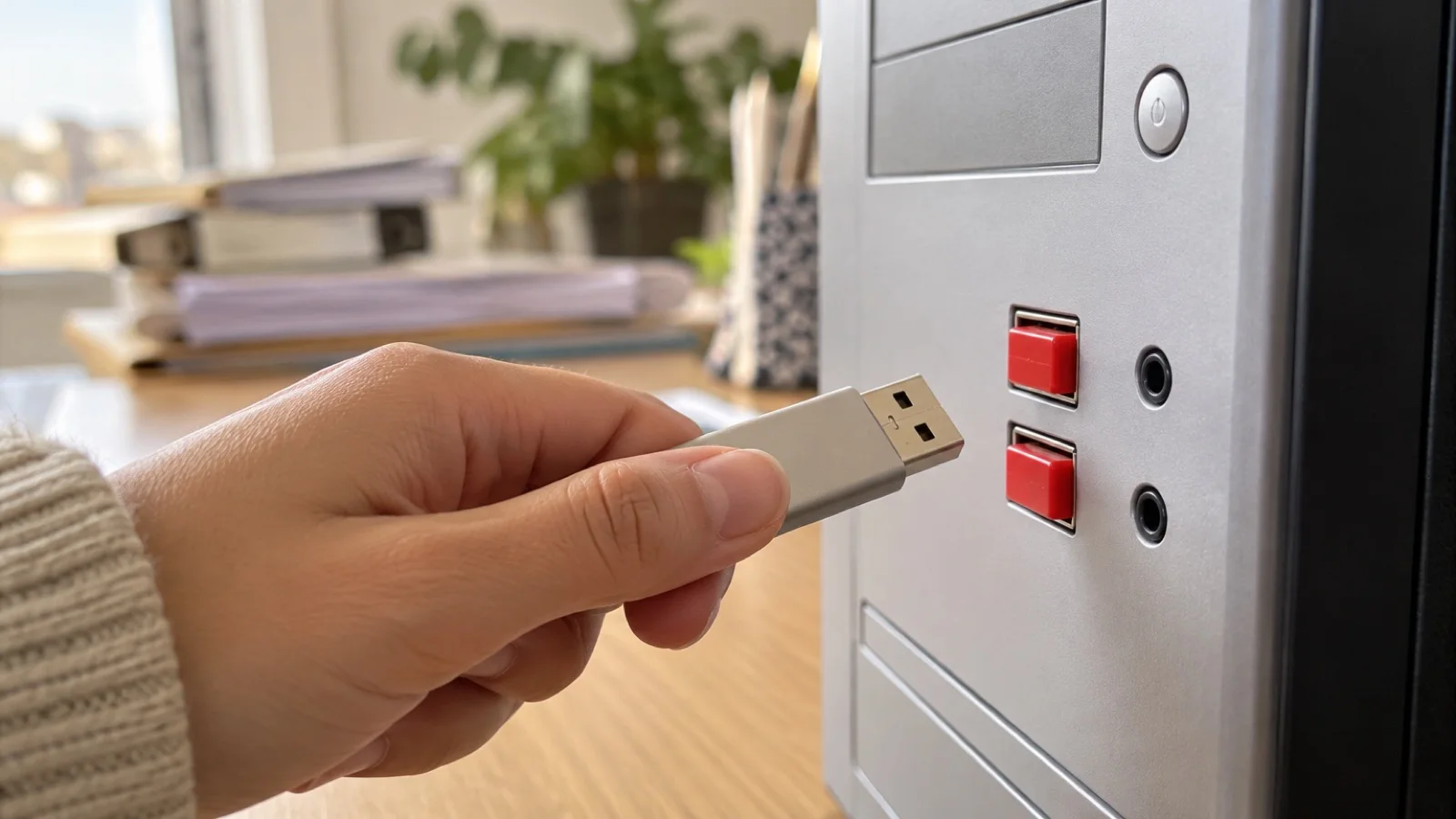
| 7. Removable media and personal devices | Company-supplied USB drives, rules for personal smartphones | Device control, MDM |
| 8. Remote work and mobility | VPN connection, home network, confidentiality in public places | VPN with MFA, laptop encryption |
| 9. Security incidents | Who to alert, how, immediately, delete nothing | Single contact known to all |
| 10. Company monitoring | What is logged, why, by whom, for how long | Firewall and email logs, CNDP declaration |
| 11. Leaving the company | Return of equipment, end of access, handling of personal data | Leaver procedure with same-day deactivation |
| 12. Sanctions and effective date | Reference to internal rules, date, signature | Archived acknowledgement |
Several chapters point to our detailed guides: password policy and password managers, rolling out two-factor authentication, USB drive and removable media security, governing generative AI and shadow IT and smartphone management with MDM.
What not to write
Problematic policies often share the same flaws:
- Unrealistic bans. “No personal internet use” is respected by nobody and weakens the rest of the text. Reasonable personal use that harms neither work nor security is more credible.
- Unannounced monitoring. A check an employee discovers by chance destroys trust and weakens the company in a dispute. Everything that is logged must be described.
- Rules IT does not enforce. Banning USB drives while leaving every port open, or requiring two-factor authentication without enforcing it in Microsoft 365 or Google Workspace.
- Unreadable legal text. The policy is addressed to the assistant as much as the salesperson. Short sentences, concrete examples, plain vocabulary.
- Forgetting contractors and interns. They often hold the least monitored accounts.
- A frozen policy. Written before remote work, before generative AI, never reread since.
Rolling out the policy in 7 steps
- Take stock: tools in use, accounts, personal devices, remote access, rules already applied. An IT audit provides this starting point.
- Draft a short first version from the template outline, with management, HR and IT.
- Check technical consistency: does every rule have a matching setting? If not, plan it or remove the rule.
- Get legal sign-off on the text, its link with the internal rules and the CNDP declaration of monitoring processing.
- Consult staff representatives when the policy is attached to the internal rules, following the Labour Code procedure.
- Present the policy in person, not just by email, then collect each user’s signature or acknowledgement. Make it part of onboarding for new hires.
- Review the policy regularly, with each new tool or use, and back it with a phishing awareness programme.
The incident chapter: the most useful of all
If your employees remember only one page, make it this one. In a few lines it must say: who to report a dubious click, an opened attachment, a lost computer or a suspicious message to; how (a phone number and an address, always the same); and what not to do (switch off the computer and wipe everything, or wait until the next day for fear of being sanctioned). State explicitly that a prompt report is never sanctioned: that is what saves time against ransomware. Our guide incident response: the first hour covers what happens next on the IT side.
Checklist for your IT acceptable use policy
- The text can be read in full without effort and uses concrete examples.
- It covers employees, interns and contractors.
- Passwords, two-factor authentication, email, internet, cloud and generative AI are covered.
- The status of personal devices and removable media is clear.
- The checks carried out by the company are described, with their purpose.
- Monitoring processing is declared to the CNDP.
- What to do in an incident fits on one page.
- The leaver procedure ends access on the same day.
- The policy is attached to the internal rules and signed by each user.
- Every rule matches a technical setting in place.
How we work
We start with a free initial audit of your tools and actual practices, then write with you a policy suited to your size and business. Above all, we apply the settings that make it effective: two-factor authentication, limited rights on workstations, web filtering, blocking of external email forwarding, smartphone management, laptop encryption, onboarding and leaver procedures. As part of our managed IT services in Morocco, these settings stay monitored 24/7, and a critical incident is handled in under 15 minutes.
See our cybersecurity offering, then request your free initial audit: we reply within 24 business hours.
Frequently asked questions
Is an IT acceptable use policy mandatory in Morocco?
No law requires every private company to have one. However, the DGSSI’s DNSSI requires an IT usage charter signed by users in government bodies, public organisations and critical infrastructure operators. For a private company, it is the simplest way to make the rules enforceable with employees and to inform staff about monitoring, as law 09-08 requires.
Should the policy be attached to the company’s internal rules?
That is the practice Moroccan lawyers recommend: attached to the internal rules (règlement intérieur), the policy makes it possible to treat certain breaches as professional misconduct. The Labour Code requires internal rules for employers with at least 10 employees, submitted to staff representatives for their opinion and to the labour authority for approval. Have the text checked by your legal adviser.
Can an employer monitor employees’ email and browsing?
It can put in place checks proportionate to a legitimate aim, such as information system security, provided staff are informed beforehand and law 09-08 is respected, which requires in particular informing data subjects and declaring the processing to the CNDP. Hidden or disproportionate monitoring exposes the company. The policy is where these checks are described.
What should an IT acceptable use policy contain at a minimum?
Scope, rules for using the computer, email and the internet, passwords and two-factor authentication, removable media and personal devices, use of cloud tools and generative AI, what to do in an incident, the checks carried out by the company, rules when an employee leaves, and sanctions. The DNSSI also lists awareness content and the status of private devices.
How long should the policy be?
There is no required length. Our advice: a document everyone can read in full, written in plain language, backed by separate technical procedures for the IT team. A policy nobody reads protects neither the company nor its employees.
About the editorial team
ALLSAFE SOLUTIONS
Network, security and cloud engineers
Written by the engineering team at ALLSAFE SOLUTIONS, a managed IT provider founded in Casablanca by network, security and cloud engineers. Our articles draw on the projects we deliver for clients in Morocco and abroad.
LinkedIn