








































XCP-ng and Xen Orchestra: the open-source VMware alternative few people know
XCP-ng and Xen Orchestra: open-source virtualisation derived from XenServer, built-in backup, migration from VMware. An SMB guide from Morocco.
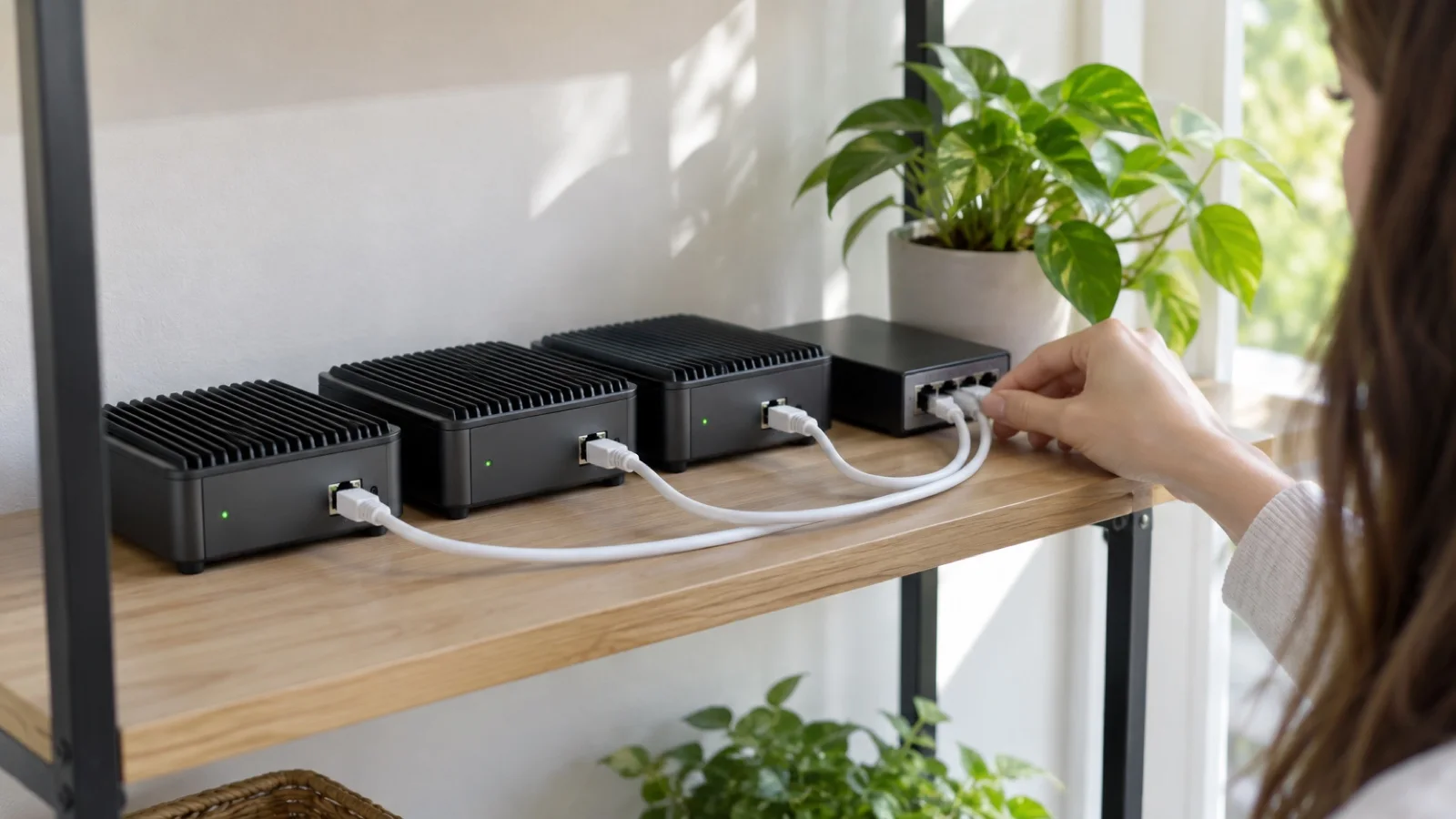
If you want to leave VMware or replace an old XenServer without signing up for another proprietary licence, XCP-ng belongs on your shortlist. It is a fully open-source virtualisation platform derived from Citrix XenServer, developed and supported by the French vendor Vates. Paired with Xen Orchestra, its management interface, it covers what an SMB needs: several servers in a pool, live migration, high availability and, above all, built-in backup that often removes the need for separate software.
Proxmox gets the spotlight, and we deploy it often. But XCP-ng is a solid second option that we happily recommend in some cases. Here is how it works, when to choose it, how to migrate and the mistakes to avoid.
Where XCP-ng comes from
XenServer was Citrix’s hypervisor, widespread in enterprises until its licensing model closed. XCP-ng is its community edition, fully open source, with the same proven foundations: the Xen hypervisor, also used by large public clouds.
For a business, this means three things. The code is open, so there is no per-processor or per-core licence to buy again. The technology is not experimental: Xen has been running in demanding production environments for a long time. And there is a vendor behind the project, Vates, which offers support contracts: you are not alone with a forum on the day of an incident.
Xen Orchestra, the control centre
XCP-ng is driven by Xen Orchestra, a web interface that brings together the administration of several server pools. It covers:
- Virtual machine management: creation, templates, snapshots, consoles.
- Live migration: moving a machine from one server to another without stopping it, storage included.
- Pool updates: applying patches server by server, moving machines along the way.
- Built-in backup: full and delta backups, continuous replication to a second site, file-level restore, export to a network share or object storage.
Xen Orchestra comes in two forms. The appliance provided by Vates, ready to use and covered by support. And a version built from sources, free but without vendor support. For a business in production, we recommend the former: it guarantees vendor help on backup, precisely the part you cannot afford to see fail.
XCP-ng, Proxmox, VMware: the comparison
| Criterion | XCP-ng + Xen Orchestra | Proxmox VE | VMware vSphere |
|---|---|---|---|
| Licence | Open source, optional Vates support | Open source, optional support subscription | Proprietary, subscription |
| Hypervisor | Xen | KVM | ESXi |
| Hyper-converged storage | XOSTOR, newer | Built-in Ceph, widely used | vSAN, licensed |
| Containers | Not native | Built-in LXC | Not native as standard |
| Backup | Built into Xen Orchestra | Proxmox Backup Server or Veeam | Third-party software required |
| Vendor support | European (France) | European (Austria) | American |
| Ideal profile | Former XenServer users, remote sites, all-in-one backup | Hyper-converged clusters, containers, large community | Existing estate with skills and budget |
This table does not name a winner: it shows that the two open-source alternatives have different strengths.
When we recommend it
- You come from XenServer and want to keep your habits, templates and procedures without paying licences again.
- You want European vendor support with a real contract, which Vates provides.
- You want a stable platform for a remote site or a branch, managed remotely from a single console.
- You want all-in-one backup, driven from the same interface as virtualisation, with no extra product to maintain.
When we prefer Proxmox
For hyper-converged storage, Proxmox integrates Ceph natively while XCP-ng relies on the newer XOSTOR. For LXC containers or a very large community, Proxmox also has the edge. This is the architecture we describe in our guide to a Proxmox and Ceph high-availability cluster. Both platforms are good: we choose based on your environment, your teams and the support you expect.
Migrating from VMware or XenServer: the method
- Inventory every virtual machine: operating system, role, dependencies, acceptable downtime window, business owner.
- Size the target: number of servers, memory, shared storage or XOSTOR, dedicated storage network, with headroom to absorb the loss of one node.
- Build the XCP-ng pool, install Xen Orchestra and configure backup before the first migration, not after.
- Test on copies: import a low-criticality machine from VMware ESXi or vCenter with the Xen Orchestra import tool, then check boot, network and applications.
- Install guest tools in every migrated machine, for drivers and for reporting to Xen Orchestra.
- Cut over in waves, least critical machines first, with a planned rollback for each one.
- Put it under monitoring and restore a full machine from backup before declaring the migration complete.
For an old XenServer, the path is more direct: the shared technical lineage often allows an upgrade to XCP-ng. You still need to check the compatibility of the installed version and back up before any operation.
Common mistakes
- A single server: without a second node, there is no live migration and no recovery from a hardware failure. You changed hypervisor, not resilience level.
- Two servers with no shared storage and no thought given to high availability: automatic failover does not work the way people imagined.
- Backups on the same storage as the virtual machines: if the storage fails or is encrypted by ransomware, everything goes together.
- No restore tests: a “successful” job in Xen Orchestra does not prove a machine will boot.
- Xen Orchestra built from sources in production, without support, then never updated.
- Guest tools forgotten after a VMware migration: degraded performance and missing information in the console.
- No monitoring: a disk filling up or a backup failing silently for weeks.
Checklist before going live
- At least three nodes, or a written justification if the site only has two.
- Storage network separated from the user network.
- Xen Orchestra under vendor support, and kept up to date.
- Backups scheduled following the 3-2-1 rule with an immutable copy, including one off site.
- File-level and full-machine restores tested and timed.
- Guest tools installed on every virtual machine.
- Monitoring of servers, storage and backup jobs, with alerts sent to an on-call engineer.
- Pool update procedure documented.
- Recovery scenario written into your disaster recovery plan.
In both cases: the minimum architecture
Whether you choose XCP-ng or Proxmox, the fundamentals do not change: a three-node cluster minimum, a dedicated storage network, immutable off-site backup and monitoring. If you already have Veeam licences or teams trained on it, it remains a relevant option; see our Veeam best practices for virtual machines.
How we do it
We start with an audit of your environment: virtual machines, storage, backups, current licences and your team’s skills. We then recommend XCP-ng or Proxmox according to your constraints, with a written target architecture. We build the cluster, configure backup, migrate in waves with a planned rollback, then operate the platform: 24/7 monitoring, updates, regular restore tests and capacity reviews. All of this is part of our virtualisation and servers offering, alongside our Proxmox and Veeam partnerships. You can browse our case studies for comparable projects.
Torn between XCP-ng, Proxmox or staying on VMware? Contact us: the initial audit is free, and we reply within 24 business hours.
Frequently asked questions
Is XCP-ng a good VMware alternative for an SMB?
Yes: it runs on the Xen hypervisor, also used by large public clouds, and Vates offers a real support contract. It suits companies coming from XenServer, those who want European vendor support and remote sites that need a stable platform.
Do you need separate backup software with XCP-ng?
Usually not: Xen Orchestra includes full and delta backups, replication to a second site, file-level restore and export to object storage. You still need to apply the 3-2-1 rule, keep an immutable off-site copy and test restores.
XCP-ng or Proxmox: which one to choose?
Proxmox has the edge for hyper-converged storage thanks to built-in Ceph, for LXC containers and for its large community; XCP-ng relies on the newer XOSTOR and on very complete backup in Xen Orchestra. The choice depends on your environment, your team's skills and the support you expect.
Can you migrate VMware virtual machines to XCP-ng?
Yes. Xen Orchestra includes an import tool for VMware ESXi or vCenter. The migration is prepared machine by machine: inventory, test on a copy, guest tools installation, scheduled cutover and a planned rollback.
About the editorial team
ALLSAFE SOLUTIONS
Network, security and cloud engineers
Written by the engineering team at ALLSAFE SOLUTIONS, a managed IT provider founded in Casablanca by network, security and cloud engineers. Our articles draw on the projects we deliver for clients in Morocco and abroad.
LinkedIn