




































WatchGuard Firebox for SMBs: T and M series, Total Security Suite and cloud management
Firebox T115-W, T125, T145, T185, M295, M395, Basic or Total Security Suite, WatchGuard Cloud: our guide to choosing and running a Firebox in Morocco.
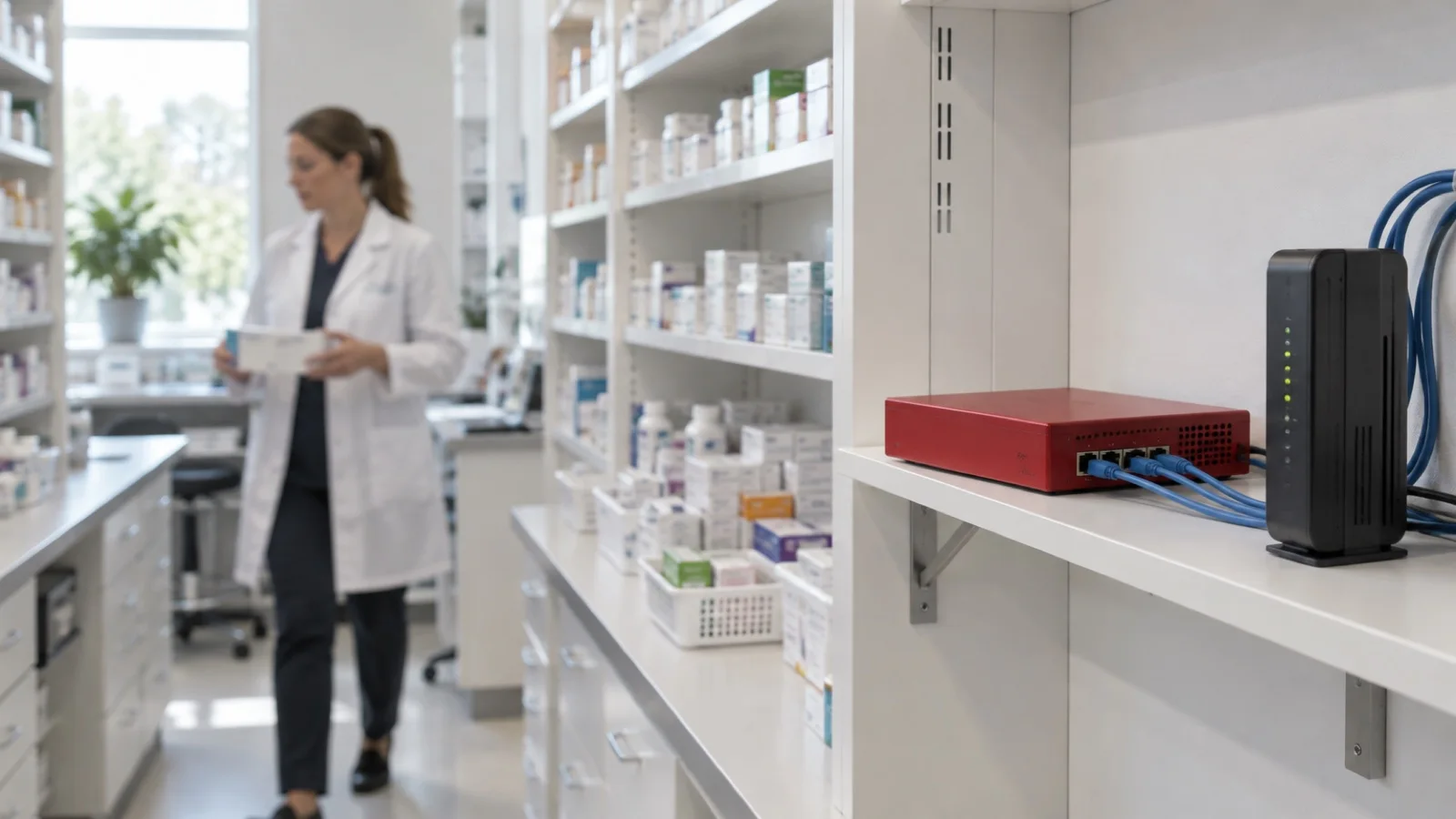
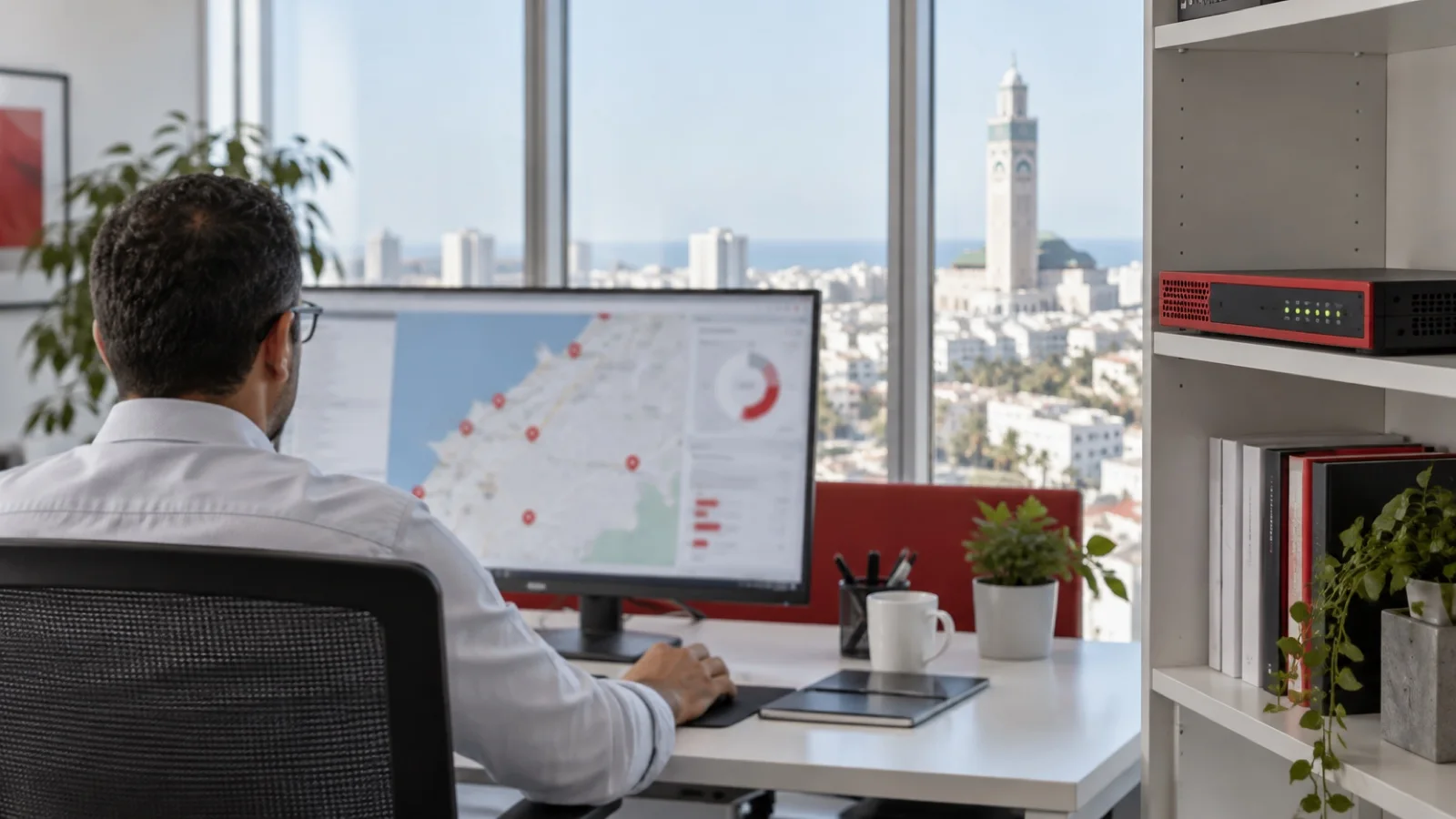
WatchGuard is our second reference firewall, alongside Fortinet. We are a WatchGuard partner and we recommend it to SMBs that want complete security with accessible administration, without a network engineer on staff. You still need to pick the right model, the right licence, and configure the appliance so it actually protects you. Here is the range, how we choose, the settings we apply and the mistakes we come across most often.
The ranges in a nutshell
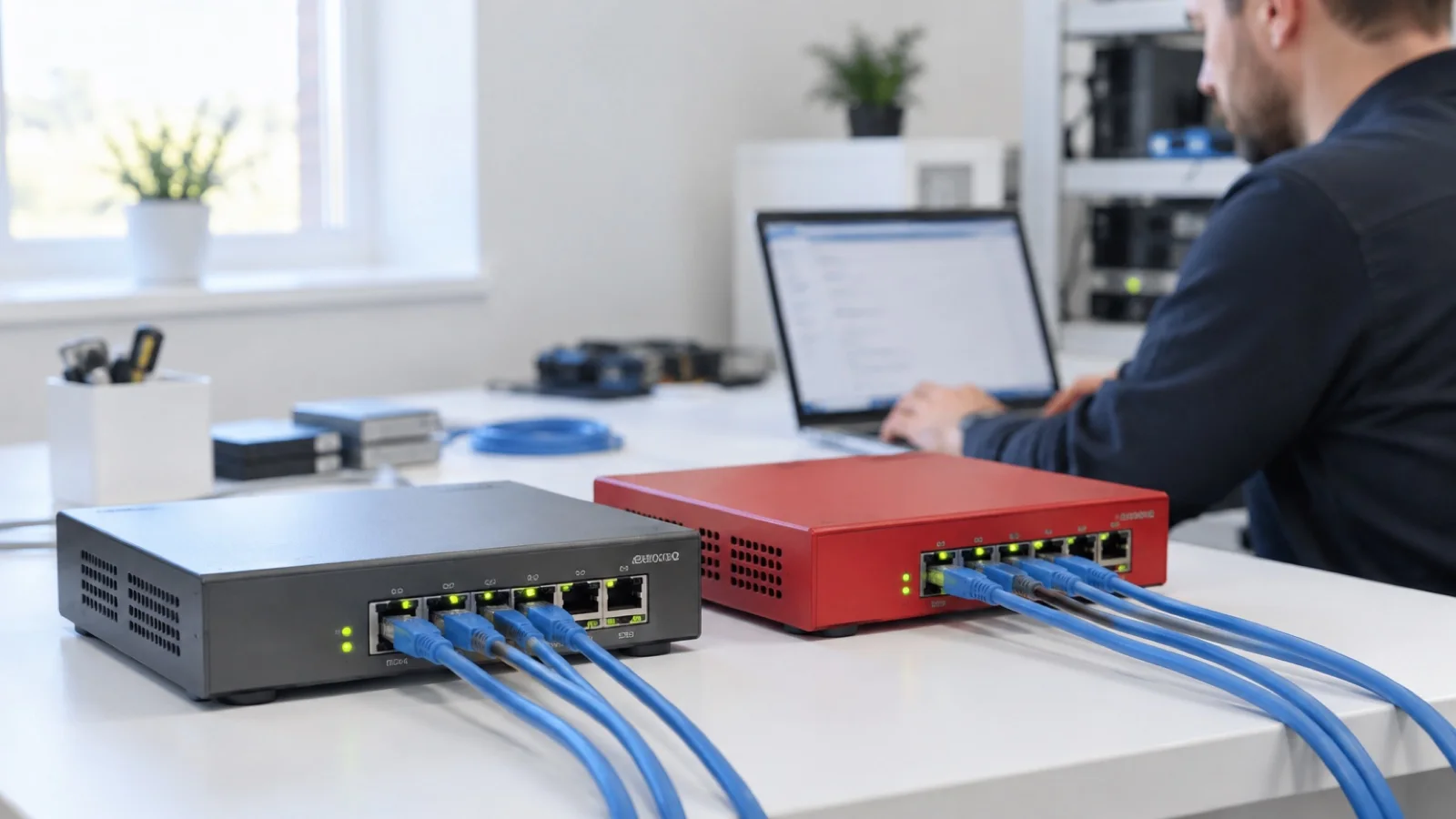
- Firebox T, desktop: the new generation includes the T115-W, T125, T145 and T185. The T115-W, T125-W and T145-W include Wi-Fi 7; the T185 adds two PoE+ ports to power an access point or small device. Compact and discreet, they account for most of our SMB and branch deployments.
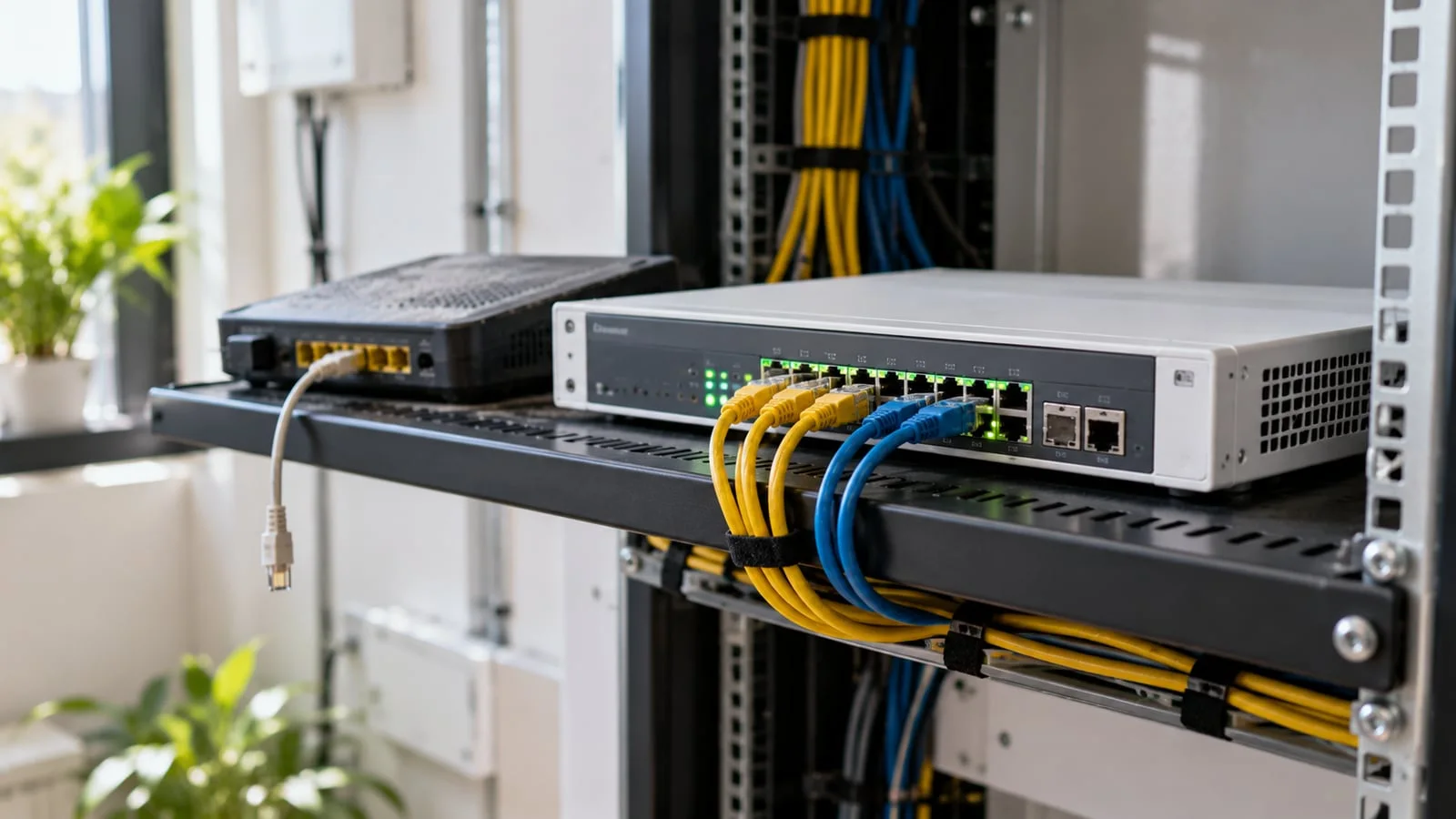
- Firebox M, rackmount: M295, M395 and higher models for larger headquarters, with more 2.5 GbE ports and SFP+ fiber ports.
- FireboxV and Firebox Cloud: virtual editions for hypervisors and public clouds such as Azure or AWS, useful to protect a virtualised infrastructure like those we describe in Proxmox and Ceph high availability. Check exact compatibility with your hypervisor before choosing this option.
The figures below are those published by WatchGuard on its official comparison tool: they are maximum values, and your real throughput will be lower.
| Model | WatchGuard guidance | UTM (full scan) | HTTPS (full scan) | Interfaces | How we use it |
|---|---|---|---|---|---|
| Firebox T115-W | 5 users | 280 Mbps | 140 Mbps | 3 x 1 GbE, Wi-Fi 7 | Freelancers, micro offices |
| Firebox T125 / T125-W | 25 users | 510 Mbps | 270 Mbps | 1 x 2.5 GbE, 4 x 1 GbE | Branches, small firms, shops |
| Firebox T145 / T145-W | 50 users | 710 Mbps | 380 Mbps | 1 x 2.5 GbE, 4 x 1 GbE, 1 x SFP/SFP+ | Our most frequent SMB choice |
| Firebox T185 | 100 users | 1.83 Gbps | 1 Gbps | 4 x 1 GbE, 4 x 2.5 GbE (2 PoE+), 1 x SFP/SFP+ | Large branches, busy SMBs |
| Firebox M295 | 100 users | 1.85 Gbps | 1.12 Gbps | 4 x 2.5 GbE, 4 x 1 GbE, 2 x SFP+ | Headquarters carrying branch VPNs |
| Firebox M395 | 250 users | 3 Gbps | 1.9 Gbps | 12 x 2.5 GbE, 2 x SFP, 2 x SFP+ | Large multi-site headquarters |
| FireboxV / Firebox Cloud | Depends on instance | Depends on instance | Depends on instance | Virtual | Protecting virtualised servers |
The previous generation (T25, T45, T85, M290, M390) is still widely installed. To replace it, compare published throughput rather than model numbers: the model-by-model detail is in our guide Firebox T125, T145, T185 or M295: which model to choose.
How to size a Firebox
As with Fortinet, the figures that matter are not the datasheet’s firewall throughput but the UTM throughput, measured with every protection enabled, and the HTTPS throughput, measured with encrypted traffic inspection. Those are the ones to compare with your needs. Five criteria move you up or down a model.
- Users and devices, with 30% headroom for growth. IP phones, cameras and printers go through the firewall too.
- Remote work: every VPN tunnel consumes capacity, and a headquarters carrying its branches’ tunnels must be sized accordingly.
- Internet links: UTM throughput must cover the sum of active links, main fiber and backup included. Choose the fiber before the firewall, as we explain in business fiber in Morocco.
- Segmentation: once endpoints, servers and guest WiFi are separated, internal traffic crosses the Firebox and adds to internet traffic.
- Ports: SFP+ fibers, 2.5 GbE ports, 4G backup, switches, access points to power over PoE.
Basic or Total Security Suite
The appliance is sold with a multi-year subscription. The entry level, Standard Support, only covers firewall, VPN, SD-WAN and Access Portal: no security services.
- Basic Security Suite: the essential protections, including intrusion prevention, gateway antivirus, WebBlocker web filtering, spamBlocker and application control, with 45 days of logs in WatchGuard Cloud. Can be enough for a small site without sensitive data.
- Total Security Suite: all of the above, plus APT Blocker to analyse unknown files, DNSWatch for DNS filtering, IntelligentAV, ThreatSync XDR to correlate alerts, EDR Core on endpoints, 365 days of logs and Gold 24x7 support. It is what we install in the vast majority of cases: against ransomware, these are precisely the layers that make the difference.
| Suite | For whom | Our view |
|---|---|---|
| No subscription or Standard Support only | Nobody | Avoid: the Firebox routes but does not filter threats |
| Basic Security Suite | Small site, no sensitive data | Acceptable, to revisit as you grow |
| Total Security Suite | Most SMBs | The default choice |
Over several years, the subscription weighs heavily in total cost: compare quotes over the full term, hardware and licences, and write down the renewal date. A Firebox with a lapsed subscription keeps passing traffic but stops updating.
What WatchGuard does particularly well
- WatchGuard Cloud: administration, logs and reports for every site in a single console, with no server to install. Ideal for a network of branches.
- AuthPoint: WatchGuard’s MFA, integrated with VPN, remote desktop and cloud apps, with a simple mobile app. We cover it in our MFA guide.
- Readable reports: dashboards that speak to a manager, not only to an engineer.
- Managed WiFi access points from the same console, with the same security rules.
The settings we apply to every Firebox
A well-chosen Firebox only protects you if it is well configured. Our baseline:
- Administration restricted to internal networks, named accounts, MFA.
- Fireware on a stable release, with a scheduled maintenance window.
- HTTPS content inspection on outbound rules, with the certificate deployed to endpoints and documented exceptions.
- Security services enabled on every rule towards the internet, not only the first one.
- Segmentation into separate networks: endpoints, servers, telephony, cameras, guest WiFi.
- Geolocation to block inbound traffic from countries unrelated to your business.
- VPN with AuthPoint, access limited to the resources needed.
- Logs sent to WatchGuard Cloud, configuration backed up after every change.
The logic is the same as on a FortiGate: we detail it point by point in the 10 FortiGate security settings.
The mistakes we fix most often
- A model chosen on firewall throughput, saturated as soon as HTTPS inspection is turned on.
- HTTPS inspection disabled “because it causes problems”, leaving antivirus and APT Blocker blind to most traffic.
- A subscription expired for months without anyone noticing.
- AuthPoint purchased but never deployed on the VPN.
- A flat network where an infected laptop sees the servers and backups directly.
- No report ever read: alerts pile up in the console unseen.
Checklist before ordering
- Number of users, devices and remote workers, 30% headroom included.
- The model’s UTM throughput compared with the sum of your internet links.
- Internal traffic between segmented networks taken into account.
- Required ports listed, PoE included.
- Security suite chosen, subscription term and renewal date written down.
- AuthPoint planned for VPN and remote access.
- Migration plan for existing rules and a cut-over window agreed.
Firebox or FortiGate
We offer both, and the choice depends on context, as detailed in FortiGate or WatchGuard for an SMB. In short: FortiGate, which we deploy as a Fortinet partner, for complex, multi-site networks and advanced SD-WAN; Firebox for SMBs that want a clear console, integrated MFA and simple delegated administration.
How we do it
- Audit of the existing network and traffic, free of charge.
- Model selection with 30% growth headroom, usually Total Security Suite.
- Configuration: segmentation, HTTPS inspection, DNS filtering, geolocation, VPN with AuthPoint.
- Cut-over outside business hours to avoid any outage.
- Connection to WatchGuard Cloud and to our 24/7 monitoring, with critical alerts handled in under 15 minutes.
- Monthly report folded into your managed services contract.
This deployment is part of our business cybersecurity offering, complemented where needed by EDR on endpoints. You will find anonymised examples in our case studies. To choose your Firebox based on your real traffic, contact us: we reply within 24 business hours.
Frequently asked questions
Basic or Total Security Suite: which WatchGuard licence should I choose?
Basic Security Suite covers the essential protections and can be enough for a small site without sensitive data. Total Security Suite adds APT Blocker, DNSWatch, IntelligentAV, ThreatSync XDR and EDR Core, among others: it is what we install in the vast majority of our deployments.
What real throughput can I expect from a Firebox?
Much less than the headline firewall throughput. Compare the datasheet's UTM throughput, measured with protections enabled, with the sum of your internet links and your internal traffic between segmented networks.
What happens if the WatchGuard subscription expires?
The Firebox keeps routing traffic, but its security services stop receiving updates and stop protecting you. Write down the renewal date and have it monitored.
Firebox or FortiGate: which one for an SMB?
FortiGate for complex, multi-site networks and advanced SD-WAN; Firebox for SMBs that want a clear console, MFA built in with AuthPoint and simple delegated administration. We deploy both.
About the editorial team
ALLSAFE SOLUTIONS
Network, security and cloud engineers
Written by the engineering team at ALLSAFE SOLUTIONS, a managed IT provider founded in Casablanca by network, security and cloud engineers. Our articles draw on the projects we deliver for clients in Morocco and abroad.
LinkedIn