WatchGuard Cloud: managing your Fireboxes remotely (or locally)
WatchGuard Cloud or local management (Fireware Web UI, WSM): what changes, available features, FireCluster, VPN, logs and reports, migration. Our guide.
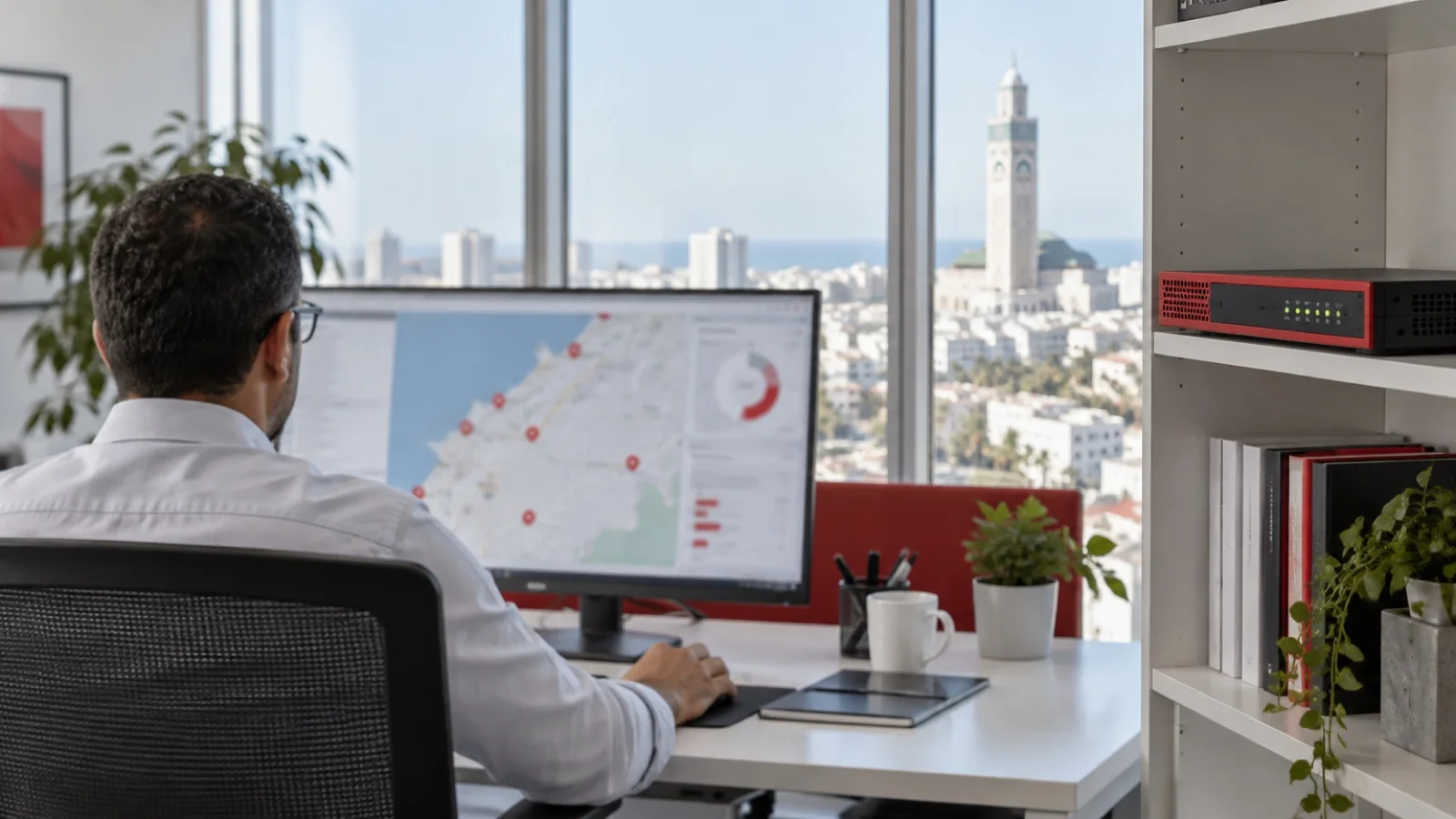
The short answer: a WatchGuard Firebox firewall can be managed in WatchGuard Cloud, WatchGuard’s online console, or managed locally with Fireware Web UI, WatchGuard System Manager (WSM) or the command line. In the first case, the whole configuration lives in the cloud. In the second, you keep configuring the appliance as before, and add it to WatchGuard Cloud for monitoring, logs and reports. For an SMB or a branch network, we recommend cloud management for most new deployments; local management remains justified when you need a feature the cloud does not offer.
Choosing the model and licence is covered in our WatchGuard Firebox guide for SMBs. This guide is about day-to-day administration: what each mode allows, what it does not, and how to move from one to the other. The information quoted comes from WatchGuard’s documentation. We administer Fireboxes in both modes as a WatchGuard partner in Morocco.
The three administration tools
- WatchGuard Cloud: the online console, with no server to install. It brings together Fireboxes, AuthPoint MFA, endpoint protection, WiFi access points and ThreatSync. It is multi-tenant, which lets a provider manage several companies separately.
- Fireware Web UI: the web interface built into every Firebox. Simple and always available, but limited to one appliance at a time.
- WatchGuard System Manager (WSM): the long-standing Windows application, with Policy Manager for rules and the Management Server to manage several Fireboxes and templates. WatchGuard continues to develop the Management Server; however, WSM’s former log, report and quarantine servers were removed from version 12.9 onwards. For on-premises logs and reports, WatchGuard points to Dimension, a virtual machine for VMware or Hyper-V.
What both modes share
Whether cloud-managed or locally managed, a Firebox added to WatchGuard Cloud gets the same monitoring: device status, logs, reports, firmware upgrades, system actions and data sent to ThreatSync, the XDR layer that correlates firewall and endpoints. Sending to a syslog server, Dimension, SNMP or NetFlow remains possible in both modes. What changes is where you edit the configuration.
Cloud or local management: the comparison
| Feature | WatchGuard Cloud | WSM | Fireware Web UI |
|---|---|---|---|
| Configuring several Fireboxes with templates | Yes | Yes | No |
| Scheduling and deferred deployment of changes | Yes | No | No |
| Reverting to a previously deployed configuration | Yes | No | No |
| Managing Firebox backups | No | Yes | Yes |
| Active/passive FireCluster | Yes | Yes | No |
| Active/active FireCluster | Not planned | Yes | No |
| SD-WAN | Yes | Yes | Yes |
| Mobile VPN with IKEv2 and SSL | Yes | Yes | Yes |
| Mobile VPN with IPSec and L2TP | Not planned | Yes | Yes |
| BOVPN failover between cloud-managed Fireboxes | Yes | No | No |
| Explicit proxy, quotas | No | Yes | Yes |
| Drop-in mode, Firebox built-in WiFi controller | Not planned | Yes | Yes |
Source: WatchGuard’s “Firebox Feature Comparison — Locally-Managed and Cloud-Managed”. The list changes with each release: before any decision, we check the row that concerns you on the current page.
Other structural differences in cloud management: no “Optional” security zone, proxy actions cannot be customised, a single exceptions configuration shared by all policies, and site-to-site VPNs based on virtual interfaces (route-based), in addition to policy-based VPNs. Some features, such as inbound inspection or server load balancing, are announced as planned but not yet available.
What cloud management really brings
- Multi-site without a server: a head office and its branches are configured from the same console, with templates applied to several appliances. This is the big difference from Fireware Web UI.
- Scheduled changes: you prepare a change, then deploy it at the time of your choice, for example outside production hours.
- Rollback: you can revert to a previously deployed configuration.
- Site-to-site VPN failover between cloud-managed Fireboxes.
- Natural integration with AuthPoint, endpoint protection and ThreatSync, in the same console.
For interconnected branches, the topic overlaps with SD-WAN, which we cover on the Fortinet side in FortiGate multi-site SD-WAN and across vendors in FortiGate or WatchGuard for an SMB.
When to keep local management
Local management remains the right choice if you use a feature missing from the cloud: Mobile VPN with IPSec with per-group profiles, explicit proxy, quotas, drop-in mode, active/active FireCluster or the Firebox built-in WiFi controller. It also suits a team that already has its habits and templates in WSM. In that case, we still add the Firebox to WatchGuard Cloud for visibility and reports: you keep the local configuration and gain centralised monitoring.
Which mode for which company
| Your situation | Our recommendation |
|---|---|
| New Firebox, single site, no in-house network team | Cloud management |
| Head office and several branches to connect and administer together | Cloud management, with templates |
| Existing Firebox with per-group IPSec profiles, or explicit proxy | Local management, added to the cloud for monitoring |
| High availability with active/active FireCluster | Local management with WSM |
| In-house team already trained on WSM, with its own templates | Local management, reassessed at each renewal |
| Need for on-premises logs, outside the cloud | Local management with Dimension, or alongside the cloud |
This table reflects our practice, not a vendor rule. The right answer depends mostly on the features actually used on your appliances, which is why our audit always starts with an inventory of them. One reassuring point: the choice is not final. A locally-managed Firebox can move to the cloud later, and the reverse remains possible.
Licences and log retention
To be added to WatchGuard Cloud, a Firebox must have an active licence: Total Security Suite, Prime Security Suite, Basic Security Suite or Standard Support. Data retention depends on that licence.
| Licence | Logs (Log Manager, Log Search) | Reports |
|---|---|---|
| Standard Support | No logs sent | None |
| Basic Security Suite | 45 days | 1 day |
| Prime Security Suite | 90 days | 7 days |
| Total Security Suite | 365 days | 30 days |
Source: WatchGuard’s “About Firebox WatchGuard Cloud Licenses” page. A Data Retention licence, specific to each Firebox model, adds days to these periods. For a business owner, this matters: without retained logs, an incident cannot be reconstructed after the fact. With Standard Support, there are no logs or reports in the cloud. If the Basic or Total subscription of a cloud-managed Firebox expires, a seven-day grace period starts, during which logs keep arriving.
Reports can be scheduled for regular distribution. We include them in the monthly report described in IT monitoring: the KPIs to track.
Moving an existing Firebox to cloud management
This is the most underestimated point: the local configuration is not converted. WatchGuard states that you cannot convert a locally-managed Firebox configuration during the initial move to the cloud. You must create a new one, from scratch or by copying that of another Firebox in the same account already managed in the cloud, with the same licence. After the move, you can import some items from the local file: networks, aliases, routes and syslog servers.
The approach recommended by WatchGuard, which we follow:
- Back up the current local configuration file.
- Upgrade Fireware to a recent version.
- First add the Firebox to the cloud for monitoring, then run the Policy Usage Report to spot unused policies.
- Start the change to cloud management and build the new configuration. Until the first cloud configuration is deployed, the Firebox keeps running with the old one.
- Schedule the deployment at a quiet time, then test every flow: internet, VPN, telephony, applications.
If needed, you can roll back by removing the Firebox from cloud management in the device settings: it becomes locally managed again with the last deployed configuration. Be careful not to confuse this with removing the device from the account entirely.
The mistakes we fix
- A move to the cloud without an inventory of features in use, discovering too late that an IPSec VPN or explicit proxy is not available there.
- Rules copied one by one without clean-up, instead of using the move to remove what is no longer needed.
- A Firebox on Standard Support whose logs are believed to be kept in the cloud.
- Changes made directly on the appliance while the cloud configuration is being prepared, then lost.
- Scheduled reports that nobody reads.
- Shared admin accounts in WatchGuard Cloud, without MFA or a role defined per person.
Checklist before choosing the management mode
- List of features in use: VPN types, proxy, quotas, FireCluster, WiFi.
- Number of sites and Fireboxes to administer.
- Licence of each Firebox and required log retention.
- Fireware version of each appliance.
- Backup of the local configuration and Policy Usage Report.
- Cutover window and rollback plan.
- Named admin accounts, with MFA.
How we do it
We start with a free initial audit of your Fireboxes: models, licences, versions, features in use. We then recommend the management mode, prepare the new configuration while cleaning up rules, and schedule the cutover outside production hours, site by site. Admin accounts are named and protected by AuthPoint, logs are kept according to your licence, and Fireboxes are monitored 24/7, with critical incidents handled in under 15 minutes.
This service is part of our network infrastructure and WiFi offering and our business cybersecurity in Morocco offering. For remote worker access, read WatchGuard VPN: Mobile VPN IKEv2, SSL and remote work. Request your free initial audit: we reply within 24 business hours.
Frequently asked questions
What is the difference between a cloud-managed and a locally-managed Firebox?
Where the configuration is edited. A cloud-managed Firebox is configured only in WatchGuard Cloud. A locally-managed Firebox is configured with Fireware Web UI, WatchGuard System Manager or the command line. In both cases, it can send its logs to WatchGuard Cloud for monitoring, reports and ThreatSync.
Can the existing configuration be converted when moving to the cloud?
No, not during the initial move. WatchGuard states that you must create a new configuration in the cloud, from scratch or by copying that of another cloud-managed Firebox. After the move, some items can be imported from the local file: networks, aliases, routes and syslog servers.
How long does WatchGuard Cloud keep logs?
It depends on the Firebox licence. According to WatchGuard’s documentation: nothing with Standard Support, 45 days of logs with Basic Security Suite, 90 days with Prime Security Suite and 365 days with Total Security Suite. A Data Retention licence extends these periods.
Can a FireCluster be managed in WatchGuard Cloud?
Yes in active/passive mode, which is supported in WatchGuard Cloud as in WSM, but not in Fireware Web UI. Active/active mode is not planned for cloud management.
Can you go back to local management?
Yes. When you remove the Firebox from cloud management, it becomes locally managed again with the last deployed configuration. If passwords were changed in the cloud management wizard, they also become the local management passwords.
About the editorial team
ALLSAFE SOLUTIONS
Network, security and cloud engineers
Written by the engineering team at ALLSAFE SOLUTIONS, a managed IT provider founded in Casablanca by network, security and cloud engineers. Our articles draw on the projects we deliver for clients in Morocco and abroad.
LinkedIn