Securing RDP access in a business: why you should never expose Remote Desktop to the internet
Securing RDP access: why Remote Desktop open to the internet attracts ransomware, and the safe alternatives (VPN, ZTNA, RD Gateway, MFA) plus internal hardening.

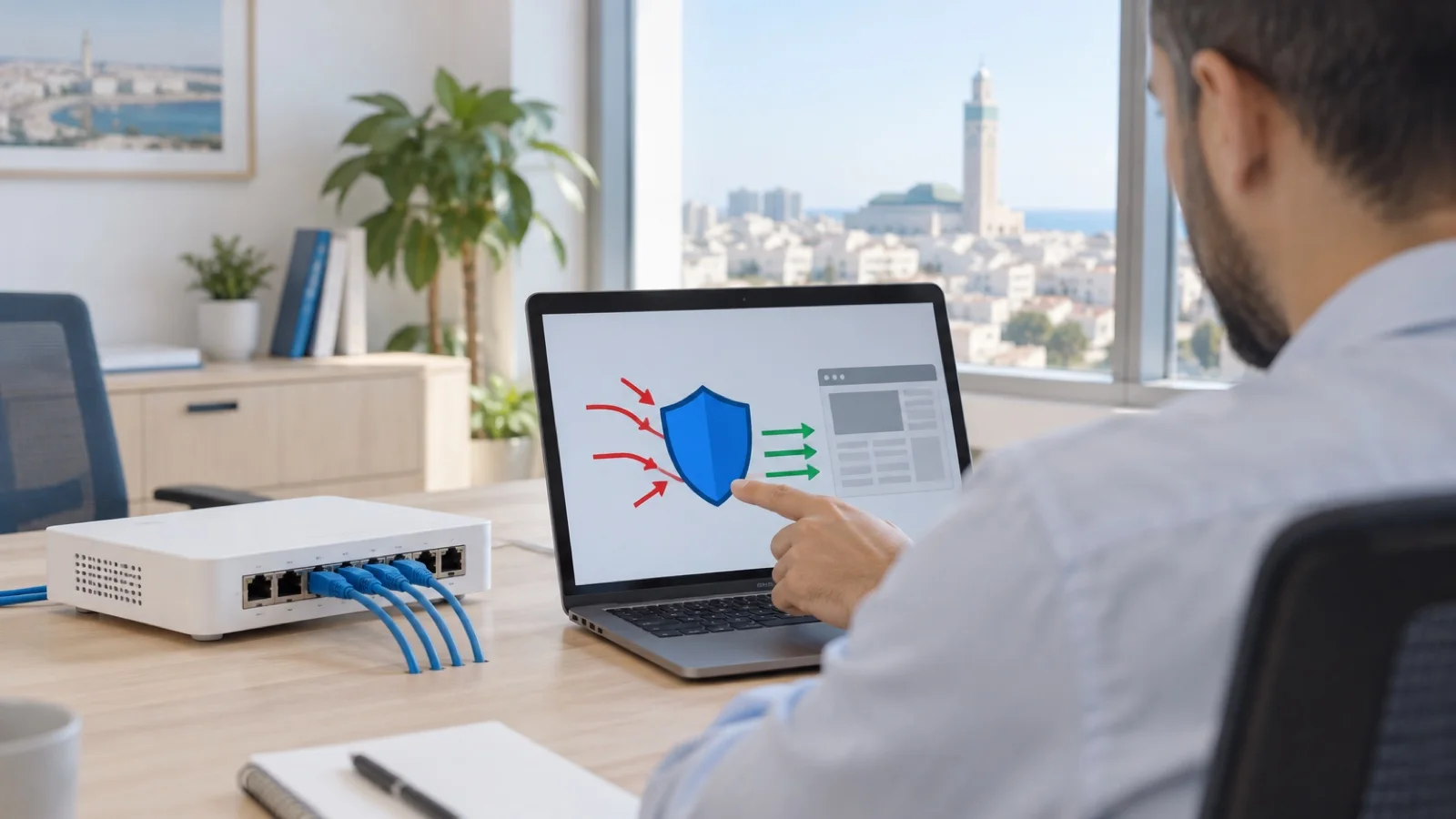
The short answer: Remote Desktop (RDP) open directly to the internet is one of attackers’ favourite entry points, ransomware groups in particular. The service is spotted automatically by tools that scan the internet non-stop, then attacked through password guessing, stolen credentials or exploitation of vulnerabilities. The rule fits in one sentence: no RDP port should be reachable from the internet. Remote access goes through a VPN or ZTNA access with multi-factor authentication, or through a protected gateway, and RDP is used only inside the network, restricted and monitored.
In our managed services work in Casablanca, a port forward to a Windows server, added one day “to help out” a remote worker or a provider, is one of the most frequent findings during an audit. This guide explains why it is dangerous, which alternatives to put in place and how to harden internal RDP. It draws on Microsoft’s documentation and on the #StopRansomware guide from CISA, the US cybersecurity agency.
Why exposed RDP is so dangerous
RDP lets you take control of a Windows computer or server as if you were sitting in front of it. That is exactly what an attacker wants: once connected, they have an interactive session inside the network. CISA notes in its guide that attackers often gain initial access through exposed and poorly secured remote services, then move through the network with the Windows RDP client.
Three types of attack target exposed RDP:
| Attack | How it works | What stops it |
|---|---|---|
| Brute force and password spraying | Large numbers of automated attempts on common accounts (administrator, accounts, scanner…) | Port closed to the internet, account lockout, MFA |
| Stolen credentials | Passwords obtained through phishing, spyware or a data leak, then reused | MFA, unique passwords, access via VPN or ZTNA |
| Vulnerability exploitation | Flaws in the Remote Desktop service, sometimes exploitable before any authentication | Fast patching, NLA, service not exposed |
The scenario that follows is sadly familiar: a successful sign-in on a server, antivirus disabled, a search for backups, then encryption of everything reachable, often at night or over the weekend. We cover it in ransomware: 7 measures for an SMB.
Changing port 3389 is not enough
Moving RDP to a non-standard port is false protection. Scanning tools recognise the protocol whatever the port. The change slightly reduces log noise, but the server remains reachable and attackable in exactly the same way.
Safe alternatives for remote work
There are three clean ways to provide remote access, to choose according to your infrastructure:
| Solution | Principle | Strengths | Points to watch |
|---|---|---|---|
| Business VPN (IPsec or SSL) | The user first joins the company network over an encrypted link, then uses RDP internally | Relies on the existing firewall, MFA possible, well known | Often gives access to the whole network if rules are not restricted; the firewall must be kept up to date |
| ZTNA access | Each connection is checked (identity, MFA, device posture) and limited to the authorised application | Least-privilege access, device compliance checks | Requires finer design and suitable licences |
| RD Gateway | The RDP client goes through an HTTPS-encrypted web gateway, the only thing exposed to the internet | No VPN client, authorisation policies per user and per server | The gateway server is exposed: patching and MFA are essential |
Microsoft presents RD Gateway as a way to reach Remote Desktop resources from the internet over encrypted connections, without a VPN, and recommends installing a certificate issued by a public authority. In the SMBs we support, we usually favour the VPN or ZTNA of the firewall already in place, which avoids exposing an extra Windows server. The differences between these approaches are covered in our guide to business VPN for remote work, IPsec or ZTNA, and their implementation on Fortinet in FortiClient VPN and ZTNA.
MFA, whatever the solution
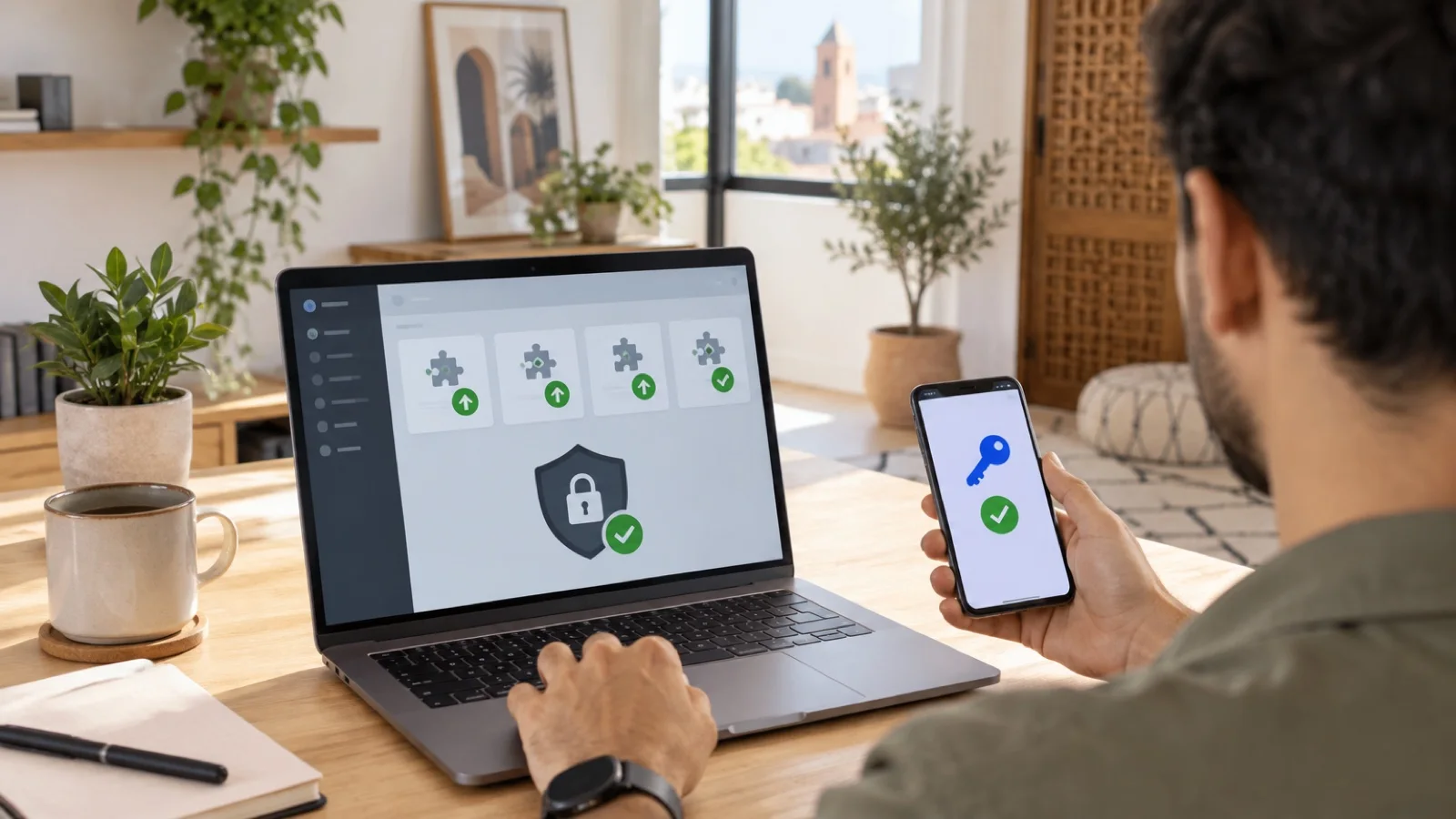
Whatever entry point you choose, it must be protected by multi-factor authentication. CISA recommends phishing-resistant MFA for all services, especially VPNs and accounts that access critical systems. A solution such as WatchGuard AuthPoint can add a second factor to the VPN, to RD Gateway and even to Windows logon over RDP, as explained in our AuthPoint guide.
Hardening RDP inside the network
Closing the port to the internet is the first step. The second is limiting what an attacker could do if they got in another way, for example through an infected computer. CISA recommends auditing the network for systems using RDP, closing unused RDP ports, enforcing account lockout after a set number of failed attempts, applying MFA and logging RDP logons.
In practice:
- Disable Remote Desktop where it is not needed. On most user computers, it serves no purpose.
- Require Network Level Authentication (NLA). The user must authenticate before the session is established, which reduces the surface exposed to service vulnerabilities.
- Restrict who can connect. Only accounts that need it are members of the “Remote Desktop Users” group, and the “Deny log on through Remote Desktop Services” right is applied to sensitive accounts that must not use it.
- Filter where connections can come from. Windows Firewall or the network firewall allows the RDP port only from admin workstations or the VPN network.
- Enable account lockout. Since the October 2022 cumulative updates, Windows can also lock out the built-in local Administrator account, which previously could not be locked. Microsoft recommends a baseline of 10 failed attempts within 10 minutes, with a 10-minute lockout.
- Use separate admin accounts and unique local administrator passwords per machine, managed with LAPS, as described in privileged admin account management.
- Patch quickly. Remote Desktop service flaws regularly receive Microsoft fixes; our method is set out in patch management for businesses.
- Log and monitor. Successful and failed logons (security log events 4624 and 4625, with logon type 10 for Remote Desktop) are collected and analysed to spot a sign-in at an unusual hour or a burst of failures.
These settings are part of Active Directory hardening, where most of them are deployed through Group Policy.
Checking whether your business exposes RDP
A quick review tells you where you stand:
- Firewall or router NAT rules: any forward to port 3389, or to the address of a Windows server, must be identified and justified.
- ISP routers and secondary equipment: a second internet line, installed for a specific service, sometimes carries a forgotten forward.
- Hosted or cloud servers: a virtual machine rented from a hosting provider often has RDP open by default; a security group or firewall must restrict it.
- Provider access: business software, ERP maintenance, payroll vendor… Each must have named, limited, MFA-protected access.
- External test: a scan of your public IP addresses from outside confirms what is actually reachable.
The most common mistakes
- Opening RDP “temporarily” for a remote worker or a provider, then forgetting it.
- Changing the port and believing the problem is solved.
- Protecting the VPN with MFA but leaving a server reachable over direct RDP by another route.
- Using the same local administrator password on every server.
- Giving a provider a shared account that is permanently active.
- Never looking at logon logs.
How we support businesses
We start with the free initial audit: port forwards, existing remote access, provider accounts, MFA and logging. We then close unnecessary exposure and set up clean remote access, VPN or ZTNA, on your firewall, as a Fortinet partner and WatchGuard partner, with multi-factor authentication for every user.
As part of our business cybersecurity services in Morocco, 24/7 monitoring watches remote connections and repeated failures, and a critical incident is handled in under 15 minutes, remotely, with on-site intervention from Casablanca if needed. Request your free initial audit: we reply within 24 business hours.
Frequently asked questions
Is changing the RDP port 3389 enough?
No. Internet scanning tools identify an RDP service whatever port it uses. Changing the port slightly reduces noise in the logs, but the server remains exposed to the same attacks. The only effective protection is not exposing the service and going through a VPN, ZTNA access or a gateway with MFA.
How can we tell whether our RDP is exposed to the internet?
Check the port forwarding (NAT) rules on your firewall or router: any rule to port 3389 or to a Windows server must be justified. An external scan of your public IP address confirms what is actually reachable. Also think about routers installed by a provider and forwarding rules added “temporarily”.
Does RD Gateway replace a VPN?
Microsoft presents RD Gateway as a way to reach Remote Desktop resources from the internet without a VPN, over an HTTPS-encrypted connection. It exposes a web service instead of RDP, but that service must itself be kept up to date and protected with MFA. For an SMB, a VPN or ZTNA access on the existing firewall is often simpler.
How do we block brute-force attacks on RDP?
With an account lockout policy. In October 2022, Microsoft added the ability to lock out the built-in local Administrator account too, and recommends a baseline of 10 attempts within 10 minutes, with a 10-minute lockout. This setting complements, but does not replace, closing the port to the internet.
A provider needs access to our server: what should we do?
Create a named account for them, protected by MFA, with VPN or ZTNA access limited to the server concerned and enabled only during the intervention. Never a shared account, never an open port forward for them, and regular reviews of external access.
About the editorial team
ALLSAFE SOLUTIONS
Network, security and cloud engineers
Written by the engineering team at ALLSAFE SOLUTIONS, a managed IT provider founded in Casablanca by network, security and cloud engineers. Our articles draw on the projects we deliver for clients in Morocco and abroad.
LinkedIn