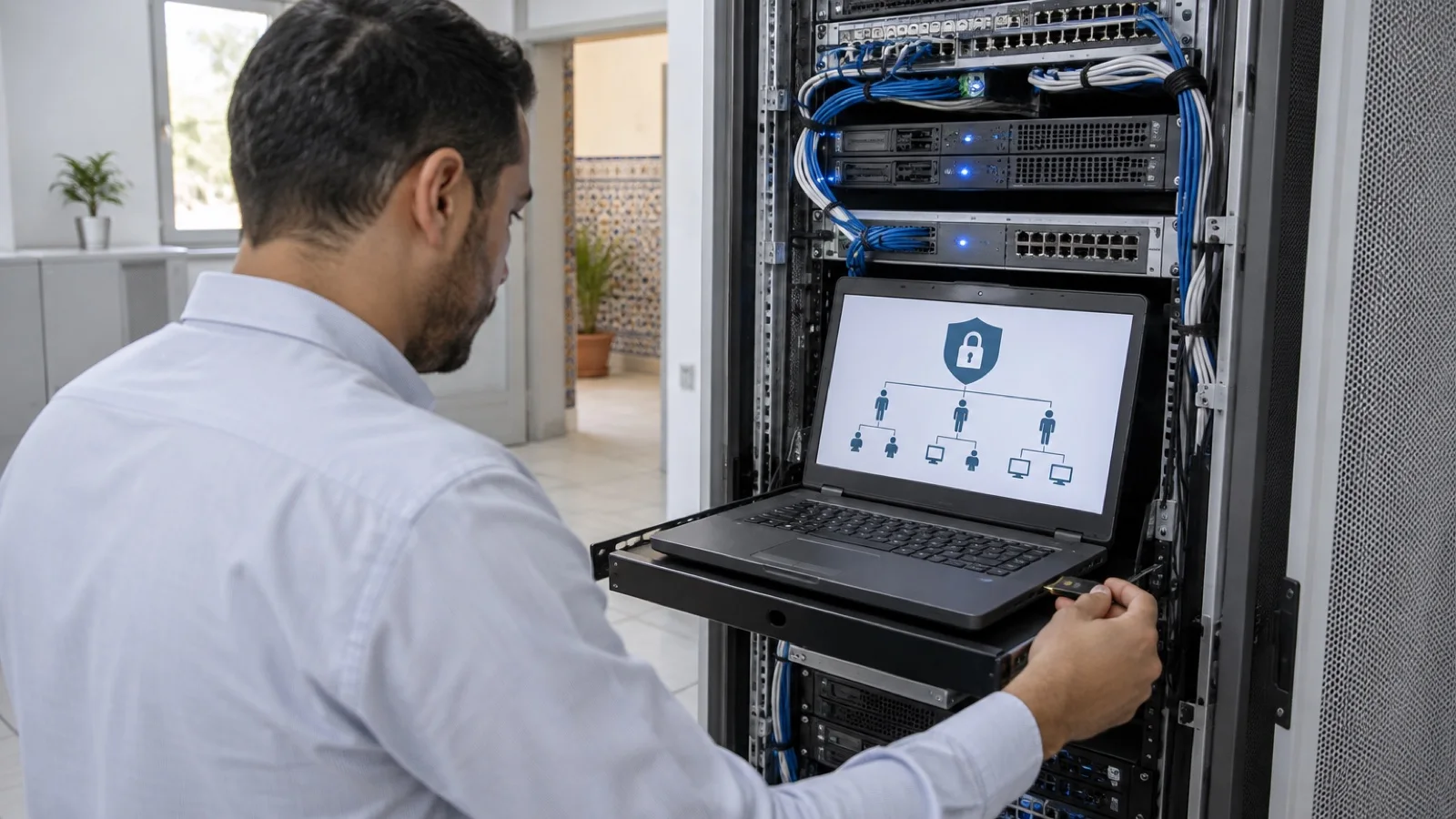
Admin account management in SMBs: separate accounts, LAPS, PIM and an access vault
Admin account management for SMBs in Morocco: separate accounts, emergency access accounts, Windows LAPS, PIM, access vault and rights reviews, per Microsoft.
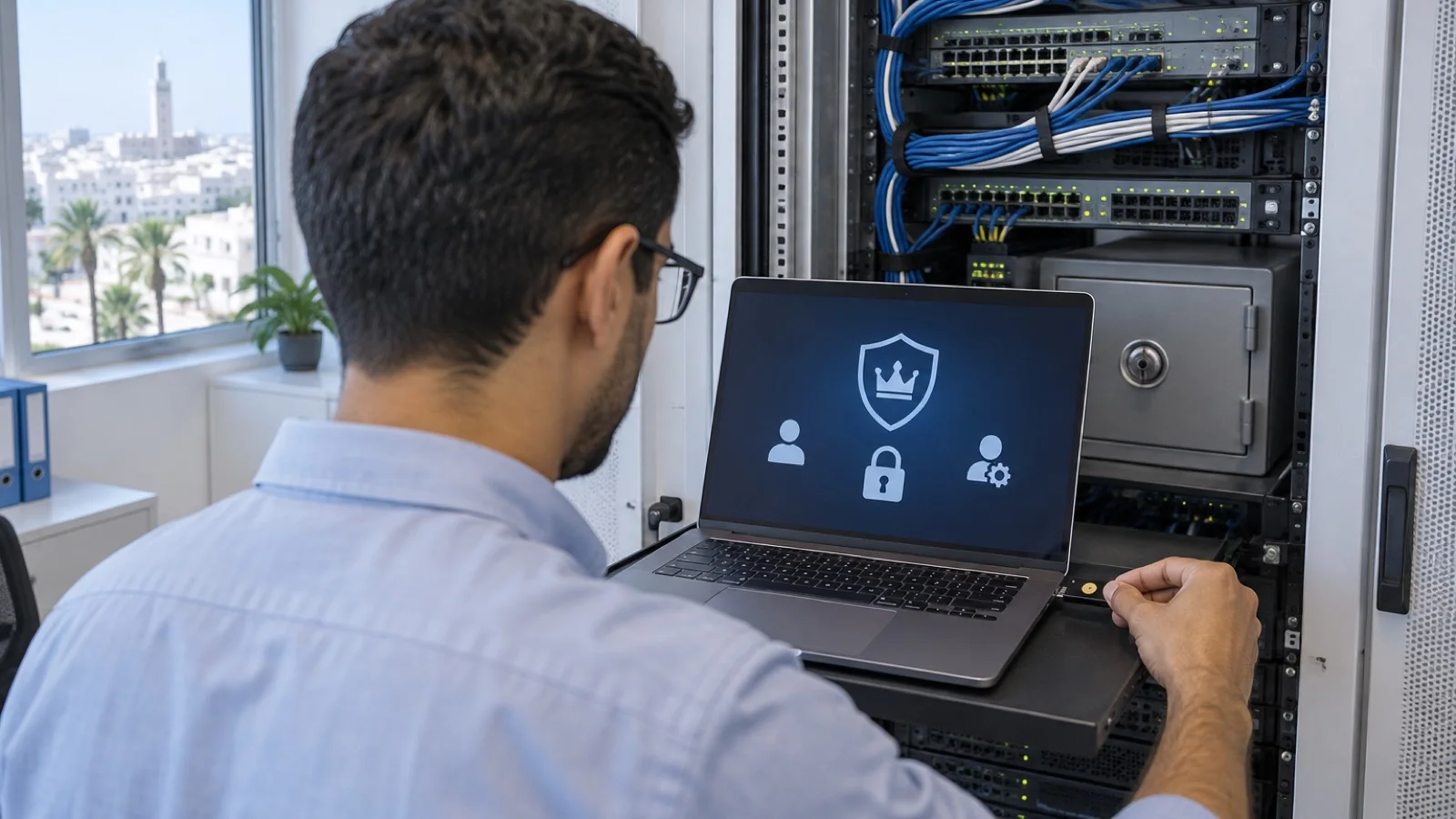
The short answer: in a ransomware attack, the attacker’s goal is almost always the same, to get an admin account. With it, they disable antivirus, delete backups and encrypt everything. For an SMB, admin account management comes down to six measures: a separate admin account from the everyday account, few Global Administrators and narrower roles for everything else, two emergency access accounts, phishing-resistant multi-factor authentication on all privileged accounts, Windows LAPS for local administrator passwords on computers, and an access vault with regular rights reviews. This guide covers each measure, on the Microsoft 365 side and the Active Directory side.
At ALLSAFE SOLUTIONS, a managed IT provider in Casablanca, we apply these rules for our clients as part of our business cybersecurity in Morocco offer. The recommendations quoted come from Microsoft Learn documentation (Microsoft Entra roles best practices, Windows LAPS).
Why admin accounts are target number one
The audits we run in SMBs often reveal the same situations: the managing director is Microsoft 365 Global Administrator with their email account, the previous provider left an “admin” account active, all computers share the same local administrator password, and the domain password is known to several people who have left the company.
Each of these situations shortens an attacker’s path. A click on a fake sign-in page is enough if the trapped account is an admin. An identical local admin password on every computer lets them move from machine to machine; Microsoft cites precisely this lateral movement risk to justify Windows LAPS. We describe the typical course of an attack in ransomware: 7 measures for SMBs.
Measure 1: separate the admin account from the everyday account
Everyone who administers something has two accounts:
- An everyday account, with no admin rights: email, Teams, browsing, business applications.
- An admin account, named after the person (for example “adm-firstname”), with no mailbox, used only for admin consoles.
Microsoft also recommends using cloud-only accounts for Microsoft Entra roles, rather than accounts synchronised from on-premises Active Directory: if the on-premises directory is compromised, it must not drag the cloud down with it. Conversely, on-premises domain admin accounts are not used to administer Microsoft 365.
Measure 2: limit Global Administrators and delegate with precise roles
Microsoft recommends assigning the Global Administrator role to fewer than five people and keeping privileged role assignments to fewer than ten. The Microsoft Entra portal even shows a warning beyond that.
For everything else, apply least privilege: Microsoft Entra offers many built-in roles, and each task has its own.
| Need | Suitable role instead of Global Administrator |
|---|---|
| Create accounts, reset passwords | User Administrator or Helpdesk Administrator |
| Manage email | Exchange Administrator |
| Manage Teams and Teams Phone | Teams Administrator |
| Manage computers and smartphones | Intune Administrator |
| Review security alerts | Security Reader or Security Operator |
| Manage licences and billing | Billing Administrator, License Administrator |
The same principle applies on-premises: the Domain Admins group should be almost empty, and support technicians receive delegated rights on the organisational units they manage, not on the whole domain.
Measure 3: set up two emergency access accounts
Microsoft recommends two cloud-only emergency access accounts (“break glass”), permanently holding the Global Administrator role and not assigned to any particular person. They are used when nobody else can sign in: an outage of the multi-factor authentication service, administrators locked out by a misconfigured Conditional Access policy, the sudden departure of the administrator.
In practice: very long passwords kept offline under management’s control, a strong authentication method such as a physical security key, a documented exclusion from policies that could block them, and an alert on every sign-in. Check regularly that they work, without using them day to day.
Measure 4: phishing-resistant multi-factor authentication
Every privileged account has multi-factor authentication, without exception, and preferably a phishing-resistant method: FIDO2 security key, passkey, Windows Hello for Business. A push approval or an SMS code can be relayed by a fake page; a security key cannot. In Microsoft Entra, Conditional Access (Entra ID P1 licence) can require this method for admin roles and a compliant device. Our MFA rollout guide details the methods and the order in which to roll them out.
Measure 5: Windows LAPS for local administrators
Windows LAPS is built into Windows: it automatically manages and backs up the password of a local administrator account on each computer joined to Microsoft Entra ID or Active Directory, rotates it regularly and lets authorised administrators retrieve it for troubleshooting.
| Point | What Microsoft says |
|---|---|
| Supported computers | Windows 11 and Windows 10 versions that received the April 2023 update, as long as they still receive updates |
| Supported servers | Windows Server 2019, 2022 and 2025 with the required updates |
| Backup | To Microsoft Entra ID or to Active Directory, not both |
| Licence | No extra cost; backup to Entra ID from the Entra ID Free licence |
| Domain controllers | Manages the restore mode (DSRM) account password |
| Legacy Microsoft LAPS | Deprecated from Windows 11 23H2, to be replaced by Windows LAPS |
Deployment is done through Intune or Group Policy. We cover it in Microsoft Intune for SMBs. Use the opportunity to remove local admin rights from users: it is one of the most effective measures against malware installation.
Measure 6: PIM, access vault and rights reviews
Temporary elevation with Privileged Identity Management
With Microsoft Entra ID P2 (or Entra ID Governance), Privileged Identity Management makes an administrator “eligible” for a role rather than a permanent holder. They activate the role for a limited time when needed, optionally with approval, and the rights disappear automatically afterwards. Microsoft recommends this approach. For an SMB without a P2 licence, separate accounts and limited roles already deliver the essentials.
The IT team’s access vault
Secrets that do not go through the directory (firewall, switches, hypervisors, phone system, service accounts, vendor portals) go in a vault reserved for the IT team, separate from business vaults, with multi-factor authentication and an access log. We cover tool selection in password policy and password manager. Admin access to devices is itself restricted: for example, a firewall’s interface is never exposed to the internet, see 10 FortiGate security settings.
Regular rights reviews
People change roles, providers come and go, rights pile up. A review, at least at every departure and at regular intervals, answers three questions: who holds which role, do they still need it, and which accounts have not been used for a long time. Microsoft offers automated access reviews with Entra ID Governance; otherwise, an export of roles and sign-off by management is enough.
What about dedicated PAM solutions?
Privileged access management (PAM) solutions add recording of admin sessions, automatic rotation of service account passwords and a single access portal to servers. They make sense with many servers, several providers working on the systems or strong regulatory requirements. For most SMBs, we start with the six measures above, which cover most of the risk, before considering such a tool. This fits into a zero trust approach for SMBs.
Providers and your managed IT provider
Your IT provider holds powerful access: it should be governed like your internal administrators’ access.
- A named account per technician, never a shared “provider” account.
- Rights limited to the contract scope, with multi-factor authentication.
- An action log you can consult.
- The ability to cut access at any time, and an up-to-date list of the provider’s accounts.
- Emergency accounts under management’s control, not the provider’s alone.
These are exactly the points we recommend checking in a managed IT services contract.
The mistakes we fix most often
- The managing director as Global Administrator with their everyday email account.
- A shared “admin@” account used by several people, without multi-factor authentication.
- The same local admin password on every computer, often since the initial setup.
- Users who are admins of their own computer “to install software”.
- Former employees’ or providers’ accounts still holding roles.
- No emergency account, or one protected by the phone of an employee who has left.
Checklist
- Separate admin account for each administrator, without email.
- Fewer than five Global Administrators, delegated roles for the rest.
- Two tested cloud emergency access accounts, under management’s control, with sign-in alerts.
- Phishing-resistant multi-factor authentication on all privileged accounts.
- Windows LAPS deployed, local admin rights removed from users.
- Domain Admins group kept to a minimum.
- IT team access vault with logging.
- Rights review at every departure and at regular intervals.
How we work
We start with a free initial audit of your privileged accounts: Microsoft 365 and Entra ID roles, Active Directory admin groups, local administrators, device and provider accounts. We then fix issues in order of risk: account separation, emergency accounts, multi-factor authentication, LAPS, access vault. Privileged account sign-ins are watched by our 24/7 monitoring team, and a critical incident is handled in under 15 minutes, as part of our managed IT services in Morocco.
As a Microsoft partner, we configure Microsoft Entra ID, Conditional Access, Intune and Windows LAPS. Request your free initial audit: we reply within 24 business hours.
Frequently asked questions
Why should an administrator have two accounts?
Because the everyday account reads email, opens attachments and browses the internet: it is the one that will be tricked one day. If it also holds admin rights, the attacker gains control of the whole company in one go. A separate admin account, with no mailbox and no browsing, is used only for administration tasks.
How many Global Administrators should a Microsoft 365 tenant have?
Microsoft recommends assigning the Global Administrator role to fewer than five people, and keeping two cloud-only emergency access accounts. Other tasks are delegated with narrower roles: Exchange Administrator, User Administrator, Helpdesk Administrator, as needed.
What is Windows LAPS and what does it cost?
Windows LAPS is a feature built into Windows that gives each computer a unique local administrator password, rotated automatically and backed up to Microsoft Entra ID or Active Directory. According to Microsoft, it is available at no extra cost on supported Windows versions, and backup to Entra ID works from the Entra ID Free licence.
Does an SMB need a full PAM solution?
Rarely at first. The basics (separate accounts, LAPS, multi-factor authentication, a password vault reserved for the IT team, access logging) cover most of the risk. With Microsoft Entra ID P2, Privileged Identity Management adds temporary elevation of rights. A dedicated PAM solution makes sense with many servers, multiple providers or strong regulatory requirements.
How should the managed IT provider’s access be handled?
With named accounts for each technician, never a shared account, rights limited to the contract scope, multi-factor authentication, an action log and the ability for you to cut access at any time. Emergency accounts remain under management’s control, in a sealed envelope or a vault management can access.
About the editorial team
ALLSAFE SOLUTIONS
Network, security and cloud engineers
Written by the engineering team at ALLSAFE SOLUTIONS, a managed IT provider founded in Casablanca by network, security and cloud engineers. Our articles draw on the projects we deliver for clients in Morocco and abroad.
LinkedIn