Securing a business WordPress website: updates, accounts, plugins and backups
Securing a business WordPress website: updates, plugins, accounts and two-factor authentication, wp-config.php, file permissions, web application firewall, backups.
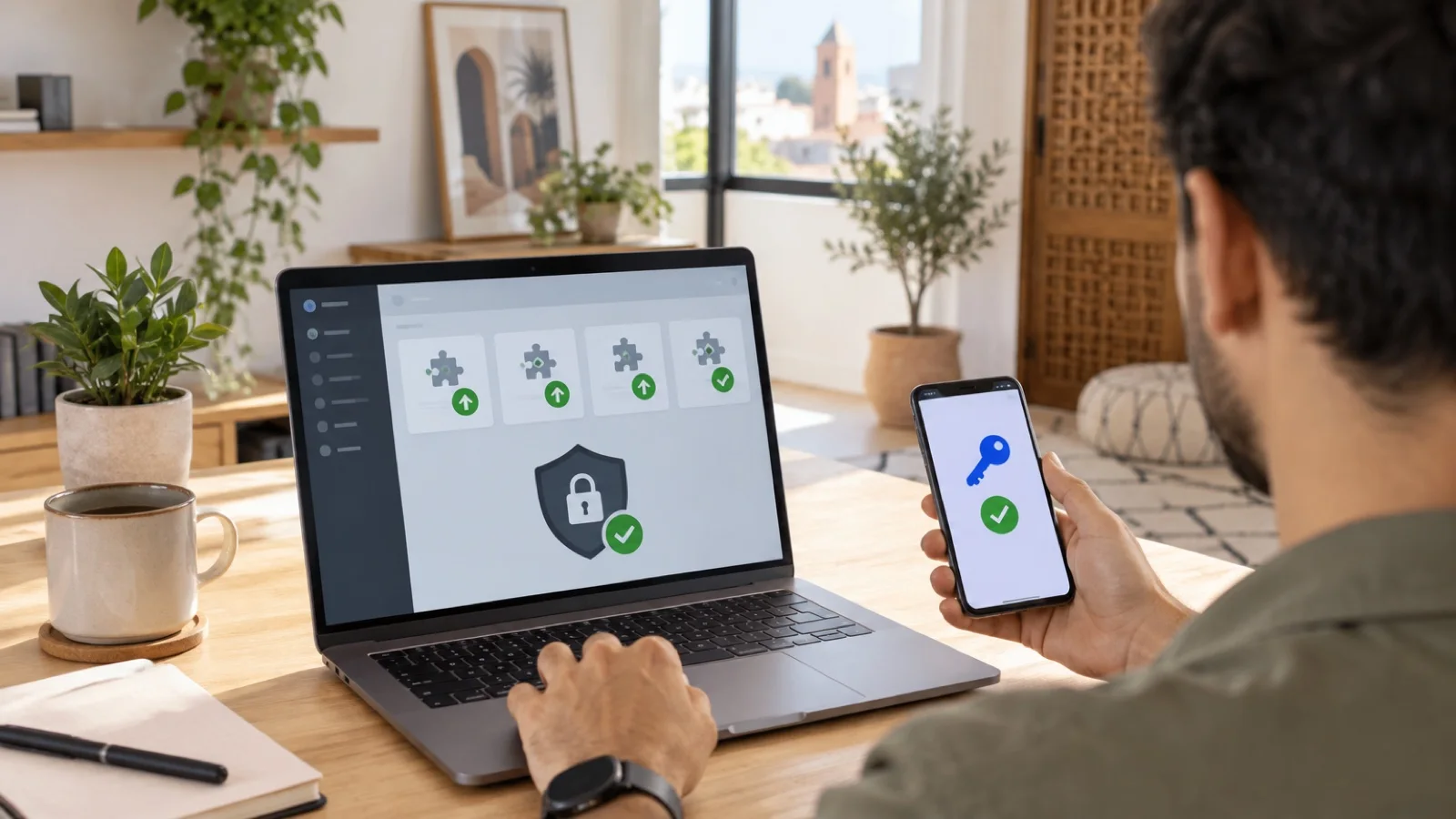
The short answer: a business WordPress site is rarely hacked through WordPress core itself. The usual entry points are an outdated plugin or theme, a weak admin password or poorly configured hosting. To secure it: keep core, plugins and themes up to date, remove what is unused, protect accounts with two-factor authentication, harden the configuration, filter traffic through a web application firewall, monitor and back up off the server.
This guide covers those measures in order of priority. It relies on the official WordPress documentation, in particular its hardening page. The website is often the first thing a customer or partner sees: a defaced site, one that redirects to fraudulent pages or hosts a phishing page damages trust well beyond IT.
Why WordPress sites are targeted
WordPress is very widespread, which makes it an automated target: bots constantly scan the Internet for sites running a vulnerable plugin version, or that accept endless password attempts on the login page. A site does not need to be well known to be attacked. Once compromised, it can be used to:
- inject spam links or pages, which hurts search rankings;
- redirect visitors to fraudulent sites;
- host phishing pages imitating a bank or Microsoft 365;
- steal data entered in contact or order forms;
- send email from the server, at the risk of getting your domain blocked.
Priorities, in order
| Priority | Measure | Why |
|---|---|---|
| 1 | Updates to core, plugins, themes and PHP | A patched flaw can no longer be exploited on your site |
| 2 | Removal of unused or abandoned plugins and themes | Less code, fewer flaws |
| 3 | Accounts: strong passwords, two-factor authentication, minimum roles | Blocks credential theft and brute force |
| 4 | Full, off-server, tested backups | The only guarantee you can roll back |
| 5 | Configuration hardening | Limits what an attacker can do |
| 6 | Web application firewall and monitoring | Filters attacks and alerts on changes |
1. Updates: core, plugins, themes and PHP
The WordPress documentation is clear: always run the latest version and keep plugins up to date. By default, WordPress automatically installs minor core releases and translations; major releases are also enabled by default on recent installs. For plugins and themes, auto-updates are enabled from the admin area, plugin by plugin, or through configuration.
Our rule for a brochure site: auto-updates enabled for core and well-maintained plugins, daily backup, regular visual check. For an online store or a site supporting a critical service, major updates go through a staging copy first. Either way, the site joins the business’s patch management, like workstations and servers.
The server matters as much as WordPress: a PHP version that no longer receives fixes exposes the site, as our alert on the PHP “PHP2Shell” flaw showed.
2. Plugins and themes: fewer, but better
- Delete deactivated plugins and themes: a vulnerable file remains exploitable even when deactivated.
- Install only from trusted sources, such as the official WordPress.org directory or well-known vendors. Never a “free” copy of a paid plugin found on a third-party site: it is a common way to spread backdoors.
- Check activity before installing a plugin: last update date, compatibility with the current WordPress version, vendor responsiveness.
- Avoid plugins that allow running code from the admin area, which the WordPress documentation advises against.
3. Accounts: the second entry point
- One account per person, never a shared login, and no obvious username such as “admin”.
- Strong, unique passwords, generated and stored in a manager, according to your password policy.
- Two-factor authentication for every account that can publish or administer, as the WordPress documentation recommends. The approach is the same as for the rest of the IT system, described in our MFA rollout guide.
- Minimum role: an editor does not need to be an administrator. Review the account list whenever an employee or contractor leaves.
- Technical access (hosting, SFTP, database, domain registrar) is also protected with two-factor authentication where possible.
4. Backups: off the server and tested
The WordPress documentation calls for regular backups of the database and files, kept in a trusted location. In practice:
- full backup: files, plugins, media and database;
- a copy off the hosting server, to survive a compromise or a host failure, following the 3-2-1 rule with an immutable copy;
- tested restore on a copy of the site, as described in our method for testing a restore.
5. Hardening the configuration
The WordPress hardening page details the following settings:
| Setting | Official recommendation |
|---|---|
| File editing from the admin area | Disable it with the DISALLOW_FILE_EDIT constant in wp-config.php |
| File permissions | Directories 755, files 644; only wp-content should be writable by the web server |
| wp-config.php file | Readable only by the owner and web server (400 or 440), web access denied |
| Database | A dedicated user per site, with only the rights needed; table prefix other than “wp_” |
| File transfers | SFTP rather than FTP |
| Administration | Over HTTPS, with optional extra server-side protection on /wp-admin/ |
Common-sense settings come on top: HTTPS certificate across the whole site, bot-protected forms, login attempt limits.
6. Web application firewall and monitoring
The WordPress documentation describes three filtering levels that can be combined:
- A security plugin with a built-in web application firewall, login limits and file integrity checks.
- A server-side web application firewall, such as ModSecurity, managed by the host.
- A reverse-proxy service in front of the site, which filters traffic before it reaches the server and absorbs part of the attacks.
Monitoring matters just as much: access and error logs, alerts on PHP file changes, external checks that the site is not serving malware, and uptime monitoring. If the site is hacked, the response follows our incident response plan: isolate, change access, restore a clean backup, fix the entry point.
The site’s personal data
A contact form, customer area or online store collects personal data. Morocco’s Law 09-08 and the CNDP require it to be protected by appropriate security measures. An up-to-date WordPress site with protected accounts and tested backups is part of those measures.
The most common mistakes
- Leaving deactivated or abandoned plugins on the server.
- Installing a “free” paid plugin found on a third-party site.
- Sharing a single admin account between the agency, the contractor and the business.
- Keeping the only backup with the same host as the site.
- Never updating PHP.
- Handing the site to a contractor and then losing access to hosting and the domain name.
How we support businesses
We start with the free initial audit: core, plugin and PHP versions, accounts and roles, two-factor authentication, configuration, backups and access to hosting and the domain name. We then apply the fixes, set up off-server backups through our backup and business continuity offering, and bring the site into monitoring.
As part of our business cybersecurity services in Morocco, the site is covered by 24/7 monitoring, and a critical incident is handled in under 15 minutes. Request your free initial audit: we reply within 24 business hours.
Frequently asked questions
Is WordPress an insecure CMS?
No. WordPress core is maintained by a security team and its minor releases install automatically by default. Incidents mostly come from what is added around it: outdated or abandoned plugins and themes, weak passwords, poorly configured hosting. A well-maintained WordPress is a reasonable choice for a business website.
Should plugin auto-updates be enabled?
For most brochure sites, yes, provided recent backups exist and the site is checked regularly. WordPress already installs minor core releases and translations automatically; for plugins and themes, it is enabled plugin by plugin or through configuration. For a critical online store, test first on a copy of the site.
Is a security plugin enough to protect a WordPress site?
No. A security plugin adds a web application firewall, login attempt limits or file monitoring, but it replaces neither updates, two-factor authentication nor off-server backups. The WordPress documentation also mentions server-side firewalls and reverse-proxy services that filter traffic before it reaches the site.
What should I do if my WordPress site has been hacked?
Put the site in maintenance mode, change every password (WordPress admins, hosting, database, SFTP access), identify the entry point, then restore a clean backup from before the intrusion and apply all updates before putting the site back online. Cleaning a compromised site by hand often leaves a backdoor behind.
Where should a business WordPress site be hosted?
With a host that talks openly about security, runs current versions of PHP and the database, offers SFTP rather than FTP and provides backups with easy restore. On shared hosting, the WordPress documentation advises asking what precautions are taken, since a compromised neighbouring site can affect yours.
About the editorial team
ALLSAFE SOLUTIONS
Network, security and cloud engineers
Written by the engineering team at ALLSAFE SOLUTIONS, a managed IT provider founded in Casablanca by network, security and cloud engineers. Our articles draw on the projects we deliver for clients in Morocco and abroad.
LinkedIn