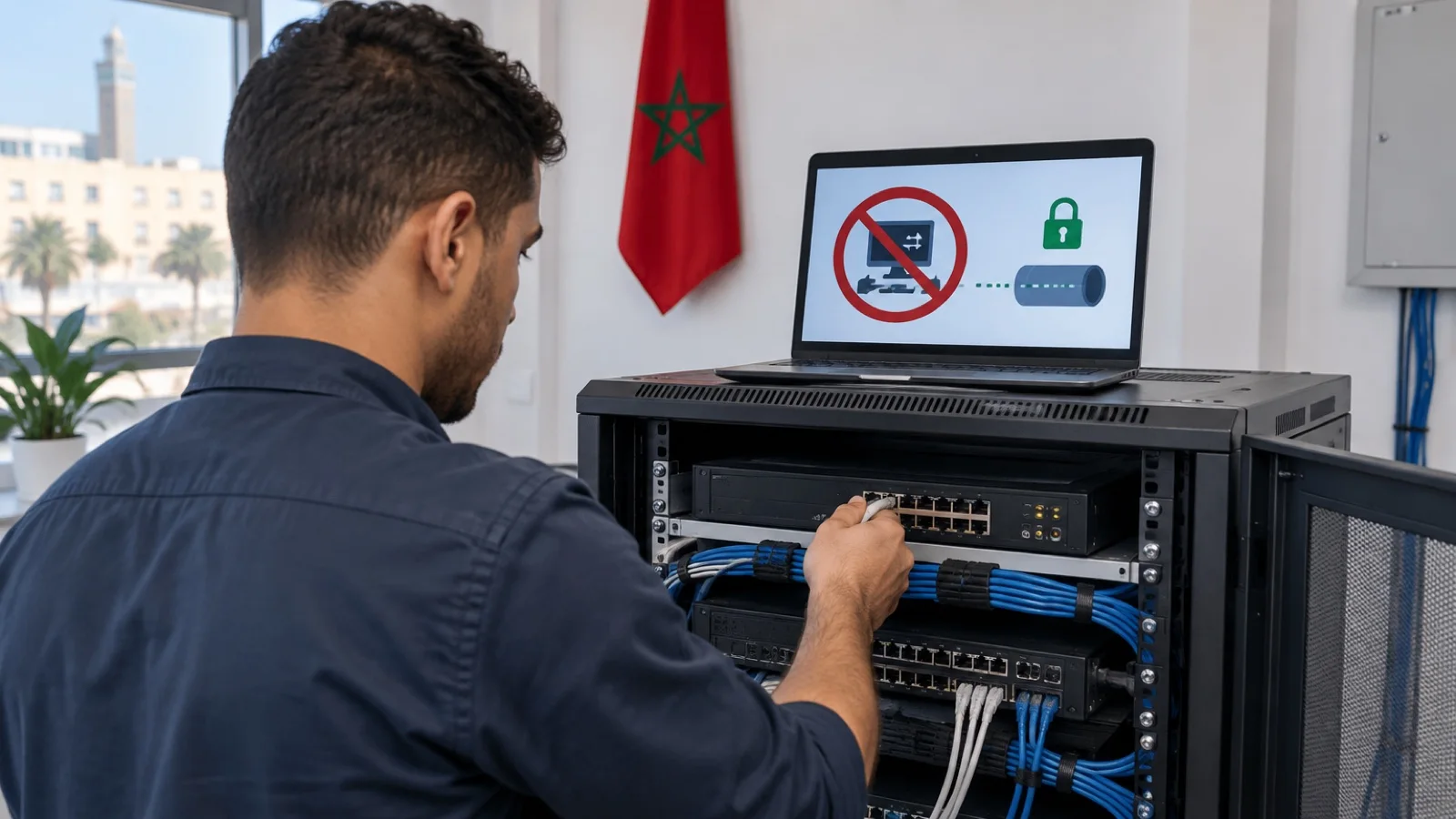
IP camera security for business: protecting video surveillance and complying with the CNDP
IP camera and video surveillance security for business: passwords, firmware, VLAN, remote access without open ports, NVR accounts and CNDP declaration in Morocco.
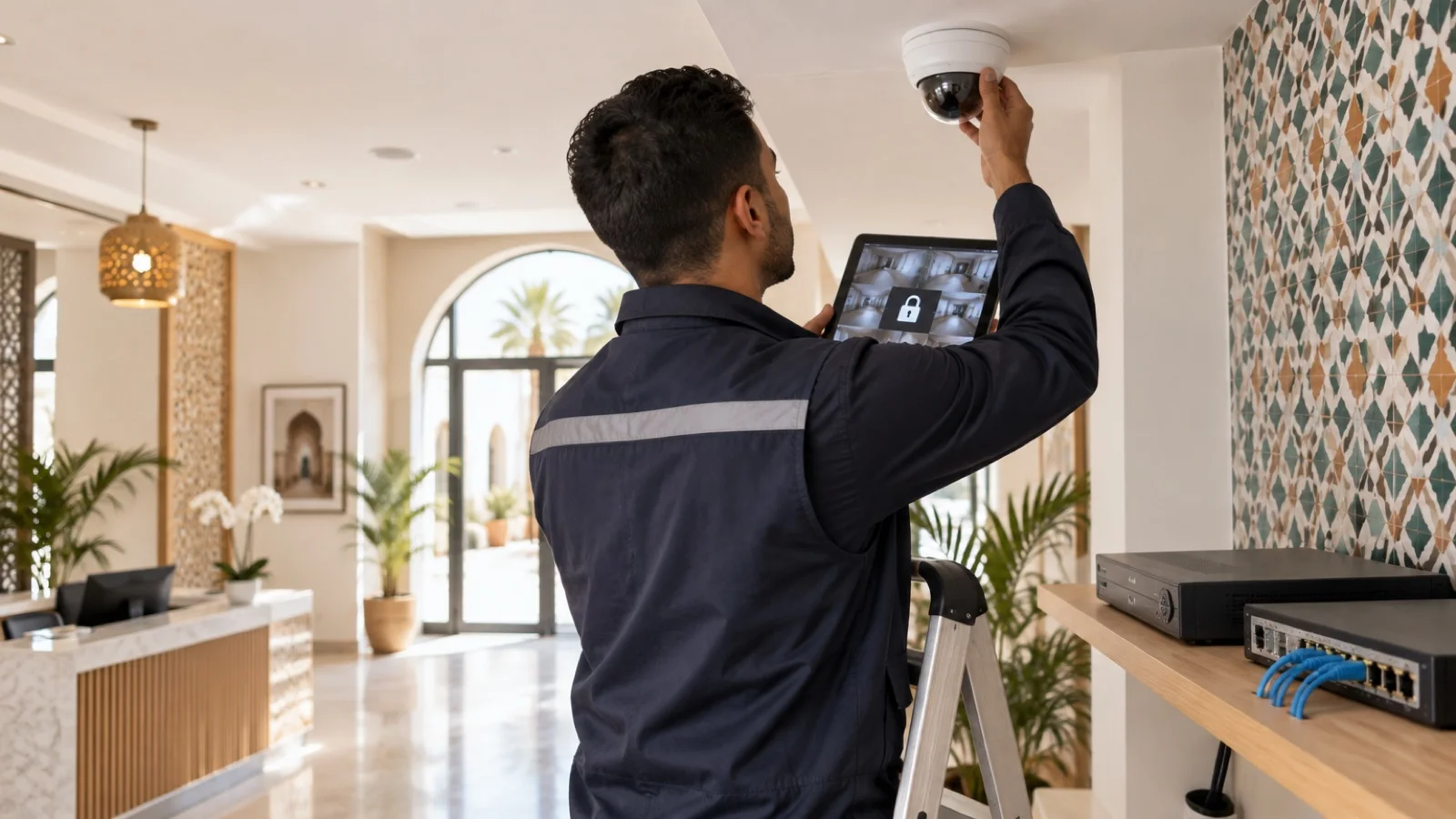
The short answer: an IP camera is not a simple sensor, it is a small computer plugged into your network, with an operating system, a web server and accounts. Together with the recorder (NVR), it is often installed by a contractor and then forgotten for years. Five measures do most of the work in securing business video surveillance: factory passwords changed, firmware up to date, cameras and recorder isolated in a VLAN with no Internet access, remote access through a VPN rather than an open port, named accounts on the recorder. In Morocco there is also a legal obligation: declare the system to the CNDP and inform the people being filmed.
This guide covers those measures in the order we apply them. It relies on the recommendations relayed by CISA, the US cybersecurity agency, and on the guidance published by the CNDP.
Why cameras are a target
Network cameras combine the weaknesses attackers look for:
- they often keep the factory password or a weak password shared by everyone;
- their firmware is rarely updated after installation;
- the recorder is frequently exposed to the Internet through port forwarding, to view footage from a phone;
- they are plugged into the same network as workstations and servers;
- nobody monitors them: a camera sending abnormal traffic goes unnoticed.
The consequences go beyond video: images of your premises exposed, recording stopped at the moment of a physical break-in, or a camera used as a way into the rest of the network.
The basic official recommendations
CISA relayed the UK NCSC’s advice for connected cameras, which comes down to three steps:
| Recommendation | What it means for a business |
|---|---|
| Change the default password | A strong, unique password per camera and for the recorder, stored in the password vault |
| Keep software up to date | Camera and recorder firmware included in patch management |
| Disable remote access if unused | No open port, no cloud service enabled by default |
These three measures are a minimum. In a business, network isolation, account management and monitoring come on top.
Hardening cameras and the recorder
1. Accounts
- Change every factory password, on each camera and on the recorder, and keep them in a vault according to your password policy.
- Create a named account for each person who views footage, with limited rights: live view, playback, export.
- Reserve the admin account for the contractor or IT team, and enable two-factor authentication on the manufacturer’s cloud app if it is used.
2. Firmware
Manufacturers publish firmware updates that fix flaws, some referenced by a CVE identifier. Cameras and recorder must be in the inventory and in the patch management cycle. A model that no longer receives updates should be replaced.
3. Unused services
Disable what is not used: unencrypted HTTP web interface, Telnet or SSH if not needed, UPnP, which automatically opens ports on the router, discovery services and unused cloud access. Keep the video stream protocol the recorder uses and the HTTPS interface.
4. Clock and logs
A camera with the wrong time produces recordings that are useless on the day they have to be handed to the authorities. Synchronise cameras and recorder with an internal time server and keep the recorder’s login logs.
Choosing cameras that stay securable
Security is also decided at purchase. Before choosing a camera or recorder model, we check:
- that the manufacturer publishes firmware updates and security advisories, with a dedicated vulnerability disclosure page;
- that the device enforces or eases a password change at first setup;
- that it supports several accounts with distinct rights and an HTTPS interface;
- that it works without a mandatory cloud service, to keep video on the local network if the business wants to;
- that it follows an interoperability standard such as ONVIF, to avoid depending on a single recorder.
A very cheap device that never receives updates almost always ends up costing more: it can neither be patched nor replaced without redoing part of the installation.
Isolating video surveillance on the network
This is the measure that limits damage the most. Cameras and recorder sit in a dedicated VLAN, and the business firewall only allows the flows that are needed:
| Flow | Allowed? |
|---|---|
| Cameras to the recorder | Yes, on the single video protocol in use |
| Designated workstations to the recorder, for viewing | Yes |
| IT team to camera administration | Yes |
| Cameras to the Internet | No, except updates or an approved cloud service |
| Cameras to workstations and servers | No |
| Guest Wi-Fi to cameras or recorder | No |
Cabling follows the same logic: cameras are powered by a managed PoE switch whose camera ports are assigned to the video VLAN, as described in our guide to the patch rack and PoE switch. The UPS must cover that switch, otherwise a power cut turns off every camera.
This separation applies the Zero Trust principle: a compromised device must see nothing beyond what it needs.
Viewing footage remotely without opening a port
The riskiest practice remains port forwarding on the router to the recorder, which exposes its interface to the whole Internet. Three safer options:
- The business VPN: the manager connects to the network through the firewall’s VPN, then opens the recorder as if in the office. This is the option we prefer, described in our business VPN guide.
- Zero Trust access (ZTNA): access is granted to the viewing application only, after the user and device are checked.
- The manufacturer’s cloud service: convenient, but it sends streams to a third party. Enable it only if the business has decided to, with two-factor authentication and after checking where the data is processed.
In every case, check from outside that no port of the recorder or cameras has been left open.
Video surveillance and the CNDP
Filming employees, customers or visitors is processing of personal data under Law 09-08. The CNDP states on its website that:
- video surveillance must be notified to it through a declaration, based on its deliberation no. 350-2013;
- the file includes a copy of the pictogram to be displayed on the premises and the document authorising the signatory to commit the business;
- processing should only start once the receipt has been issued;
- the people concerned must be informed, in particular of the controller’s identity and the purposes.
Technical security is part of the obligations: footage accessible to anyone on the Internet is a breach of the confidentiality the law requires to be protected. For recording retention periods and areas that must not be filmed, refer to the CNDP texts and deliberations in force at the time of installation.
The most common mistakes
- Keeping the factory password “because the installer left it”.
- Opening a port on the router to watch cameras from a phone.
- Plugging cameras into the same network as workstations.
- Sharing a single account among all recorder users.
- Never updating camera and recorder firmware.
- Forgetting the UPS for the PoE switch.
- Installing the system without a CNDP declaration or signage.
How we support businesses
We start with the free initial audit: inventory of cameras and recorder, firmware versions, accounts, ports exposed to the Internet and network placement. We then isolate video surveillance in a VLAN filtered by the firewall, as a Fortinet partner and WatchGuard partner, set up remote access through VPN, and bring cameras and recorder into patch management. Cabling, PoE switches and Wi-Fi are part of our network infrastructure and Wi-Fi offering.
As part of our business cybersecurity services in Morocco, these devices are included in 24/7 monitoring, and a critical incident is handled in under 15 minutes. Request your free initial audit: we reply within 24 business hours.
Frequently asked questions
Can a business CCTV camera be hacked?
Yes, especially when it keeps its factory password, its firmware is out of date or its interface is reachable from the Internet through port forwarding. An attacker can then watch the footage, stop recording or use the camera as an entry point to the rest of the network if it is not isolated.
How can cameras be viewed remotely without risk?
Through a business VPN or a Zero Trust access solution, rather than by opening a port on the router to the recorder. CISA also recommends disabling the remote access feature when it is not used. If the manufacturer’s cloud app is chosen, enable it deliberately, with a strong password and two-factor authentication where available.
Does video surveillance have to be declared to the CNDP?
Yes. According to the CNDP, video surveillance must be notified to it through a declaration, including a copy of the pictogram to be displayed on the premises. Processing should only start once the receipt has been issued, and the people filmed must be informed.
Should cameras be on a separate network?
Yes, it is the measure that limits damage the most. Cameras and recorder sit in a dedicated VLAN, and the firewall only allows the flows that are needed: cameras to the recorder, authorised workstations to the recorder for viewing. A compromised camera then sees neither workstations nor servers.
Who should have access to recordings?
Only designated people, each with their own account on the recorder and rights limited to what they need: live view, playback, export. A single account shared by everyone makes it impossible to know who viewed or exported what.
About the editorial team
ALLSAFE SOLUTIONS
Network, security and cloud engineers
Written by the engineering team at ALLSAFE SOLUTIONS, a managed IT provider founded in Casablanca by network, security and cloud engineers. Our articles draw on the projects we deliver for clients in Morocco and abroad.
LinkedIn