





































3CX SBC for remote sites: router phone or dedicated SBC, installation and high availability
3CX SBC for your remote sites: what the tunnel does, router phone or dedicated SBC (Raspberry Pi 5, Windows, Debian), installation, ports, high availability, mistakes.
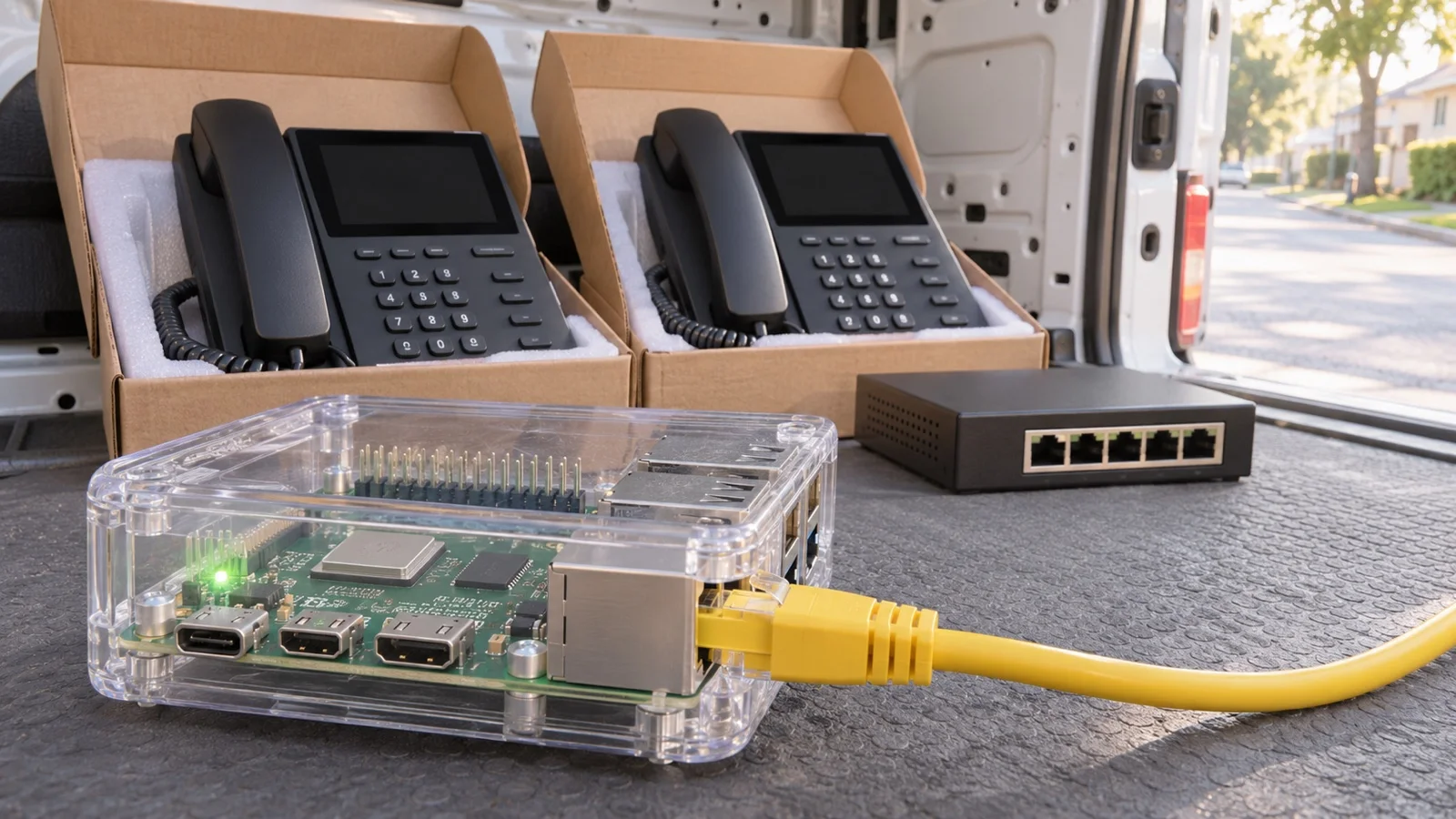
The short answer: the 3CX SBC is the relay you install on every site whose desk phones are not on the same network as the phone system. It combines the signalling and audio of all the phones on the site and delivers them to the system, whether it is hosted in the cloud or installed at head office. 3CX itself gives the rule: fewer than 10 phones on the site, a router phone is enough; above that, install a dedicated SBC; for a single user, prefer the apps. This guide explains what the SBC really does, how to choose between the three options, how to install it and what it does not solve.
At ALLSAFE SOLUTIONS, a Bronze 3CX partner certified Advanced, we deploy multi-site phone systems from Casablanca, with on-site work across Morocco. The technical points in this article come from the admin documentation published by 3CX; we flag what that documentation does not specify.
What the 3CX SBC is for
An IP phone behind the router or firewall of a branch has to keep two streams open to the phone system: signalling (SIP) and audio (RTP). The second stream, sent on ports that change with every call, is the one routers and firewalls handle worst. The symptoms are familiar: calls with no audio, one-way audio, phones that lose their registration.
The 3CX SBC (Session Border Controller) is a software service installed on the site’s local network. According to 3CX’s documentation, it combines all SIP and RTP packets from one location and delivers them to the phone system, overcoming the firewall and networking issues that affect reliability. On the phone system side, this 3CX tunnel arrives on a single port, 5090 by default.
For router phones, which run the same SBC, 3CX lists four effects:
- encrypting voice traffic;
- reconnecting calls after a dropout;
- combining signalling and audio to get through firewalls and routers;
- saving bandwidth by setting up internal calls between phones on the same site directly.
That last point matters for a branch with limited bandwidth: two colleagues in the same office calling each other do not use the internet link for audio.
When you need an SBC
Three situations require one:
- 3CX is hosted in the cloud. The documentation is explicit: you need at least one router phone or an SBC in the network where the IP phones are located. That includes the main site.
- 3CX is installed at head office and you open a branch, a warehouse or a shop equipped with desk phones.
- Remote phones currently run on STUN, meaning a direct SIP connection. 3CX does not recommend this mode and states that no support is provided for it, either on the forum or through a ticket.
Conversely, the 3CX apps for iOS, Android, browser and Windows do not need an SBC: they have a built-in tunnel. For a home worker or a sales rep, that is the route 3CX advises, and the one we describe in the 3CX app on mobile and web client.
Router phone, dedicated SBC or apps: the 3CX rule
| Site situation | What 3CX recommends | Key point |
|---|---|---|
| A single remote user | 3CX iOS and Android apps | Nothing to install or maintain |
| Network with fewer than 10 phones | Router phone | A compatible phone relays the others |
| Network with more than 10 phones | Dedicated SBC | Service installed on Raspberry Pi 5, Windows or Debian |
| Site where an outage is not acceptable | SBC high availability cluster | Two machines in active-passive mode |
Source: 3CX documentation, “Installing a 3CX SBC” and “Configuring IP Phones”. In these pages 3CX does not publish a ceiling of phones or concurrent calls per SBC; we therefore size case by case, based on the number of phones, BLF keys and the site’s call volume.
The router phone
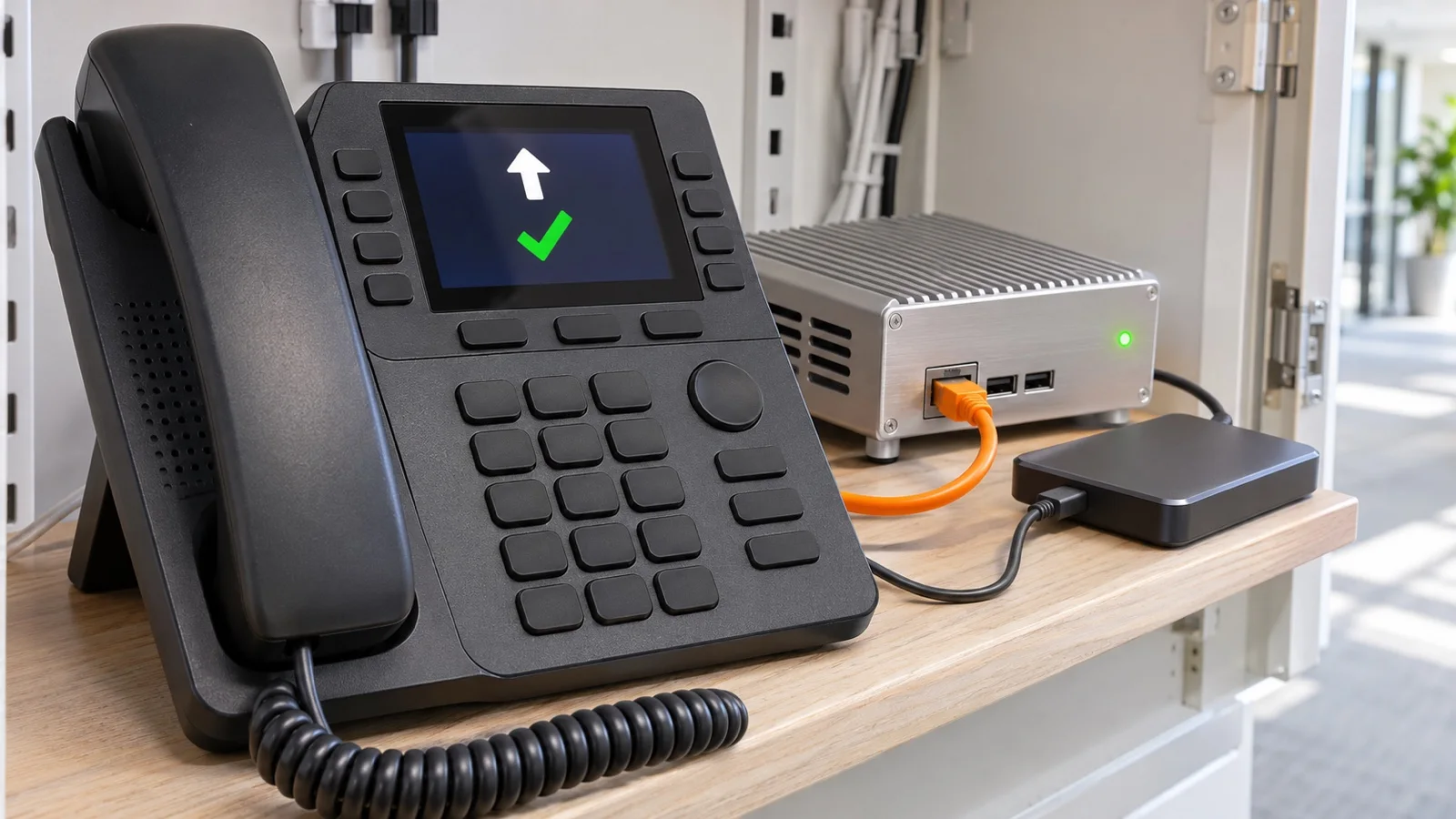
A router phone is a normal IP phone that runs the 3CX SBC. 3CX has provided its code to vendors who ported it to their more powerful models. The phone still works as a phone for its user.
Models listed in 3CX’s documentation at the time of writing:
| Vendor | Models usable as a router phone |
|---|---|
| Fanvil | V62, V64, V65, X4U-V2, X5U-V2, X6U-V2, X7-V2, X7C-V2, X210-V2, X210i-V2 |
| Snom | D862, D865 |
| Yealink | T53, T53C, T53W, T54W, T57W; the SBC page also lists T41U, T42U, T43U, T46U, T48U |
The list changes: 3CX points to its supported phones page for the current version, and we check it before every order. The practical consequence: to users, the router phone is a phone like any other, but if it is unplugged, rebooted or moved, every phone going through it loses the phone system. We therefore place it somewhere stable (reception, the manager’s office), on an identified switch port, never on a shared desk.
The dedicated SBC
Above 10 phones, 3CX advises a dedicated SBC. Three platforms are offered:
- Raspberry Pi 5, with its own installation guide;
- Windows 10 or Windows Server 2016 and later;
- Debian Linux, from the ISO image provided by 3CX.
The documentation sets two requirements: the machine must have a static IP address on the local network, and it must run at all times. An SBC installed on the PC of a colleague who switches it off in the evening is a scheduled outage.
Installing a 3CX SBC, step by step
The official procedure has four steps:
- Choose the platform and download the matching SBC.
- Add the SBC in 3CX: in the admin console, go to Voice & Chat, press Add SBC, then select the type of machine. The console displays the instructions, a provisioning URL and an authentication ID.
- Install the service on the machine, after giving it a static IP address, entering the provisioning URL and then the authentication key.
- Provision the phones: once installed, the SBC appears in the list offered when you add a phone that needs a relay.
Two methods work for phones behind an SBC. PnP: phones on the same network as the SBC are detected and appear under Admin > Phones > PnP Phones, with the SBC path, ready to be assigned to a user. RPS: the phone fetches its provisioning link from the vendor’s server, which 3CX presents as the easiest method, for cloud and on-premises alike. For a bulk deployment, 3CX advises preparing a table of MAC addresses and intended extensions; that is what we do before arriving on site.
Two useful points in day-to-day operation. The SBC is updated from the console (System > Updates), with no site visit. And the web interface of a phone behind an SBC or router phone may not be directly reachable: troubleshooting goes through the 3CX console, which can reboot and reprovision phones remotely.
One licensing point to know: from V20 Update 10, the free and SMB editions no longer allow adding IP phones. If your project relies on desk phones, check the edition, as we explain in 3CX licence: which edition to choose and in 3CX V20: what’s new and migration.
Network and firewall: what to plan
On the phone system side, for a 3CX installed on your premises, the documentation asks you to open:
| Port | Direction and protocol | Purpose |
|---|---|---|
| 5090 | Inbound, UDP and TCP | 3CX tunnel (remote apps and SBC) |
| 443 or 5001, or your custom HTTPS port | Inbound, TCP | Presence and provisioning |
For a hosted 3CX, this part is already in place on the hosting side.
On the remote site side, no inbound opening is needed for the phones: the SBC sets up the connection to the phone system. Three checks remain:
- SIP ALG disabled on the router or firewall, as 3CX requires; it is also one of the mistakes that ruin call quality.
- Phones and SBC on the same network, ideally a dedicated voice VLAN with the right priority, see segmenting your network with VLANs.
- Tunnel pinned to a single link if the site uses two internet lines with SD-WAN: an SBC tunnel copes badly with switching links mid-call, as we detail in FortiGate SD-WAN for multi-site networks.
High availability: the SBC cluster
A single SBC is a single point of failure: if it stops, the site has no phones. For sites where that is not acceptable, 3CX documents an SBC cluster in active-passive mode.
The published prerequisites:
- two PCs or two Raspberry Pis, with the same Debian or Raspbian version and updates;
- static IP addresses on the same subnet, the same time zone and the same network interface names;
- a floating IP address, also static, held by the active node;
- unrestricted communication between the two nodes.
The limitations, also published by 3CX, should be known before you make promises to users:
- active calls are not restored during a failover;
- new calls go through after a few seconds, but some functions, such as provisioning from the console, can take up to two minutes to come back;
- a network break between the two nodes can leave the cluster in an inconsistent state, which is why reliable cabling and switching matter.
3CX advises enabling the notification for trunk and SBC status changes in the console; we feed it into our monitoring so that we know before users do.
What the SBC does not do
- It does not replace the internet link. The SBC is a relay to the phone system. If the site’s internet access goes down, desk phones can no longer reach 3CX. The answer is a second link, and the 3CX mobile apps for key users.
- It does not fix a faulty local network: saturated WiFi, a switch with no voice priority, ageing cabling.
- It does not connect two phone systems. If each site has its own 3CX, the link is made with a bridge, which requires a fully qualified domain name on each side and can also use the 3CX tunnel. Most multi-site SMEs do not need one: a single phone system and one relay per site are simpler to run, a trade-off we cover in cloud or on-premises phone system.
The mistakes we fix most often
- Remote phones left on STUN, outside 3CX support, with intermittent audio dropouts nobody can reproduce.
- An SBC installed on an office PC, switched off in the evening or rebooted by updates.
- An SBC on a DHCP address, which changes after a power cut.
- The router phone on a shared desk, unplugged at the first office reshuffle.
- SIP ALG left on in the branch router.
- A cluster sold as “zero interruption”, when active calls drop at failover.
- No alert on SBC status: head office hears about the outage from a branch calling on a mobile.
Checklist before equipping a remote site
- Number of desk phones on the site, today and in a year.
- Phone models, and whether one is router phone compatible if the site has fewer than 10 phones.
- Dedicated SBC machine: Raspberry Pi 5, Windows or Debian, always on, on a UPS.
- Static IP address reserved for the SBC, and a floating address if clustered.
- SIP ALG disabled, voice VLAN and priority checked.
- The site’s internet link: bandwidth, stability, possible second link.
- 3CX edition compatible with IP phones.
- Table of MAC addresses and extensions ready before the visit.
- SBC status notifications enabled and monitored.
- Fallback plan: mobile apps for key users.
How we work
We start with a free audit of your phone system: sites, number of phones, internet links, firewalls and 3CX edition. We then choose, site by site, between router phone, dedicated SBC and cluster, prepare phone provisioning, and install and test on site, checking inbound, outbound and internal calls. Security is part of commissioning, following our best practices to secure a 3CX system. After go-live, the phone system, the SBCs and the lines are monitored 24/7, and critical incidents are handled in under 15 minutes.
To place this project in your wider plans, see our IP telephony in Morocco offer, then request your free phone system audit: free initial audit, reply within 24 business hours, from Casablanca and across Morocco.
Sources: 3CX admin documentation: Installing a 3CX SBC, Configuring IP Phones, PnP Phones, Firewall & Router Configuration, Create an SBC High Availability Cluster, Connecting 3CX Phone Systems (Bridges).
Frequently asked questions
What does the 3CX SBC do?
The 3CX SBC (Session Border Controller) is a software service installed on a site’s local network. It combines the SIP signalling and RTP audio of all the phones on the site and delivers them to the 3CX system, whether hosted in the cloud or installed at another site. According to 3CX’s documentation, this overcomes the firewall and networking issues that affect the reliability of remote phones.
What is the difference between a router phone and a dedicated SBC?
A router phone is a normal IP phone that runs the 3CX SBC onboard: it relays the other phones on the site while still working as a phone. 3CX recommends it for a network with fewer than 10 phones. Above 10 phones, 3CX advises a dedicated SBC, installed on a Raspberry Pi 5, on Windows or on Debian.
Do I need an SBC if 3CX is hosted in the cloud?
Yes, as soon as you use desk phones. 3CX’s documentation states that if 3CX is hosted in the cloud, you need at least one router phone or an SBC in the network where the IP phones are located. The 3CX apps for mobile, browser and Windows do not need one: they have a built-in tunnel.
What happens if the SBC fails?
Every phone on the site that goes through it loses its connection to the phone system. To avoid this, 3CX documents an SBC high availability cluster: two Debian machines or two Raspberry Pis in active-passive mode behind a floating IP address. Active calls are not restored during a failover, but new calls go through after a few seconds.
Can remote phones connect to 3CX without an SBC, using STUN?
It is technically possible with a custom provisioning template, but 3CX does not recommend it and states that no support is provided for this setup, either on the forum or through a ticket. For a single remote phone, 3CX advises its iOS and Android apps instead.
About the editorial team
ALLSAFE SOLUTIONS
Network, security and cloud engineers
Written by the engineering team at ALLSAFE SOLUTIONS, a managed IT provider founded in Casablanca by network, security and cloud engineers. Our articles draw on the projects we deliver for clients in Morocco and abroad.
LinkedIn