Secure a 3CX phone system: fraud, access, updates
Secure a 3CX phone system: IP blacklist, allowed countries, outbound rules, passwords, 2FA, admin console access, encryption and updates. Our method.
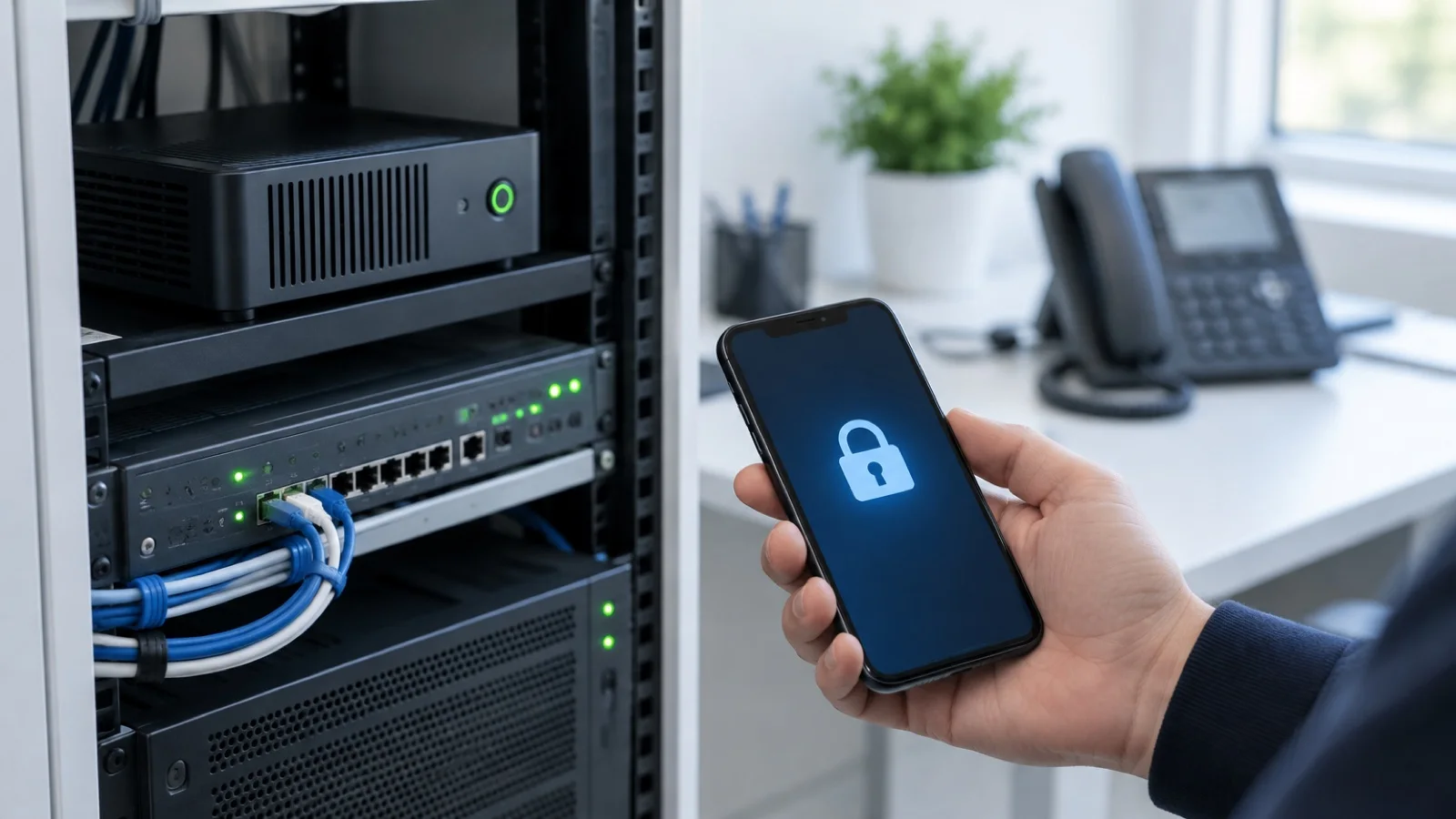
The short answer: a well-configured 3CX system is hard to hack, but a badly configured one gets expensive, fast. The main risk is not eavesdropping: it is toll fraud, bulk calls placed through your system to premium-rate international numbers, at night or over the weekend, at your expense. 3CX includes the necessary protections and enables most of them by default; incidents almost always come from settings loosened “to save time”. This guide follows 3CX’s official recommendations for Version 20 and how we apply them.
At ALLSAFE SOLUTIONS, a 3CX partner in Morocco, Bronze and Advanced Certified, security is part of every installation, just like the cybersecurity in Morocco of your other systems. The features cited here are described in 3CX’s official documentation and blog.
How fraud happens on an IP phone system
3CX describes the typical scenario in a dedicated article: a third party gains a way to place calls through your system, often a weak credential or an access left open, then launches thousands of automated calls to premium international numbers they control. They get paid on those calls; you get the bill. Another form is reselling the stolen credentials.
3CX stresses one point: in most cases it has observed, fraud results from a combination of five mistakes, rarely just one. That is good news, because each setting below closes a door.
The five mistakes that lead to fraud, according to 3CX
| Mistake | Consequence | Right setting |
|---|---|---|
| Weak credentials | Passwords guessed by brute force | Keep the random credentials generated by 3CX |
| Remote SIP registrations allowed | An extension that can be attacked from anywhere | Keep the option that blocks remote non-tunnel connections ticked |
| Too many countries allowed | Calls possible to high-risk destinations | Limit country codes to those actually called |
| “Lazy” outbound rules | Any extension can call any number | Strict rules by prefix, length and extension group |
| Wrong E164 settings | The country filter becomes ineffective | Check the international dial code (00 in Morocco) |
Restrict outbound calls: countries, rules, carrier
Allowed countries. At installation, 3CX only allows the selected country. The list is under Advanced, Allowed Country Codes. It should be limited to the countries your teams really call; allowing all of them is, according to 3CX, a bad practice that never gets corrected later.
Its limits. This filter only checks numbers dialled in international format, with “+” or “00”. Everything else is treated as a local number and goes to the outbound rules without a country check. Hence the importance of E164 settings and precise outbound rules.
Outbound rules. 3CX recommends writing them like firewall rules: precise prefixes and number lengths, and the extension groups allowed to use them. Reception does not need to call abroad; an export team does, to certain countries.
The carrier. 3CX is explicit: the country filter is basic protection that must be duplicated at carrier level. Ask your SIP trunk provider to restrict international calls and, if available, to cap spending. We discuss this in SIP trunk: keep your business numbers.
Credentials, two-factor authentication and console access
- Extension credentials: when an extension is created, 3CX generates strong random values for SIP authentication, the phone’s web interface and the voicemail PIN. Keep them. 3CX flags extensions with weak credentials inherited from older versions.
- Two-factor authentication (2FA): the administrator enables it per user under Admin, Users, General tab; the user registers their authenticator app at first login. Enable it first for every account with admin rights.
- Single sign-on (SSO): if your business already uses Microsoft 365 or Google with MFA, 3CX recommends SSO to apply the same identity controls to the phone system. 3CX roles still define what each person can do. See our guide to rolling out MFA.
- Roles: 3CX advises keeping admin accounts separate from day-to-day calling accounts, disabling stale users and regularly reviewing who can administer.
- Console Restrictions: under Advanced, Console Restrictions, you limit admin console access to known public IPs and the local network. Check that your own address is allowed before applying the rule, so you don’t lock yourself out. This restriction does not affect the Web Client or phone provisioning.
- Sensitive data: provisioning files, configuration QR codes, SIP credentials and voicemail PINs should be treated like passwords.
Anti-hacking, blacklist and firewall
3CX automatically blocks an IP address after more than 10 wrong passwords or more than 5 incorrect registrations from a phone, and adds it to the blacklist (Advanced, IP Blacklist). You can manually add an address or range to block, or a trusted address to allow. Be careful with those exceptions: a whitelisted address bypasses all anti-hacking checks.
The Automatic Global IP Blacklist, in the Anti-Hacking section, shares known attacker addresses between all participating 3CX systems. 3CX encourages keeping it enabled.
But 3CX is explicit: this mechanism does not replace a firewall. Filtering connections by country of origin, restricting the SIP port to your carrier’s addresses or segmenting the phone system from your other networks is done on the firewall. For on-premise or self-hosted installations, 3CX also recommends disabling SIP ALG, opening only the required ports and running its Firewall Checker after every network change. We apply these principles as described in the 10 FortiGate settings after installation.
Hosted by 3CX or self-hosted: who protects what
The split of responsibilities depends on the hosting model, and 3CX spells it out in its Version 20 hardening checklist:
| Area | Hosted by 3CX | Self-hosted or on-premise |
|---|---|---|
| Operating system and server updates | Handled by 3CX | Your responsibility (or your managed service provider’s) |
| Firewall, DNS, segmentation, internet exposure | Infrastructure managed by 3CX | Your responsibility |
| Accounts, roles, 2FA, console restrictions | Your responsibility | Your responsibility |
| Outbound rules and allowed countries | Your responsibility | Your responsibility |
| Phones, apps, integrations | Your responsibility | Your responsibility |
In other words, hosting by 3CX reduces what you manage, but does not exempt you from the settings most tied to fraud: identities, roles and calling rules.
Call encryption and endpoint security
3CX recommends Secure SIP (TLS) for signalling and SRTP for voice, wherever the whole call path supports it. At extension level, SRTP can be “enabled” during a transition period, then “enforced” once all endpoints have been tested. For phones, 3CX advises keeping firmware current, protecting their web interface and never exposing management interfaces to the internet. The 3CX apps connect through an encrypted tunnel, which lets you keep remote SIP registrations blocked, see the 3CX app on mobile, web and Windows.
Updates, backups and alerts
- Updates: 3CX recommends enabling automatic updates (Admin, System, Updates) with the time window of your choice; Debian security updates are then applied too. Rolling back to a previous version is not possible. In June 2026, 3CX released an urgent security hotfix for self-hosted or on-premise systems reachable from the internet; instances hosted by 3CX had already been updated.
- Backups: 3CX asks for a protected backup destination, an owner responsible for recovery and regular restore tests. See 3-2-1 immutable backup.
- Alerts: system alerts (anti-hacking blocks, trunk outages, available updates, backup status, disk space) must reach a monitored mailbox with a named owner. 3CX can also forward its security logs to a Syslog collector.
The March 2023 incident: what to take away
At the end of March 2023, 3CX announced that certain versions of its Electron desktop app for Windows and Mac contained malicious code, flagged by antivirus vendors. The vendor described it as an attack on its product and the wider supply chain, appointed Mandiant to investigate, and recommended uninstalling that app and using the Web Client installed as an app (PWA). 3CX now states that every version is checked at binary level by ReversingLabs, its source code analysed with Coverity, major changes penetration-tested by Mandiant, and that it runs a bug bounty programme with HackerOne. The lesson for an SMB: install apps only from official sources and keep the ability to react quickly when the vendor issues an alert.
If you suspect an incident
3CX’s advice is not to panic and, above all, to preserve evidence before changing anything: from the dashboard, generate the support information, which produces an archive of the logs. Then cut the source of the calls (credentials, outbound rules, international calls at the carrier), reset the exposed credentials and plan the reprovisioning of the affected phones and apps. If your antivirus or EDR raises an alert on a 3CX component, 3CX asks you to report it to your antivirus vendor and to your 3CX partner straight away.
3CX security checklist
- Allowed countries limited, outbound rules per extension group, E164 checked.
- International restriction and spending cap at the carrier.
- Random credentials kept, no test credentials in production.
- 2FA or SSO with MFA, administrators first.
- Admin console restricted to known IPs.
- Anti-hacking and Global IP Blacklist active, minimal whitelist.
- Firewall configured, SIP ALG disabled, ports restricted.
- TLS and SRTP wherever the call path allows.
- Automatic updates, tested backups, monitored alerts.
How we work
We start with a free audit of your phone system: version, outbound rules, allowed countries, accounts, console access, firewall and backups. We fix the gaps, harden the configuration following 3CX’s official checklist, then place the system under 24/7 monitoring: an anti-hacking alert or a burst of international calls is treated as a critical incident, handled in under 15 minutes. Poor call quality is another topic, covered in the 10 mistakes that degrade call quality.
See our IP telephony in Morocco offering, then request your free phone system audit: we reply within 24 business hours.
Frequently asked questions
How do I prevent toll fraud on 3CX?
By combining several protections, because 3CX observes that fraud almost always results from a combination of mistakes: limit allowed country codes to those you really call, write strict outbound rules per extension group, keep the random credentials generated by 3CX, block remote non-tunnel SIP registrations and check the E164 settings. Also restrict international calls at your carrier.
Does 3CX block attacks automatically?
Yes. An IP address is blocked and blacklisted after more than 10 wrong passwords or more than 5 incorrect phone registrations. The 3CX Global IP Blacklist, when enabled, also shares known attacker addresses between participating systems. This protection does not replace a firewall.
Can I block a country on 3CX?
For outbound calls, yes: the Allowed Country Codes feature only allows the countries you tick. It only checks numbers dialled in international format (+ or 00), hence the importance of outbound rules and E164 settings. To filter inbound connections by country of origin, you rely on the firewall.
Should I enable automatic 3CX updates?
3CX recommends it, with a chosen time window. On a Linux system, Debian security updates are then applied too. Since rolling back to an earlier version is not possible, a recent, tested backup must exist before each major update.
What was the March 2023 3CX security incident?
3CX announced that its Electron desktop app for Windows and Mac, in certain versions, contained malicious code, and described it as an attack on its product and the wider supply chain. The vendor appointed Mandiant, recommended uninstalling that app and using the Web Client installed as an app (PWA).
About the editorial team
ALLSAFE SOLUTIONS
Network, security and cloud engineers
Written by the engineering team at ALLSAFE SOLUTIONS, a managed IT provider founded in Casablanca by network, security and cloud engineers. Our articles draw on the projects we deliver for clients in Morocco and abroad.
LinkedIn