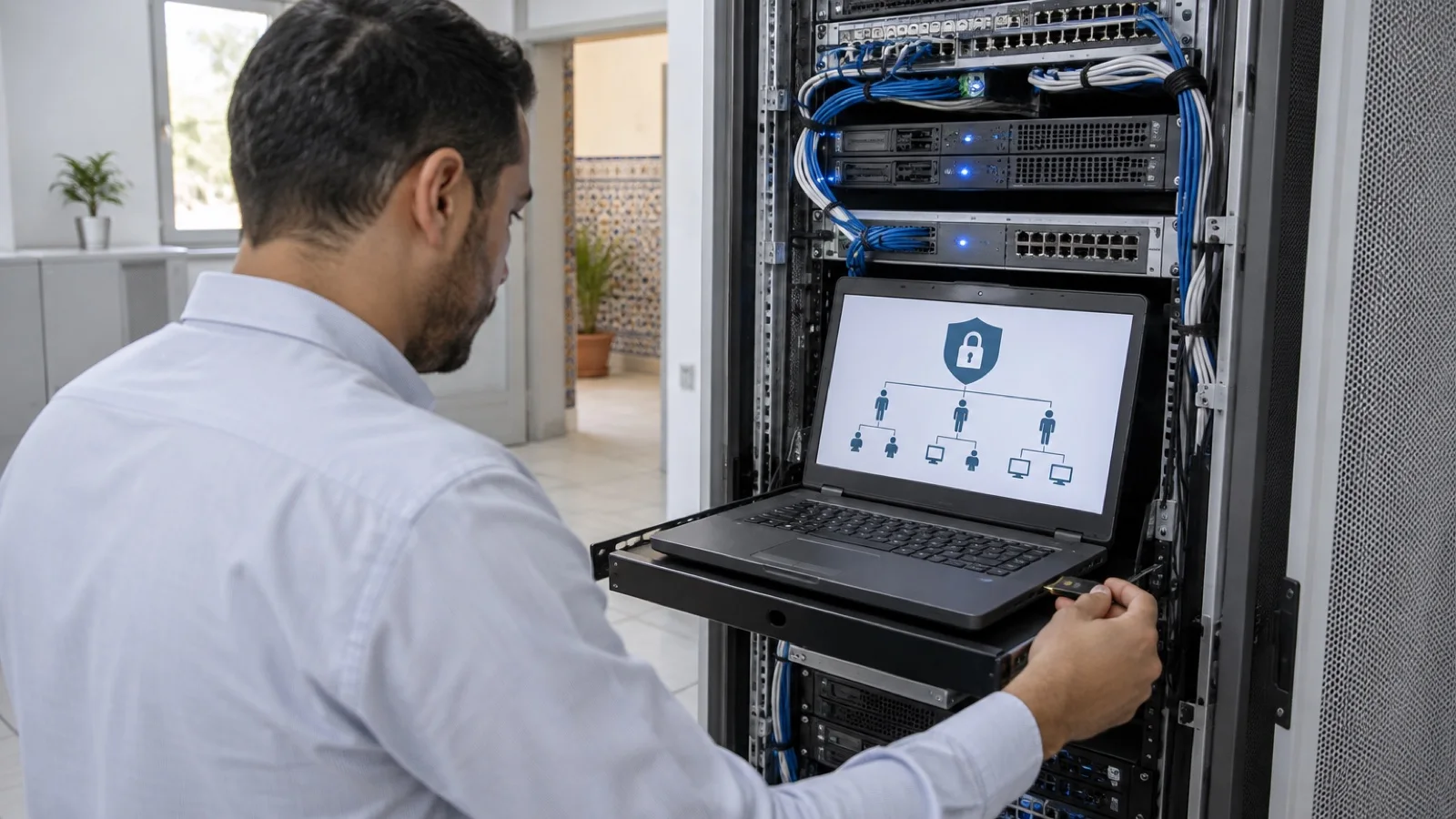
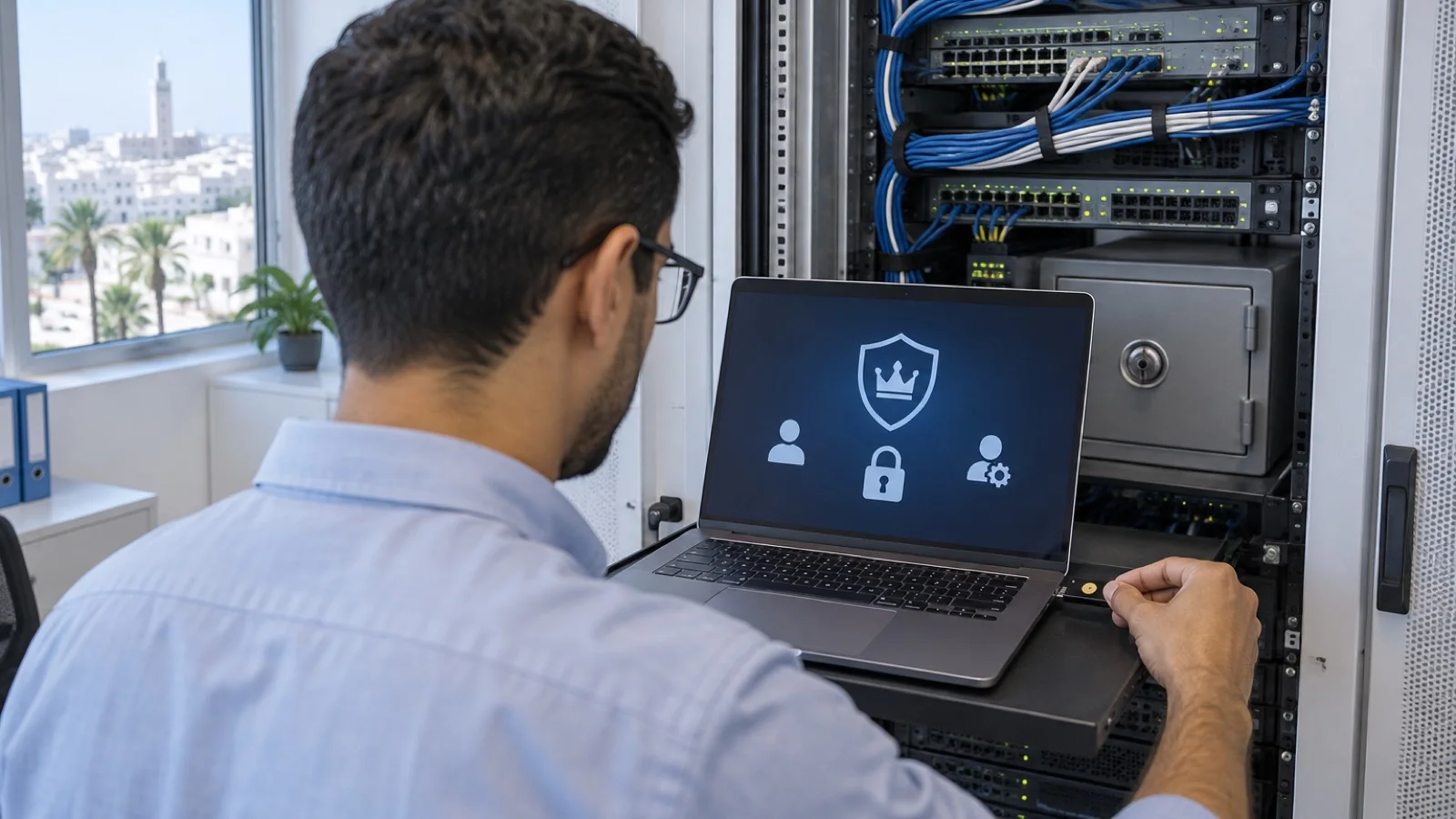
SIEM for SMBs: Wazuh, Microsoft Sentinel or FortiAnalyzer, which to choose?
SIEM for SMBs in Morocco: what a SIEM does, which logs to collect, open-source Wazuh, Microsoft Sentinel, FortiAnalyzer, sizing and mistakes to avoid.
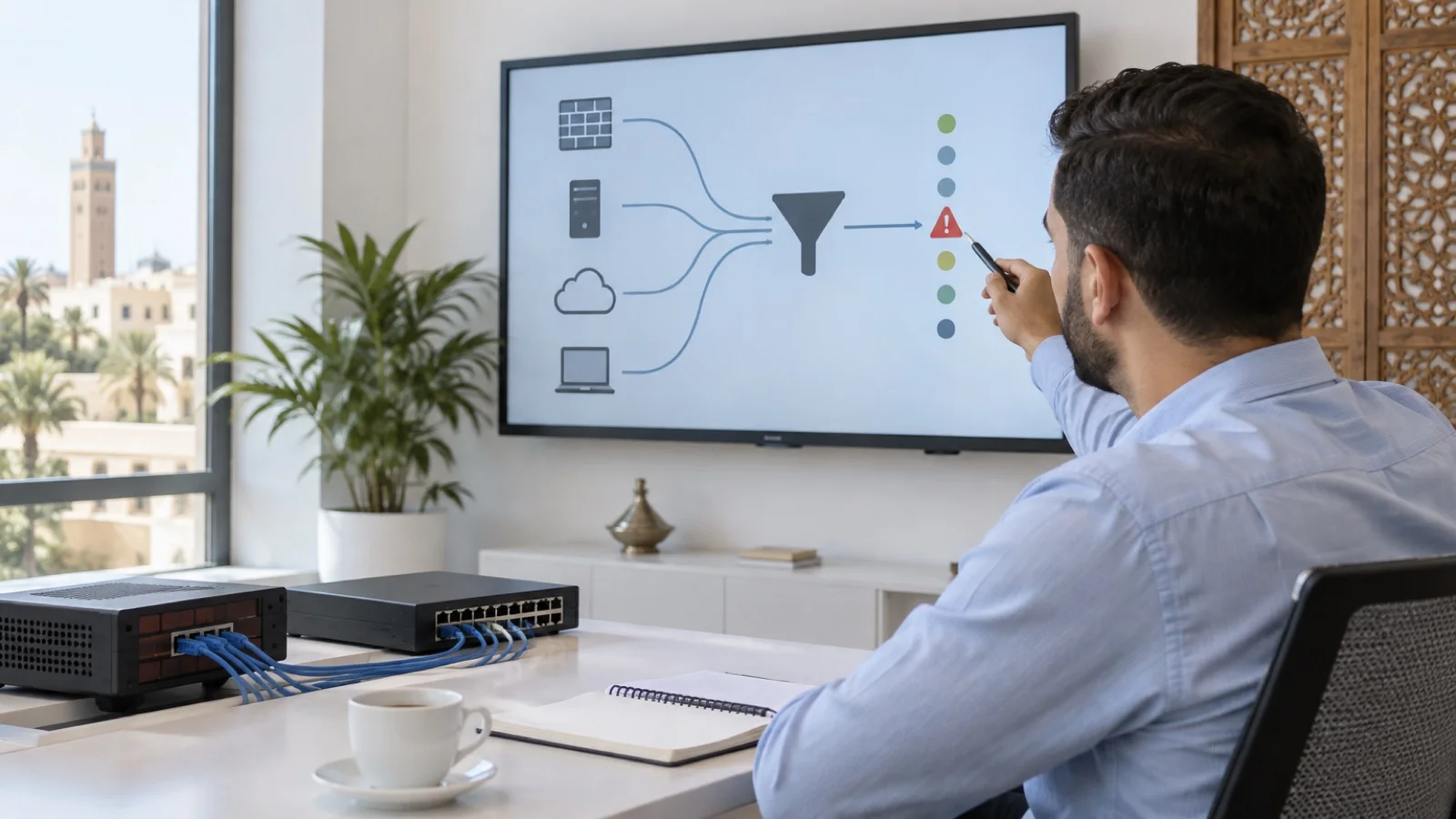
The short answer: a SIEM (security information and event management) brings together in one place the logs from your firewall, servers, Active Directory, PCs and Microsoft 365, to detect an attack in progress and reconstruct what happened. For an SMB there are three main routes: Wazuh, a free open-source platform you host and maintain yourself or through a provider; Microsoft Sentinel, a SIEM in the Azure cloud billed on usage, a natural fit if you already run on Microsoft; and FortiAnalyzer to centralise logs from a Fortinet network. The choice matters less than one rule: a SIEM with nobody to read and handle the alerts protects nothing.
At ALLSAFE SOLUTIONS, a managed IT provider in Casablanca, we deploy and run our clients’ security logging as part of our business cybersecurity in Morocco offering. The capabilities quoted come from official Wazuh, Microsoft Learn and Fortinet documentation.
What a SIEM actually does
Every device in your IT writes a log: the firewall records connections, Active Directory records sign-ins and group changes, Microsoft 365 records sign-ins and mailbox rules, servers record services started. Taken one by one, these logs say little. Put together, they tell the story of an attack:
- a successful VPN connection from an unusual country, at 3 a.m.;
- then an account added to the Domain Admins group;
- then antivirus disabled on a server;
- then backup jobs deleted.
A SIEM does three things with these logs: it stores them in one place, out of the attacker’s reach; it correlates them to raise an alert when a sequence of events is suspicious; and it lets you search afterwards, to find out how the attacker got in and what they touched.
SIEM, EDR and XDR: who does what
| Tool | What it sees | What it does |
|---|---|---|
| EDR | Detailed activity on each PC and server | Detects, blocks, isolates a machine |
| SIEM | Logs from the whole IT environment: firewall, VPN, directory, cloud, servers | Centralises, correlates, alerts, supports investigation |
| XDR | Several layers from one vendor (endpoints, email, identities, network) | Correlates and responds within one ecosystem |
For an SMB, the usual order is: first EDR on PCs and servers, then a SIEM for the big picture. We explain EDR in Microsoft Defender for Business and in managed EDR with 24/7 monitoring.
Which logs to collect first
There is no point collecting everything on day one: volume explodes and alerts become unreadable. We start with the sources that catch the most real attacks.
| Priority | Source | What to look for |
|---|---|---|
| 1 | Firewall and VPN | VPN connections, firewall admin actions, blocked outbound flows |
| 1 | Active Directory (domain controllers) | Admin sign-ins, additions to privileged groups, account lockouts |
| 1 | Microsoft 365 or Google Workspace | Suspicious sign-ins, mail forwarding rules, account creation |
| 2 | Servers (files, ERP, backup) | Services created, logs cleared, backups deleted |
| 2 | EDR and antivirus | Detection alerts, protection disabled |
| 3 | Workstations | Targeted security events, not everything |
| 3 | Network devices, Wi-Fi, IP telephony | Admin connections, configuration changes |
Active Directory is the most valuable source, provided its auditing is configured correctly; we detail the sensitive events in our guide to Active Directory hardening for SMBs.
Wazuh: the open-source option
Wazuh describes itself as a free and open-source security platform that unifies SIEM and XDR capabilities. It is made up of three central components (the indexer, the server and the dashboard) and a single agent installed on the machines to be monitored. According to its documentation, it covers in particular:
- log analysis and intrusion detection;
- file integrity monitoring;
- vulnerability detection;
- security configuration assessment;
- active response, which triggers an automatic action on an event;
- mappings to compliance frameworks (PCI DSS, GDPR, NIST 800-53, among others).
The agent is available for Linux, Windows and macOS, among other systems, and Wazuh also receives logs from firewalls and network devices over syslog.
Sizing: for an all-in-one installation (all three components on one server), the Wazuh documentation recommends 4 vCPU, 8 GB of memory and 50 GB of storage for 1 to 25 agents, and 8 vCPU, 8 GB and 200 GB for up to 100 agents, with 90 days of indexed data. The server runs on Linux (Ubuntu, Red Hat, Amazon Linux, CentOS Stream). It fits well on a virtualised infrastructure; see our Proxmox and Veeam virtualisation offering.
Watch-outs: the software is free, running it is not. The platform must be kept up to date, its data backed up, the rules adapted to your environment to reduce false alerts, and above all someone must read what it reports.
Microsoft Sentinel: the SIEM in Microsoft’s cloud
Microsoft Sentinel is Microsoft’s SIEM, hosted in Azure. Its strengths for an SMB already on Microsoft 365:
- no server to install or maintain;
- native connectors for Microsoft 365, Microsoft Entra ID and Microsoft Defender;
- according to Microsoft’s billing documentation, some sources are ingested free of charge, including Azure activity logs, part of the Office 365 audit logs (SharePoint, Exchange admin, Teams) and security alerts from Microsoft products.
The trade-off: billing depends on the volume of data ingested and the retention period. Indiscriminately collecting firewall logs or logs from every PC can push the bill up. So choose sources, filter, and track consumption every month.
FortiAnalyzer: for a Fortinet network
If your firewall is a FortiGate, FortiAnalyzer is Fortinet’s console for log management, analytics and reporting across the Security Fabric: FortiGate, but also FortiAP access points, FortiSwitch switches, FortiMail or FortiClient. It offers dashboards, reports, event correlation and automated actions, as an appliance, a virtual machine or a cloud service. It does not replace a general-purpose SIEM for Active Directory or Microsoft 365, but it covers the network side very well. We install it as a Fortinet partner; with WatchGuard, logging and reporting run through the vendor’s cloud platform.
Quick comparison
| Criterion | Wazuh | Microsoft Sentinel | FortiAnalyzer |
|---|---|---|---|
| Model | Open source, self-hosted or hosted by a provider | Azure cloud service | Appliance, virtual machine or cloud |
| Licence | Free | Usage-based billing (volume, retention) | Fortinet licence |
| Strength | Versatile, agents on PCs and servers, compliance | Integration with Microsoft 365, Entra ID, Defender | Full view of the Fortinet network |
| Limit | Operations and maintenance to plan | Cost to control depending on sources | Centred on the Fortinet ecosystem |
| For whom | SMBs with a provider or a technical team | Microsoft-heavy SMBs | SMBs running FortiGate |
These solutions combine: FortiAnalyzer for the network and Sentinel or Wazuh for the rest is a common pattern.
The mistakes we fix most often
- Installing a SIEM before basic protections: without EDR or multi-factor authentication, it will only record the damage.
- Collecting everything on day one, until real alerts drown in noise.
- Misconfigured Active Directory auditing: the important events are simply never written.
- Nobody reading the alerts, especially at night and at weekends, when attacks are launched.
- Logs stored on a server the attacker can wipe, with the same credentials as the domain.
- No defined retention period, even though these logs contain personal data; see law 09-08: company obligations.
Checklist before launching a SIEM
- EDR, multi-factor authentication and offline backup already in place.
- List of priority sources: firewall, VPN, Active Directory, Microsoft 365, servers.
- Windows audit policy configured on domain controllers.
- Platform chosen and sized on the real number of agents and log volume.
- Logs protected: limited access, accounts separate from the domain, backup.
- Retention period defined and documented.
- First alert rules targeted at common attack scenarios.
- A person or team assigned to handle alerts, with an escalation procedure.
For some entities, Moroccan cybersecurity law 05-20 also sets security obligations; see law 05-20 and DGSSI.
How we do it
We start with a free initial audit: protections in place, available log sources, Active Directory and device audit configuration, retention obligations. We then recommend the right platform, Wazuh, Microsoft Sentinel or FortiAnalyzer, deploy it, connect sources in order of priority and tune alerts so they stay readable. Alerts are watched by our 24/7 monitoring team, and a critical incident is handled in under 15 minutes, as part of our managed IT services in Morocco.
Request your free initial audit: we reply within 24 business hours.
Frequently asked questions
Does an SMB really need a SIEM?
Not always first. If you have no EDR, no multi-factor authentication and no offline backup, start there. A SIEM becomes useful once basic protections are in place and you want a single view of the firewall, directory, email and servers, or when a customer, an insurer or a regulation asks you to retain and analyse your logs.
Is Wazuh really free?
The software is free and open source, according to its publisher. The real cost lies elsewhere: the server hosting it, log storage, installation, updates, rule tuning and above all the time spent reading and handling alerts. It is a very good tool, provided you plan who will run it.
What is the difference between a SIEM and an EDR?
EDR monitors in depth what happens on each PC and server, and can isolate a machine. A SIEM collects logs from the whole IT environment, including what EDR does not see (firewall, VPN, directory, Microsoft 365, network devices), and correlates them. The two complement each other; for an SMB, EDR usually comes first.
How long should logs be kept?
There is no single duration: it depends on your contractual and regulatory obligations and on how long it takes to discover an intrusion, often several weeks. Logs also contain personal data (usernames, IP addresses): their retention period and access must be defined, in line with Moroccan law 09-08.
Can the SIEM be outsourced?
Yes, and it is often the only realistic way for an SMB to benefit from one. The provider installs the platform, chooses the sources, tunes alerts to limit noise, monitors continuously and responds. Check that you remain the owner of your logs and can retrieve them at the end of the contract.
About the editorial team
ALLSAFE SOLUTIONS
Network, security and cloud engineers
Written by the engineering team at ALLSAFE SOLUTIONS, a managed IT provider founded in Casablanca by network, security and cloud engineers. Our articles draw on the projects we deliver for clients in Morocco and abroad.
LinkedIn