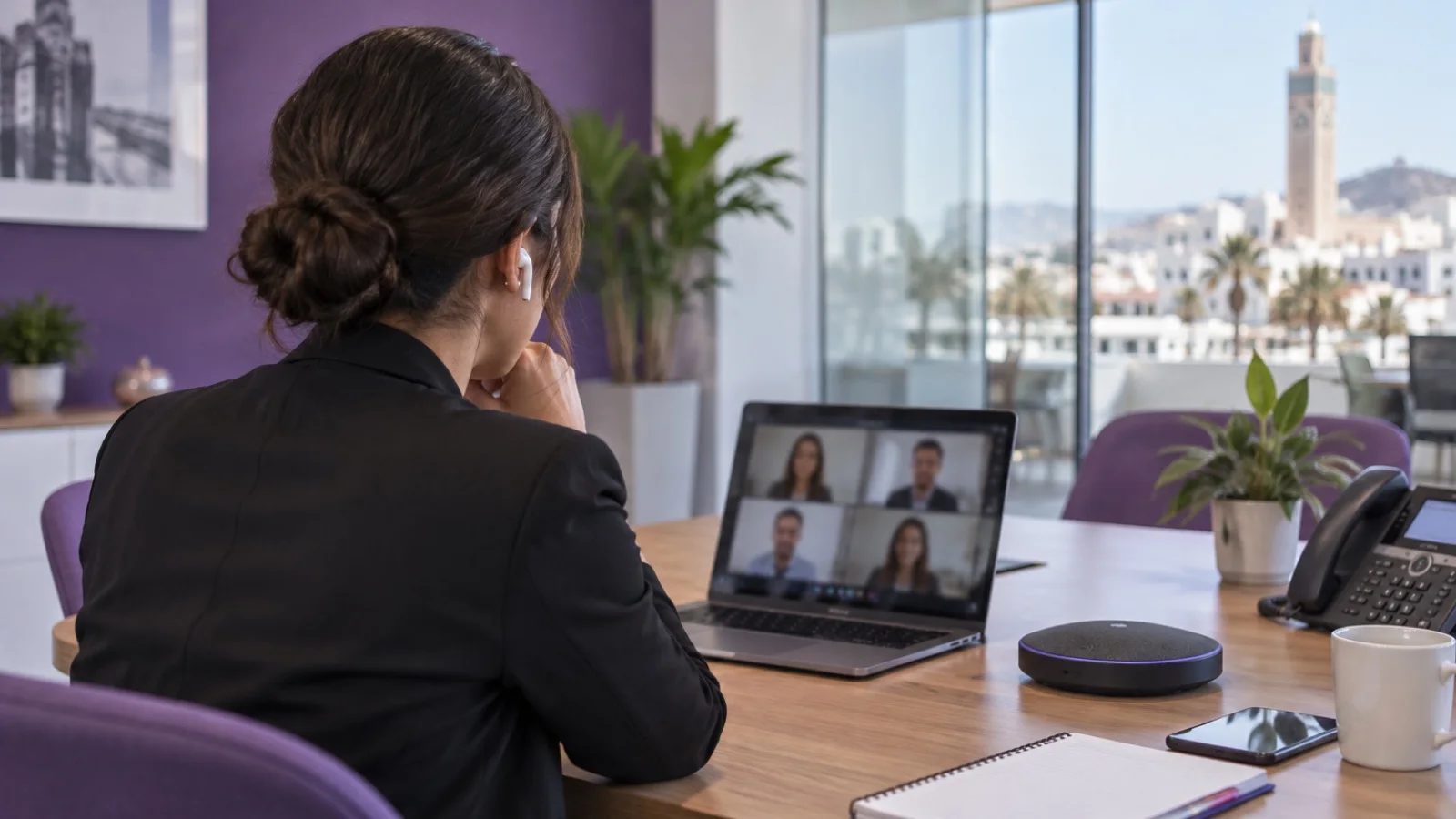
Phone system for a clinic or medical practice: reception, emergencies, on-call and privacy
Phone system for a clinic or medical practice: reception, call queues, IVR, emergencies, on-call forwarding, DECT, privacy under law 09-08 and call recording.
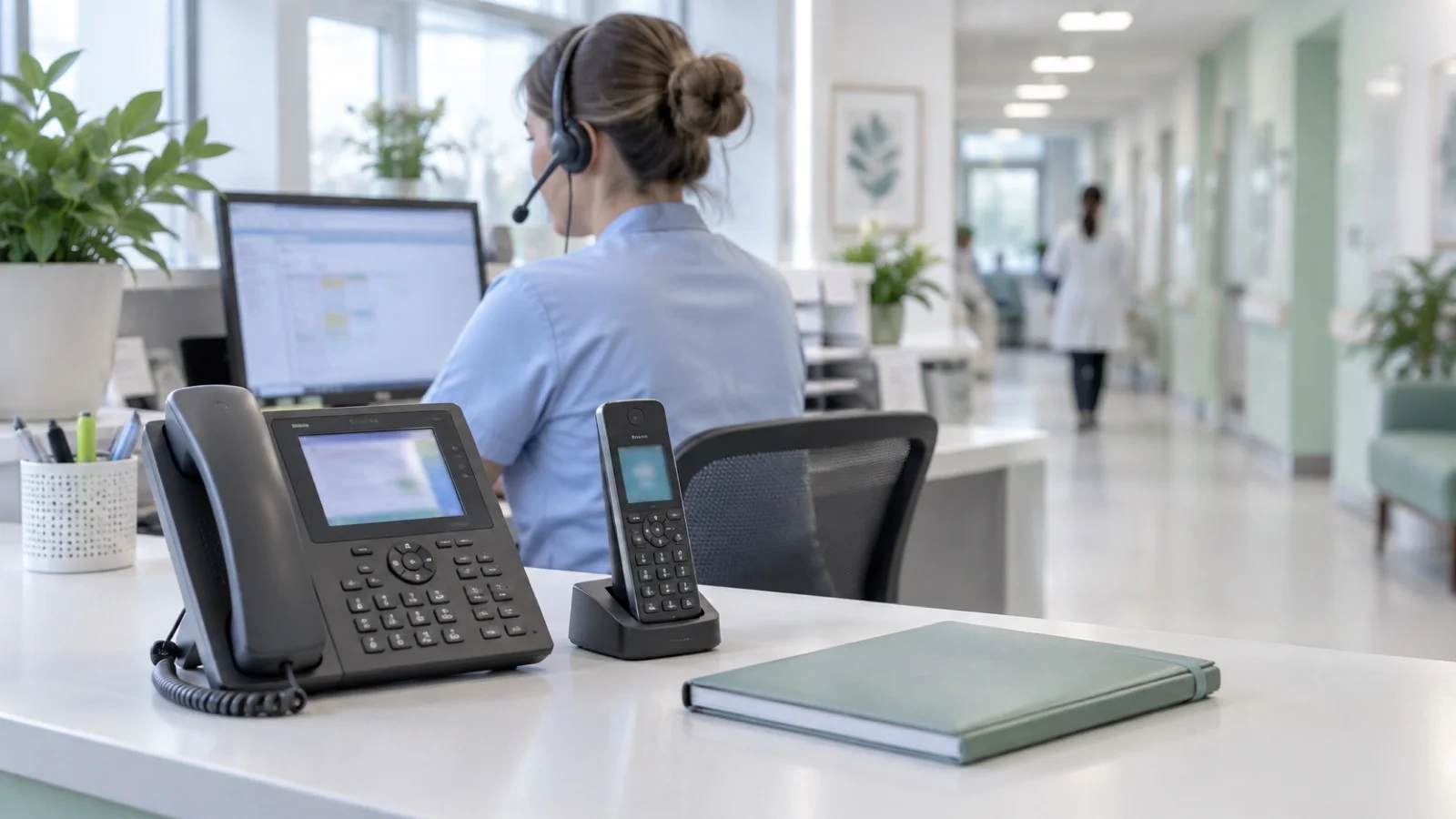
The short answer: in a clinic or medical practice, the phone system must keep four promises. Never delay an emergency. Absorb reception call peaks without losing patients. Switch automatically to the on-call doctor or department when reception closes. And protect what passes through it: call logs, voicemail and recordings contain health data. The choice of hardware comes afterwards.
This guide covers telephony. IT protection for the facility is covered in clinic cybersecurity, and general reception principles in call queues, IVR and statistics.
What makes medical phone reception different
A call to a clinic is never quite routine. The caller may be a worried patient, a relative, a referring doctor, a laboratory, an ambulance or a supplier. Peaks come at opening time and after each round of consultations, and the same front desk also welcomes patients at the counter.
Requests fall into a few families: booking or changing appointments, results and reports, administrative and insurance questions, calls between departments, and emergencies. A good phone system separates them from the start of the call so each one reaches the right place.
The typical call flow
| Situation | What the phone system does |
|---|---|
| Opening hours | Short greeting, IVR menu with a few options, queues per department, overflow to a second group |
| Call peak | Queue with announced position, callback offer, extra extensions joining |
| Lunch break, closing | Adapted message, voicemail, forwarding to a duty desk if there is one |
| Night, weekend, public holidays | Automatic switch to the on-call doctor or department |
| Life-threatening emergency | Sentence directing callers to emergency services at the top of the message |
| Referring doctors | Direct number or dedicated option, without the public queue |
A short IVR menu, in French and Arabic
Three or four options at most, announced in your patients’ languages. Beyond that, callers lose track and press keys at random. 3CX, Yeastar and Grandstream systems let you record your own messages, or have them recorded by a professional voice.
Call queues and callback
A queue spreads calls among available receptionists and announces the caller’s position. When the wait gets long, a callback offer avoids patients hanging up and never calling again. Statistics show at what times calls are lost: that is the figure that lets you adjust rotas.
Emergencies: the rule that comes first
The IVR menu of a healthcare facility must never delay a life-threatening emergency. Place the sentence directing callers to emergency services at the very start of the greeting, before any keypad choice, and in every closing message.
Two other settings matter:
- Emergency numbers must always go out, from every extension, including those with restricted external calling. This must be tested at go-live.
- Being alerted when someone calls emergency services from the building. Yeastar P-Series systems, for example, can notify designated contacts by email or by a call to a mobile when an extension dials an emergency number, stating which extension called. Useful to send someone to the right room or consulting office.
On-call: the same number, day and night
Patients should not have to look for another number in the evening. The phone system handles it with time schedules:
- A calendar of opening hours, closures and public holidays, which reception can change without technical help.
- Automatic forwarding to the on-call number, the mobile of the doctor on duty, or an internal department that works at night.
- The phone system’s mobile app (3CX, Linkus for Yeastar, Wave for Grandstream): the doctor receives calls on their smartphone and calls back showing the facility’s number, not their personal one.
- An up-to-date on-call rota: the most common cause of a lost call at night is forwarding to a doctor who is no longer on duty.
Care staff on the move: DECT and suitable handsets
Nurses, care assistants and porters do not stay at a desk. DECT, with an IP base station and repeaters for upper floors, remains the simplest solution: coverage dedicated to voice, battery life and sturdy handsets. Grandstream, for example, offers DECT base stations that can be extended with repeaters. WiFi phones make sense when a professional WiFi network designed for voice already covers the whole building.
At reception, a phone with many busy-lamp keys shows at a glance who is on a call and makes transfers error-free; a headset frees the hands for the patient record. We cover these choices in which IP phone for which user.
Privacy: what the phone system knows about patients
A phone system keeps more information than you might think: the call log (who called which department, when), voicemail (“it’s about my results…”), sometimes recordings, and the patient directory if it is linked to the medical software.
Health data is sensitive data under law 09-08, and processing it requires prior authorisation from the CNDP. For telephony, in practice:
- Restricted access to the phone system interface, voicemail and logs, with named accounts.
- Voicemail protected by a PIN, with no automatic forwarding of messages to shared mailboxes.
- Screens and announcements: no patient name shown on a screen visible from the waiting room.
- Retention periods set for logs and messages, with automatic deletion.
- A provider bound by a contract that sets out its access and confidentiality obligations.
Should calls be recorded?
Not by default. Recording can be justified for administrative reception (appointment disputes, training receptionists), much less for medical conversations. If it is enabled, callers must be informed, a purpose and a retention period defined, and access restricted. Some systems, such as Yeastar, let users pause recording while sensitive information is given. The full framework is explained in call recording for businesses in Morocco.
Continuity: the clinic must stay reachable
An internet outage or power cut must not make the facility unreachable. Plan a UPS for the phone system and the switches powering the handsets, a second internet link or 4G backup, for example with a GSM or 4G gateway, and a predefined backup forwarding to mobiles. An on-premises system keeps internal calls working without internet; a hosted system stays reachable even if the building loses its network. The right choice depends on your lines and priorities.
Measure and adjust after go-live
A phone system configured well on installation day drifts if nobody looks at what it produces. A few indicators are enough, reviewed weekly with the reception manager:
- Lost calls per hour: they show when to reinforce the front desk.
- Waiting time before answer, queue by queue.
- Missed calls returned, and by whom.
- Calls received outside opening hours: a high evening volume may justify extending the duty desk.
IVR options also need reviewing: if an option is almost never used, remove it; if patients press a key and then ask for something else, the wording is unclear. Finally, train every new receptionist on transfer, call pickup and on-call forwarding: it is often a holiday replacement that breaks the best configuration.
Who does what: roles to define
Technology alone does not answer the phone. Before go-live, write down who owns each part of the system, so nothing depends on a single person:
- The reception manager changes greetings, holiday schedules and the on-call rota.
- The medical director or a designated doctor validates the on-call forwarding rules and the emergency guidance wording.
- The person responsible for personal data decides on recording, retention periods and who may listen to recordings or read call logs.
- The IT provider handles updates, backups, monitoring and changes that require admin access.
This short document, kept with the numbering plan, avoids the classic situation where a closure message stays on for days because nobody knew how to change it.
Which solution for which facility?
| Facility | What we usually recommend |
|---|---|
| Practice with a few doctors | Hosted 3CX or small Yeastar appliance, short IVR, front-desk queue, on-call forwarding |
| Medical or imaging centre | 3CX or Yeastar with queues per activity, automatic callback, statistics, mobile app |
| Clinic with inpatient care | On-premises Yeastar P-Series or Grandstream UCM, DECT for floors, 4G backup, high availability if needed |
| Several sites | 3CX or a central system with a shared numbering plan and pooled reception |
These recommendations are starting points: the audit of lines, call volumes and the building confirms or corrects them. As a Yeastar certified partner, 3CX partner and Grandstream integrator, we do not push one brand over another. See also our healthcare and clinics page.
Mistakes we fix in healthcare facilities
- An endless IVR menu, where emergency guidance comes last.
- Manual on-call forwarding, forgotten on a closing evening.
- External calls blocked on some extensions, including to emergency numbers.
- Reception voicemail without a PIN, accessible from any extension.
- Recording every call, without informing patients or setting a retention period.
- No backup when the internet link goes down.
- Insufficient DECT coverage on upper floors or in the operating theatre, discovered after installation.
Checklist before starting the project
- Call families identified and call flow designed.
- Emergency guidance at the top of every message.
- Schedules, public holidays and on-call forwarding defined.
- Emergency numbers tested from every extension.
- Reception phones, DECT and mobile apps chosen per profile.
- DECT coverage checked on plans and on site.
- Access, voicemail and retention periods controlled.
- Decision made on recording and its conditions.
- Internet and power backup planned.
How we work
We start with a free audit of your telephony: lines, call volumes, patient journeys, building and network. With your reception team, we design the call flow, then configure the phone system, queues, schedules, on-call forwarding and handsets, building in privacy rules from the start. After go-live, the system and lines are monitored 24/7, and a critical incident is handled in under 15 minutes.
Explore our IP telephony in Morocco offering, then request your free telephony audit: we reply within 24 business hours.
Frequently asked questions
How should emergencies be handled on a clinic’s IVR menu?
At the very start of the message, before any keypad choice, include a sentence asking callers in a life-threatening emergency to hang up and call the emergency services. Then keep a direct route to a person, without a queue, for inpatients or referring doctors who must reach a department quickly.
How do we forward calls to the on-call doctor at night?
With time schedules in the phone system: outside opening hours, calls switch automatically to the on-call number, a mobile or the phone system app on the doctor’s smartphone. Patients always dial the same number, and the doctor can call back showing the clinic’s number.
Are a clinic’s call recordings health data?
They can be, as soon as a patient mentions their condition or care. Health data is sensitive data under law 09-08 and requires prior authorisation from the CNDP. Limit recording to justified uses, inform callers and restrict access to the files.
DECT or WiFi phones for care staff?
DECT remains the simplest choice for staff on the move: coverage dedicated to voice, battery life, sturdy handsets, and repeaters for upper floors. WiFi phones make sense when a well-designed professional WiFi network already covers the whole building.
Which phone system for a practice with a few doctors?
A hosted system, such as 3CX, or a small Yeastar appliance is usually enough: a short IVR menu, a queue for the front desk, voicemail, forwarding to the on-call doctor and a mobile app. What matters is a well-configured reception, not a big system.
About the editorial team
ALLSAFE SOLUTIONS
Network, security and cloud engineers
Written by the engineering team at ALLSAFE SOLUTIONS, a managed IT provider founded in Casablanca by network, security and cloud engineers. Our articles draw on the projects we deliver for clients in Morocco and abroad.
LinkedIn