Passkeys for business: moving to passwordless authentication with Microsoft 365 and Google Workspace
Passkeys for business: how they work, synced vs device-bound, Microsoft Entra, Google Workspace, Microsoft’s SMS retirement and a rollout plan for SMBs.
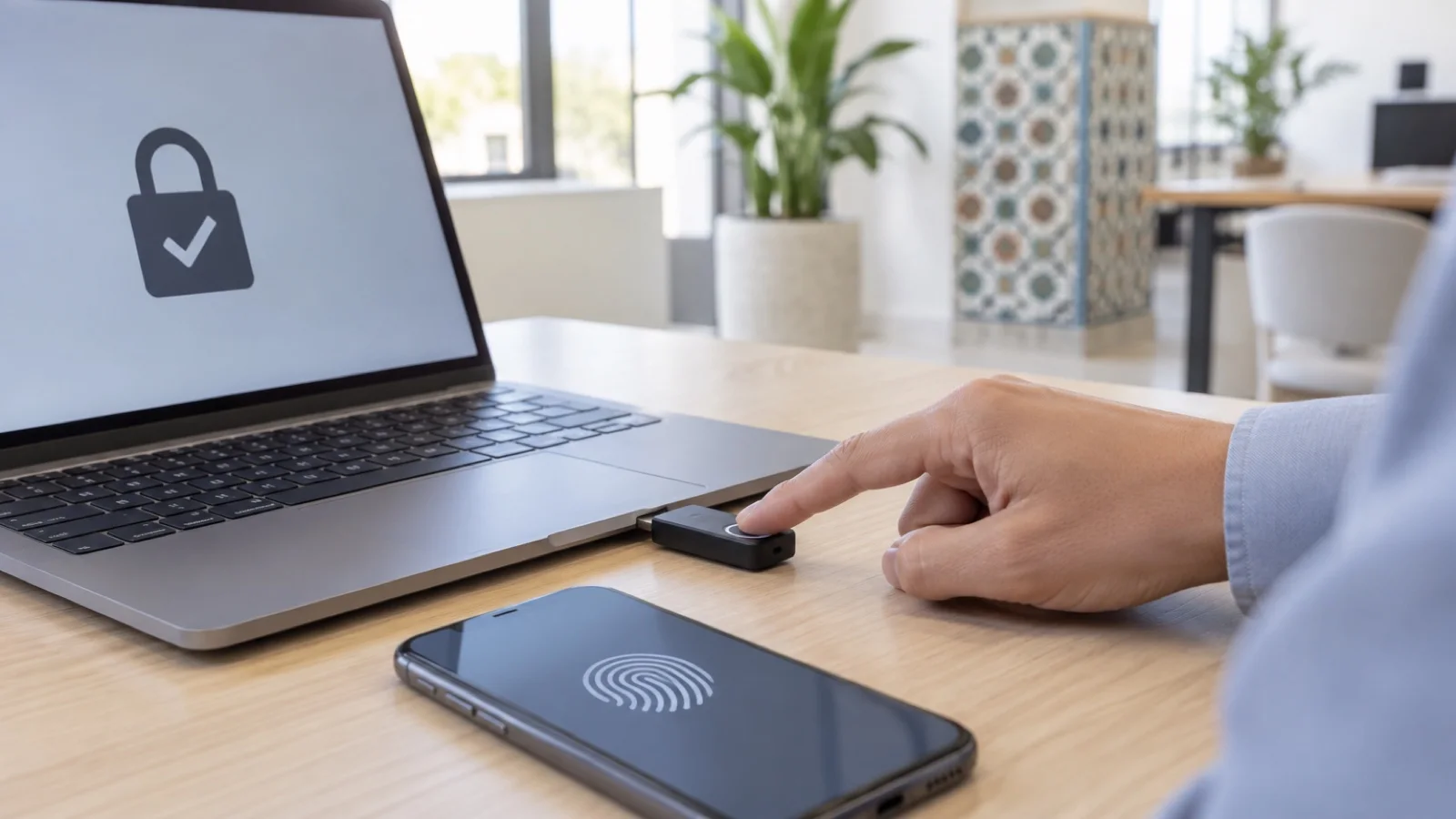
The short answer: a passkey replaces the password with a cryptographic key pair whose private part never leaves the user’s device or vault. The employee unlocks it with a fingerprint, face or PIN, and the sign-in only works on the genuine site. It is now the simplest way to end password theft through phishing. For Microsoft 365 customers the topic has become urgent: Microsoft is retiring the SMS and voice authentication built into Entra ID from 1 February 2027, and has made passkeys the default since 1 September 2026.
At ALLSAFE SOLUTIONS, we deploy strong authentication for SMBs in Casablanca and across Morocco, on Microsoft 365, Google Workspace and VPN access. This guide explains how passkeys work, the two families of passkeys, what Microsoft and Google offer, and the method we follow to go passwordless without locking anyone out. The capabilities quoted come from the documentation of Microsoft, Google, the FIDO Alliance and CISA.
How a passkey works
A passkey relies on the FIDO2 and WebAuthn standards. At registration, the device creates a unique key pair for that service: the public key is sent to the service, the private key stays protected on the device. At each sign-in, the service sends a challenge that only the private key can sign, after the user is verified locally (biometrics or PIN).
Three practical consequences:
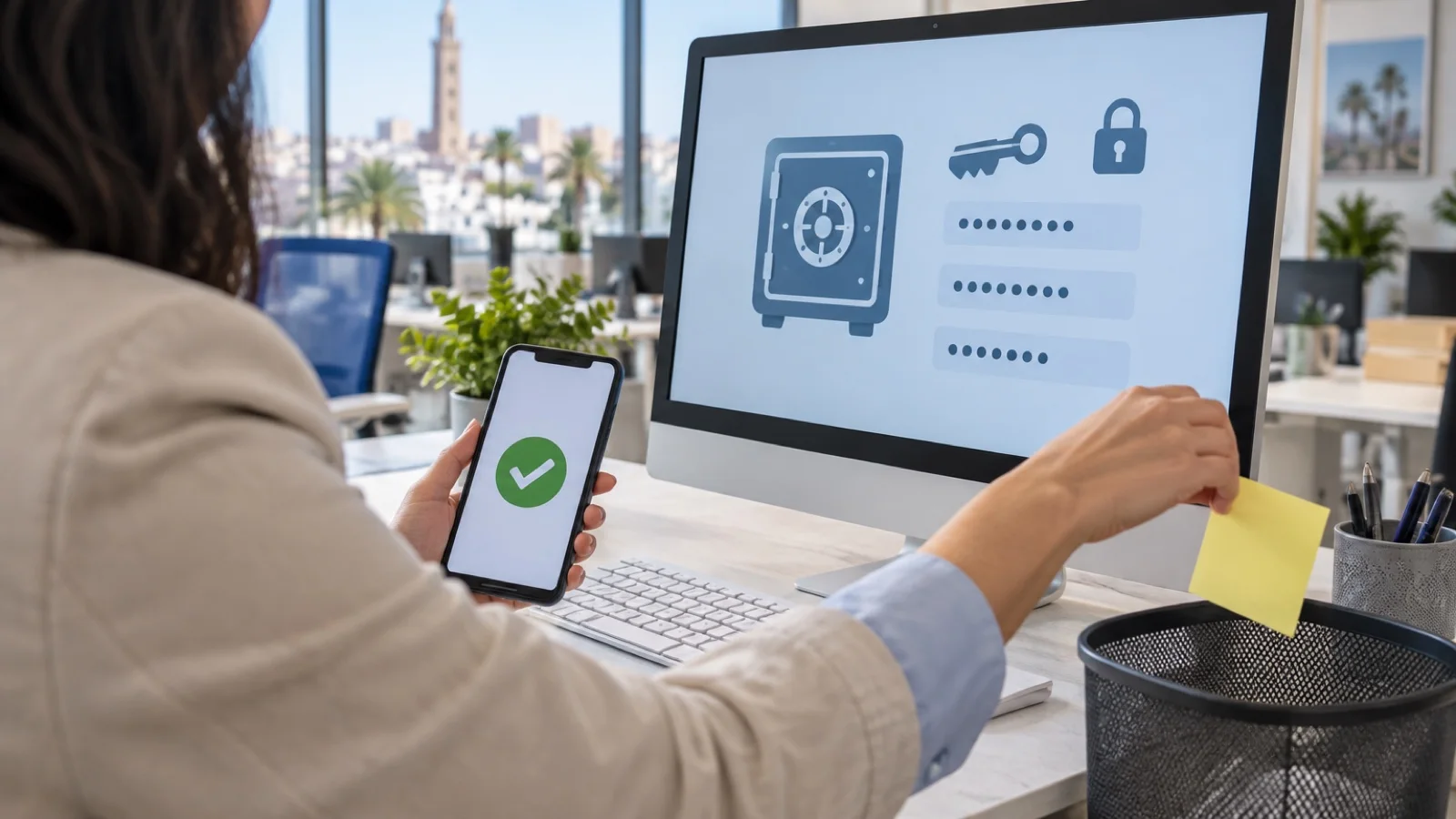
- Nothing to remember or type: no more reused passwords, sticky notes or passwords shared by message.
- Nothing to steal on the server: the service only stores a public key, which is useless to an attacker.
- Phishing resistance: the FIDO Alliance explains that a passkey is bound to the verifier’s name. A fake Microsoft page hosted on another domain cannot use it, even if the user is fooled.
That last property is what sets passkeys apart from other factors. An SMS code, a six-digit code or a push notification can be relayed in real time by a phishing kit. CISA, the US cybersecurity agency, describes FIDO/WebAuthn as the only widely available phishing-resistant authentication, and recommends number matching only as an interim step. We cover these attacks in the phishing scams targeting SMBs and in our article on business email compromise and payment fraud.
Synced or device-bound passkeys
The FIDO Alliance distinguishes two families. Choosing between them is the first decision in a business project.
| Criterion | Synced passkey | Device-bound passkey |
|---|---|---|
| Where the private key lives | In an encrypted cloud vault (iCloud Keychain, Google Password Manager…) | On a single device: FIDO2 key, Microsoft Authenticator, the PC’s chip |
| Lost device | The passkey remains available on other devices of the same account | A second method or temporary access is needed |
| Company control | Depends on the user’s cloud account | Strong: the device can be identified (attestation) |
| Assurance level according to FIDO | Suitable for most uses | Highest, for sensitive accounts |
| Typical use | Employees, everyday applications | Administrators, management, finance, shared workstations |
An important point on the Microsoft side: synced passkeys do not support attestation. If the administrator enables attestation on an Entra ID passkey profile, only device-bound passkeys are accepted. That is the right setting for admin accounts, less so for the whole workforce.
What Microsoft 365 (Entra ID) offers
Microsoft Entra ID currently accepts three types of passkeys: synced passkeys, device-bound passkeys in Microsoft Authenticator, and device-bound passkeys on FIDO2 security keys. In Authenticator, the key is created in the Secure Enclave on iPhone, and in the Secure Element or the Trusted Execution Environment on Android. Administrators configure them through “passkey profiles”, which define the allowed types and attestation.
On managed Windows PCs joined to Entra ID, Microsoft still recommends Windows Hello for Business, which is also a phishing-resistant method. Passkeys in Authenticator can be used to set it up without a password. For new joiners or a lost device, the Temporary Access Pass is a time-limited code used to register the first method; Microsoft states that it is not phishing-resistant and recommends single use.
Finally, Conditional Access provides a built-in authentication strength, Phishing-resistant MFA, which only accepts Windows Hello for Business, FIDO2 passkeys and certificate-based authentication. This is the one to enforce first on admin roles, as Microsoft recommends. These settings complement those in secure Microsoft 365 in ten settings, and PCs are managed with Microsoft Intune.
The end of SMS in Microsoft Entra: the timeline
Microsoft has published a retirement schedule for the SMS and voice authentication it provides natively in Entra ID:
| Date | What changes, according to Microsoft |
|---|---|
| 1 September 2026 | Passkeys become the default experience: they are automatically enabled for users who have SMS or voice, with a Microsoft-managed registration campaign |
| 30 October 2026 | Customers who want to keep SMS or voice can choose a third-party telephony provider from the Microsoft Security Store |
| 1 February 2027 | Microsoft-provided SMS and voice retired for all users except Global Administrators and external users |
| 1 July 2027 | Retirement for Global Administrators and external users |
After these dates, a user whose only method is SMS or voice will have to register a passkey at sign-in, with no opt-out according to Microsoft. For an SMB, waiting until February 2027 means discovering the change on a Monday morning, with a front desk that can no longer open its mailbox. It is better to migrate now, at your own pace. Microsoft provides an analysis script to identify the users concerned.
What Google Workspace offers
At Google, the administrator turns on “Allow users to skip passwords” in the Admin console, under Security then Authentication. It applies to the whole organisation or to an organisational unit. The option is off by default and does not remove the existing password: the user then adds a passkey and can sign in without typing it.
Two useful settings:
- Restrict to hardware security keys: Google warns that passkeys stored on phones and computers then stop working. Check the user report first.
- Monitoring: the security investigation tool shows how many users enrolled a passkey and how many use it to sign in.
To choose between the two suites, see Microsoft 365 vs Google Workspace and our Google Workspace partner page.
Which method for which profile
| Profile | Primary method | Backup method |
|---|---|---|
| Employee on a managed Windows PC | Windows Hello for Business | Passkey in Microsoft Authenticator |
| Mobile or remote employee | Passkey in Authenticator or on the phone | Second passkey or Temporary Access Pass |
| IT administrators | FIDO2 security key with attestation | Second key kept in a safe place |
| Management and finance | FIDO2 key or device-bound passkey | Second key or Authenticator |
| Shared workstation (reception, workshop, warehouse) | Personal FIDO2 key | Single-use Temporary Access Pass |
Admin accounts deserve separate treatment: we explain it in privileged admin accounts management, PAM and LAPS.
Our six-step rollout plan
- Inventory: which methods has each user registered? Who only has SMS? Which applications still rely on a password alone (legacy mail, VPN, business software)?
- Policy: enable passkeys in Entra ID or Google Workspace, define profiles (synced for everyone, device-bound with attestation for admins), enable single-use Temporary Access Pass.
- Pilot: a small group of volunteers, including an administrator, long enough to validate the procedure, with an illustrated registration guide.
- Rollout: registration campaign department by department, two methods per person, on-site support for reception and less confident teams.
- Hardening: Conditional Access with the “Phishing-resistant MFA” strength in report-only mode, then enforced, first on administrators, then on sensitive applications.
- Operations: lost-device procedure, joiners and leavers, regular review of registered methods.
This plan extends our MFA rollout guide and fits into a Zero Trust approach for SMBs.
Mistakes to avoid
- Enforcing phishing-resistant MFA on admins before they have registered a passkey: Microsoft warns that this can lock you out of the tenant.
- Only one method per person: losing a phone then becomes an urgent ticket.
- A reusable, long-lived Temporary Access Pass: it widens the attack window.
- Forgetting the password that is still active: as long as it exists and an application accepts it alone, it remains a way in. Our password policy is still needed during the transition.
- Neglecting awareness: employees must understand why they are no longer asked for a code, and that no service will ever ask them to “approve” a sign-in they did not start. See our phishing awareness programme.
What about the VPN and other applications?
Passkeys cover applications that authenticate through Microsoft Entra ID or Google. For the firewall VPN and access not connected to them, a solution such as WatchGuard AuthPoint, which supports passkeys, completes the setup. The goal stays the same: one identity, phishing-resistant methods wherever possible, and a clear list of exceptions.
How we support the move to passkeys
We start with an audit of authentication methods and applications, then configure the policies, run the pilot and support each department through to full rollout. Accounts and risky sign-ins are then monitored 24/7, and a critical incident is handled in under 15 minutes. Discover our business cybersecurity in Morocco offer, our Microsoft 365 and Azure services and our Microsoft partner page. Then request your free initial audit: we reply within 24 business hours.
Frequently asked questions
Is a passkey really safer than a password plus an SMS code?
Yes. A passkey is bound to the name of the site it was created for, so a fake sign-in page cannot trigger it. There is also no shared secret stored by the service. The US agency CISA describes FIDO/WebAuthn as the only widely available phishing-resistant authentication, whereas an SMS code or a push notification can be relayed by an attacker.
What happens if an employee loses their phone?
With a synced passkey (iCloud Keychain, Google Password Manager), it remains available on their other devices. With a device-bound passkey (Microsoft Authenticator, FIDO2 key), they need a second registered method or temporary access issued by the administrator, such as a Microsoft Entra Temporary Access Pass. That is why we register two methods per person.
Is Microsoft really removing SMS codes?
Microsoft has announced the retirement of Microsoft-provided SMS and voice authentication in Entra ID: on 1 February 2027 for most users, and on 1 July 2027 for Global Administrators and external users. People whose only method is SMS or voice will then have to register a passkey at sign-in. A third-party telephony provider remains possible for those who need it.
Do we need to buy security keys for everyone?
No. For most employees, Windows Hello for Business on a managed PC and a passkey in Microsoft Authenticator or on their phone are enough. We reserve physical FIDO2 keys for administrators, management, finance and shared workstations, with a second backup key.
Can Google Workspace users sign in without a password?
Yes. The administrator turns on “Allow users to skip passwords” in the Admin console (Security, Authentication), for the whole organisation or an organisational unit. Users then add a passkey to their account. The existing password is not removed, and the administrator can restrict passkeys to hardware security keys only.
About the editorial team
ALLSAFE SOLUTIONS
Network, security and cloud engineers
Written by the engineering team at ALLSAFE SOLUTIONS, a managed IT provider founded in Casablanca by network, security and cloud engineers. Our articles draw on the projects we deliver for clients in Morocco and abroad.
LinkedIn