

















Managed EDR in Morocco: what 24/7 monitoring really changes
Managed EDR in Morocco: who handles night and weekend alerts, triage, isolation, critical incidents handled in under 15 min, reporting, EDR vs MDR.
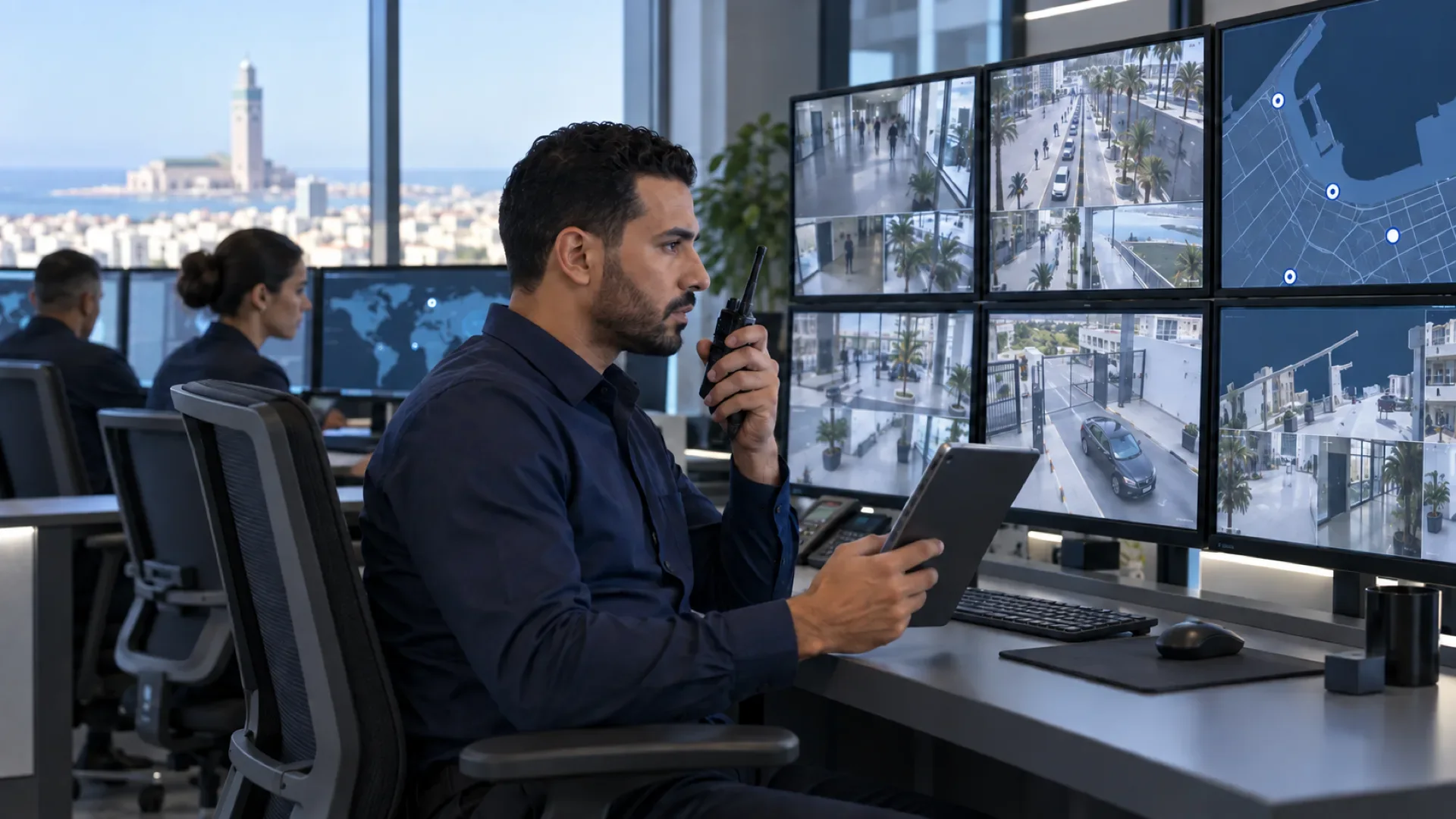
Managed EDR is an EDR that a team runs for you around the clock: it reads every alert, judges its severity, isolates the device when needed, investigates, puts the machine back into service and reports back to you. If you are still weighing antivirus against EDR, start with our EDR vs antivirus comparison. This article assumes the EDR is chosen and answers the next question: who looks after it, especially when nobody is in the office?
Why an unmonitored EDR is not enough
An EDR sees suspicious behaviour and can act automatically on obvious cases. But many of its detections need human judgement: a script run by the administrator or by an attacker, a remote connection that was planned or not, a business application behaving oddly after an update.
In an SMB, these alerts land in a console checked, at best, by an in-house IT person already busy with support. They pile up, and eventually nobody opens them. Attackers know this: they prefer to act in the evening, at weekends or during holidays, when nobody is watching. An alert read on Monday morning is an alert read too late.
What happens when an alert fires at 2 a.m.
Here is how an alert is actually handled in a managed EDR service.
- Detection: the EDR agent spots an abnormal chain of actions on a device or server and raises an alert in the console. If an automatic rule applies, the process is already blocked.
- Triage: the on-call engineer is notified. They check whether it is a known false positive, a legitimate action or a real threat, looking at the machine, the user and the timeline.
- Qualification: they assign a severity level. That level decides what happens next and who is told.
- Containment: for a critical incident, they isolate the device from the network through the console. The machine can then only talk to the EDR platform, which stops the spread towards servers.
- Investigation: they reconstruct the attack: entry point, triggering file or link, accounts used, other machines affected. If an account is compromised, its password is reset and its sessions are closed.
- Remediation: removal of malicious items, file restore from backup if needed, rebuild of the device in serious cases.
- Return to service: isolation lifted once the machine is clean, checked with the user.
- Report: an incident summary goes to the designated contact, then into the monthly report.
Steps 1 to 4 happen at night without waiting for anyone. Steps 5 to 7 continue for as long as needed, with you.
“Handled in under 15 minutes”: what it means
At ALLSAFE SOLUTIONS, a critical incident is handled in under 15 minutes, 24/7. In practice, an engineer has qualified the alert and started the first containment steps within that time, day or night, public holidays included.
It does not mean the incident is closed in 15 minutes. A serious investigation, a restore or a device rebuild takes longer, and the contract should say so plainly. A useful commitment always separates three things: the time to take charge, what the team may do without reaching you, and how you are kept informed. The clauses to check are covered in our guide to managed IT contracts and SLAs.
Severity levels: who does what
The response depends on severity. Here is the standard grid we agree with each client before go-live:
| Severity | Example | Immediate action | Who is told |
|---|---|---|---|
| Critical | File encryption in progress, remote takeover | Device isolation, affected accounts blocked | Client on-call contact, immediately |
| High | Attack tool detected, suspicious privilege escalation | Process blocked, analysis, isolation if confirmed | Designated contact, during the day or night as appropriate |
| Medium | Unwanted software, isolated unusual behaviour | Clean-up, closer watch on the device | Summary in the monthly report |
| Low or false positive | Legitimate business software wrongly flagged | Precise rule tuning, no broad exclusion | Monthly report |
The most sensitive point is isolating a server: it protects the rest of the network but stops a service. We decide with you, in advance, which servers may be isolated without prior approval and who must be reached for the others.
Managed EDR, MDR, SOC: making sense of it
These terms overlap and each provider uses them its own way. Useful markers:
| Service | What it covers | For whom |
|---|---|---|
| EDR only | The tool and its console; you handle the alerts | Companies with a security team available day and night |
| Managed EDR | The provider deploys, tunes, monitors 24/7, isolates, investigates and reports | Most SMBs |
| MDR | Detection and response by analysts, often at the vendor, with threat hunting | Complement or alternative, depending on exposure |
| Outsourced SOC | Monitoring of several sources (firewall, email, identities, servers) in a dedicated centre | More exposed companies or those with strong regulatory requirements |
In practice, the label matters less than written answers to four questions: who monitors, at what hours, what they may do on their own, and how fast they step in.
WatchGuard and Fortinet: what the tools allow
We mainly run the solutions of our two security partners.
At WatchGuard, EDR is part of the Endpoint Security range, including the EPDR offer (now sold as Endpoint Security 360). It combines protection and EDR with an application classification service (Zero-Trust Application Service) that only lets programs recognised as trusted run. Everything is managed from WatchGuard Cloud. ThreatSync, WatchGuard’s XDR layer, correlates detections from endpoints and the Firebox firewall and can automate responses such as isolating a device or blocking an IP address.
At Fortinet, FortiEDR detects and blocks malicious behaviour in real time, including on an already compromised device, and can roll back some changes made by the attacker. FortiClient, managed through FortiClient EMS, links endpoints to the Security Fabric: the FortiGate knows the state of each device and, depending on the architecture deployed, can trigger the quarantine of a compromised machine.
In both cases the benefit is the same: what the endpoint detects can also be blocked at network level, and the other way round.
Reporting: what you should receive
Managed EDR must produce reports a management team can read, not technical exports:
- After every serious incident: what happened, what was done, what remains, and how the attacker got in.
- Every month: alerts by severity, incidents handled, actual response times, unprotected devices or agents no longer reporting, exclusions added and why.
- Recommendations: privileged accounts to reduce, outdated software, users to train.
This report fits into the monthly managed services report described in our article on IT monitoring KPIs.
The most common mistakes
- No on-call contact on the client side: the team isolates the laptop at 2 a.m., but nobody can authorise isolating a server.
- Devices without an agent: executive laptops, rarely connected machines, old servers. They are often the way in.
- Broad exclusions to silence a business application, leaving the EDR blind on entire folders.
- Confusing response with resolution in the contract, and discovering the difference mid-incident.
- EDR without reliable backup: it limits the damage, but backup is what lets you restart. See our 7 ransomware measures.
- Ignoring online accounts: a stolen Microsoft 365 account signs in from outside, without going through a protected device. MFA remains essential.
Checklist before signing for managed EDR
- Complete list of covered devices and servers, with tracking of agents that stop reporting.
- Genuine 24/7 monitoring, nights, weekends and public holidays included.
- Critical incident response time written into the contract.
- Agreed severity grid and actions permitted without prior approval.
- List of servers that may be isolated and up-to-date on-call contacts.
- Post-incident reporting procedure and monthly report.
- Immutable, tested backup alongside.
- Firewall integration if you run WatchGuard or Fortinet.
How we do it
It all starts with a free initial audit: inventory of devices and servers, current protection, backups, privileged accounts. We then deploy the EDR remotely in place of the antivirus, with an observation period to tune rules around your business software. Before go-live, we agree together on the severity grid, permitted actions and on-call contacts.
From then on, alerts flow into our 24/7 monitoring, with critical incidents handled in under 15 minutes and a monthly report. Managed EDR is part of our business cybersecurity offer and fits naturally into a managed IT services contract. Project examples, with no client names, are on our case studies page.
Want to know who would answer an alert on your devices on a Saturday night today? Request your free audit: reply within 24 business hours.
Frequently asked questions
What is managed EDR?
It is an EDR whose administration and monitoring are entrusted to a provider: agent rollout, policy tuning, 24/7 alert handling, device isolation, investigation, return to service and a monthly report. You keep the decision on heavy actions, agreed in advance.
What is the difference between managed EDR and MDR?
Both combine an EDR with a team. Managed EDR emphasises running the tool end to end across your estate; MDR mostly refers to a detection and response service delivered by analysts, sometimes directly by the vendor. Either way, read the contract: hours, permitted actions, response time.
What does “critical incident handled in under 15 minutes” mean?
That an engineer qualifies the alert and starts the first containment steps, such as isolating the device, within that time, day or night. It does not mean the incident is resolved in 15 minutes: investigation and return to service then take as long as they need.
Do I need to change my firewall to get managed EDR?
No. EDR protects endpoints and servers whatever the firewall. But if you run WatchGuard or Fortinet, the same vendor’s EDR can share its detections with the firewall to block the threat at network level too.
About the editorial team
ALLSAFE SOLUTIONS
Network, security and cloud engineers
Written by the engineering team at ALLSAFE SOLUTIONS, a managed IT provider founded in Casablanca by network, security and cloud engineers. Our articles draw on the projects we deliver for clients in Morocco and abroad.
LinkedIn